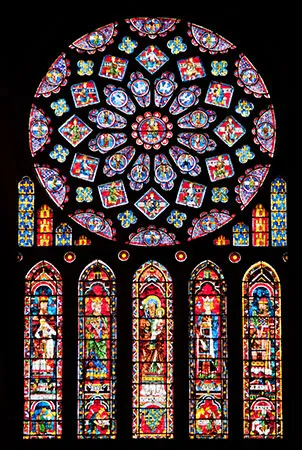
Thread #460805 | Image & Video Expansion | Click to Play

File: file.png (244.7 KB)

244.7 KB PNG
I want to make cool geometry shapes, where do I start
16 RepliesView Thread
 Showing all 16 replies.
>>
>>460805
>paper
>regular pencil
>compass w/ pencil
>ruler
Draw a circle with the compass, without changing the radulius put the point anywhere on the circle outline and then draw another circle.
Move the point to one of the two points where the second circle crosses the first, make another circle then keep repeating that process and you'll get second row on the left. Use the ruler to make lines connecting all the crossing points of the circles and you get top right.
Change the radius of the compass to the various lengths of the various line lengths you've made and more shapes emerge.
>>
Transform, Rotate and Ctrl-D in Illustrator
https://helpx.adobe.com/illustrator/using/transforming-objects.html
https://we.graphics/blog/how-to-easily-duplicate-and-rotate-objects-ar ound-any-point-in-illustrator/
You can now timetravel to 2011 and sell prints and tshirts to people with Macbooks.
>>
File: Screenshot_20250729-210801.png (725 KB)

725 KB PNG
>>460805
Geogebra for starters but it doesn't generate any good format.
Personally I think traces of mechanism are more interesting than geometric constructions.
>>
>>
File: output3.gif (1.4 MB)
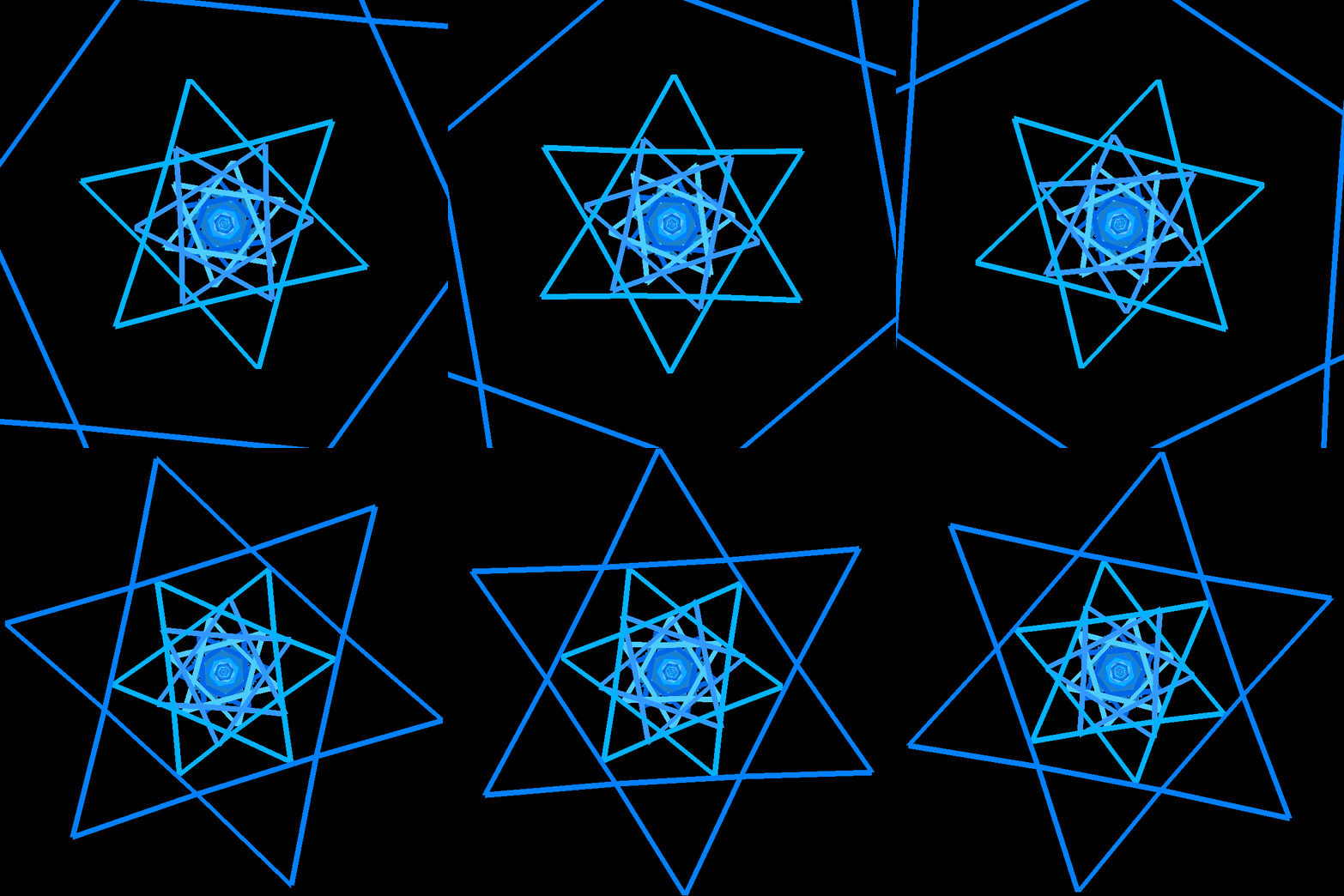
1.4 MB GIF
>>460805
I use C++ and GLFW for animations
but from what you're showing us it seems you want to use an svg editor with scripts/libraries for math
>>
File: Screenshot_20251009_223648_Google.jpg (104.5 KB)

104.5 KB JPG
>THIS IS SEMPITERNAL
>>
>>
>>460805
I use Qcad to make DXF files I then convert to svg for colour and shit. There is version of qcad made specifically for geometry creativity by Scott Onstott and he provides a video course on using it. He just calls it Q.
>>
>>
>>
>>462503
He dropped the price from 99
You don't have to buy it, it's exactly same program as community qcad, you can use that.
Onstott just adapted it for ease of use, aimed specifically at creativity and geometry, plus made a very good video teaching series on how to use it.
>>
>>
File: Screenshot 2025-10-23 220222.png (130.7 KB)
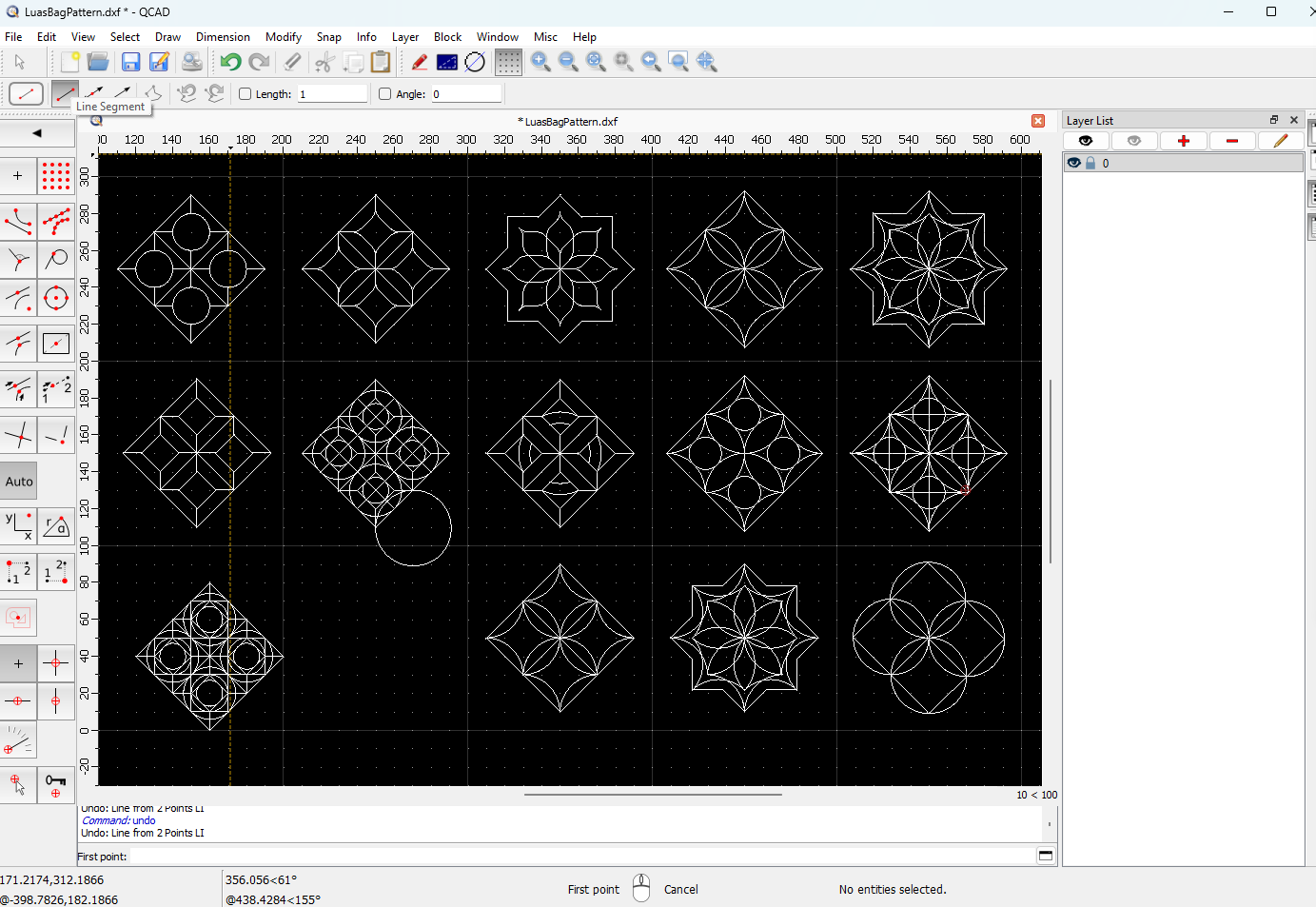
130.7 KB PNG
>>460805
>>462504
geometric doodling in qcad community edition
>>
>>460805
Learn adobe illustrator.
Esp rotate, transform, pathfinder (lesrn what every button here does)
Learn some math especially basic geometry, ratios.
Replicate the five youve posted here. Dont do them free hand, do them pixel perfect.
Row 2, column 1 will be easiest to start with.
Create circle
Duplicate it, put second circle straight under
Select both of them
Rotate 60 degrees and make a copy
Do repeat
Put another circle in exact middle, thicken its stroke
Thick about the way theyre built, the logic to them, the basic ingredients of them.
>>