Thread #462551 | Image & Video Expansion | Click to Play

File: Clipboard01.jpg (191 KB)
191 KB JPG
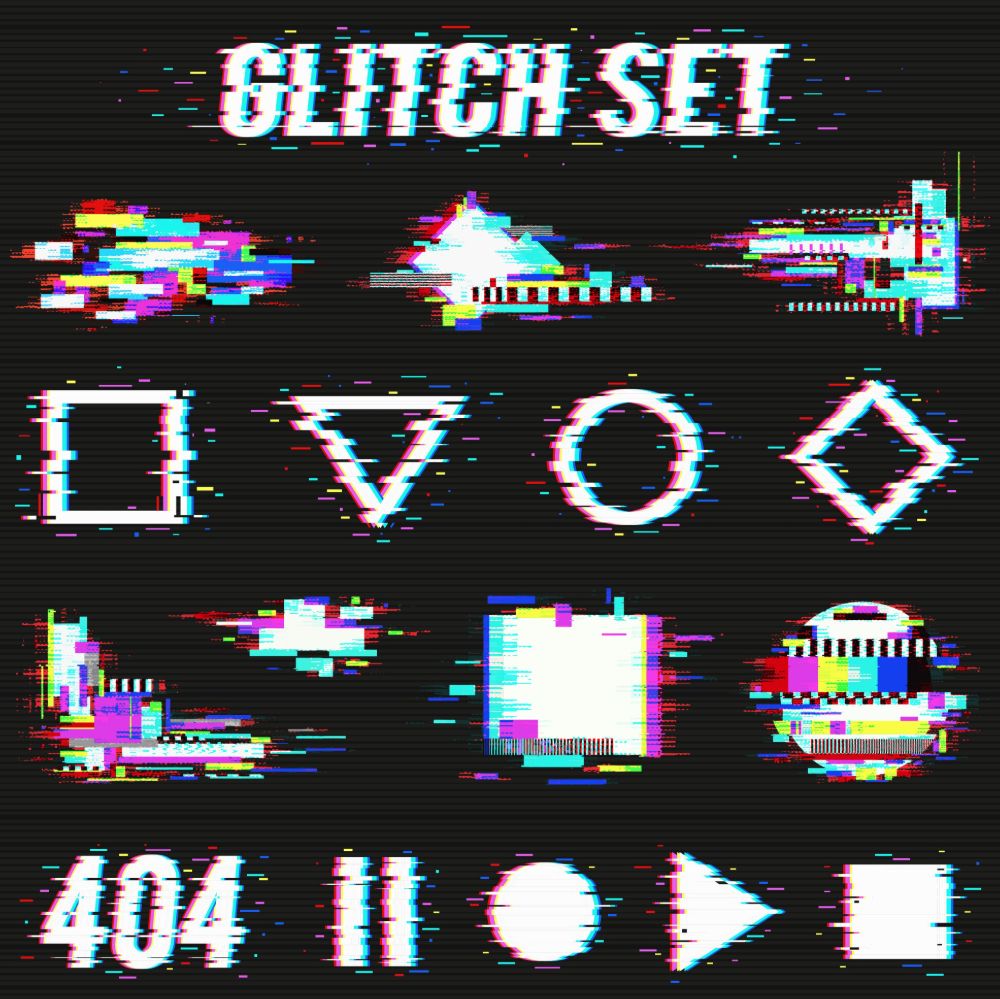
How would you apply a glitch effect like this to text and images?
Glitch effects like this are (and I am trying to achieve) seemingly random, asymmetrical, etc. Is there particularly techniques or tools to do something like this, or is it just a pain in the ass "do each bit one by one" sort of deal?
Ultimately I don't want something as extreme as this, something much more minor (just for a single line of text really) so my first thought as a retard is to just go in to paint and shift a few lines of pixels left or right
3 RepliesView Thread
 Showing all 3 replies.
>>
Displacement maps. Also if you can ask here, you can use google to get a much more refined answer by just searching "glitch effect how to in (whatever program)"
Im assuming youre a zoomer and dont know google exists, in which case, die
>>
>>462551
There's different types, the best ones are made for posters or titles from scratch by experimenting with typography and even programming or drawings, example:
https://vimeo.com/118998266
The ones you posted are kinda generic, if you want to learn just download premade from psdkeys or creativemarket and dissect them either on photoshop or aftereffects, for Ae you can stack all crazy effects and animate them pretty easily.
>>
>>462551
if you want to have procedural control I really like using TouchDesigner for these. And as said above, displacement. You will also need to do the chromatic aberration effect. You can separate your color image into RGB and then slightly transform them and recombine.