Thread #8676693 | Image & Video Expansion | Click to Play

File: AkinaStitch.png (3 MB)

3 MB PNG
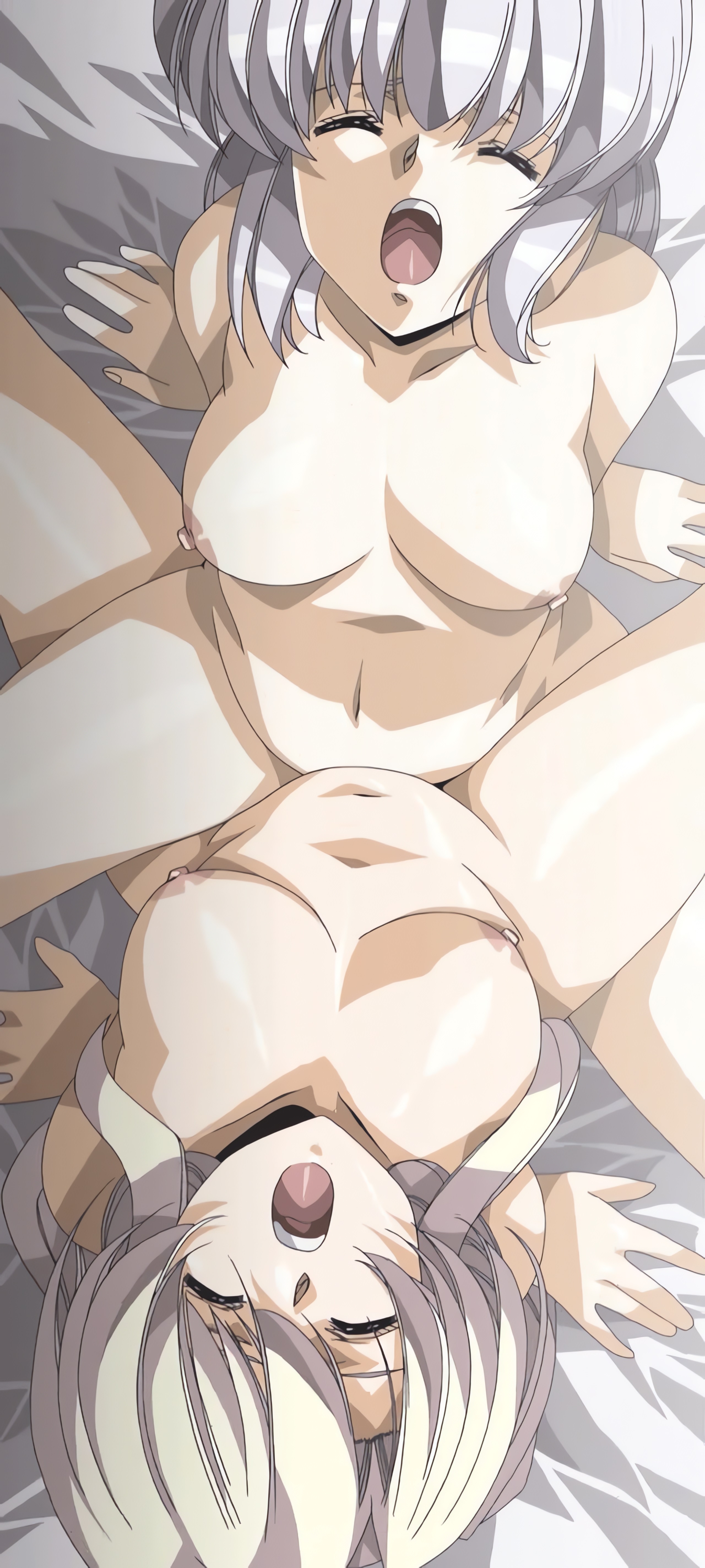
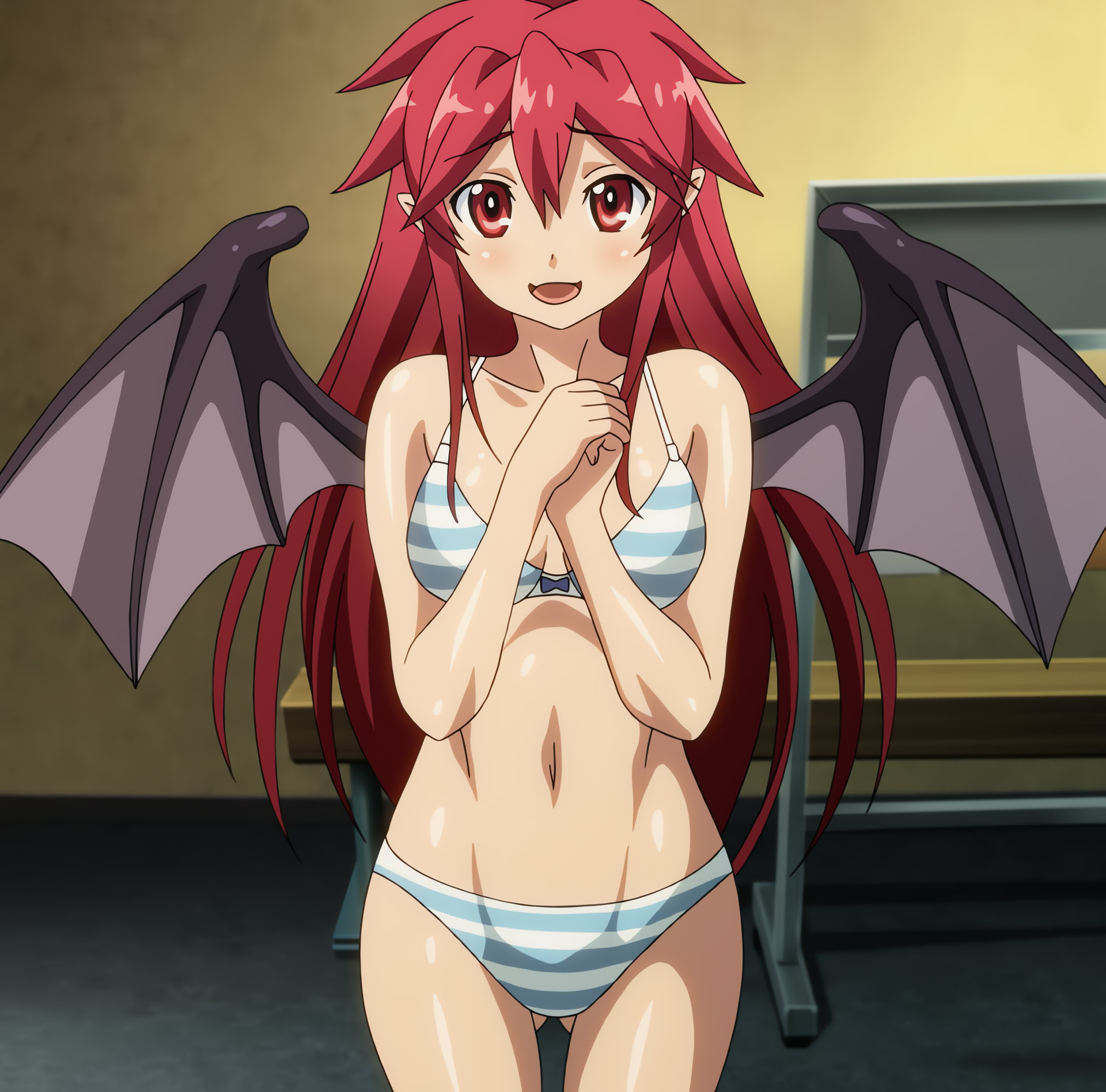
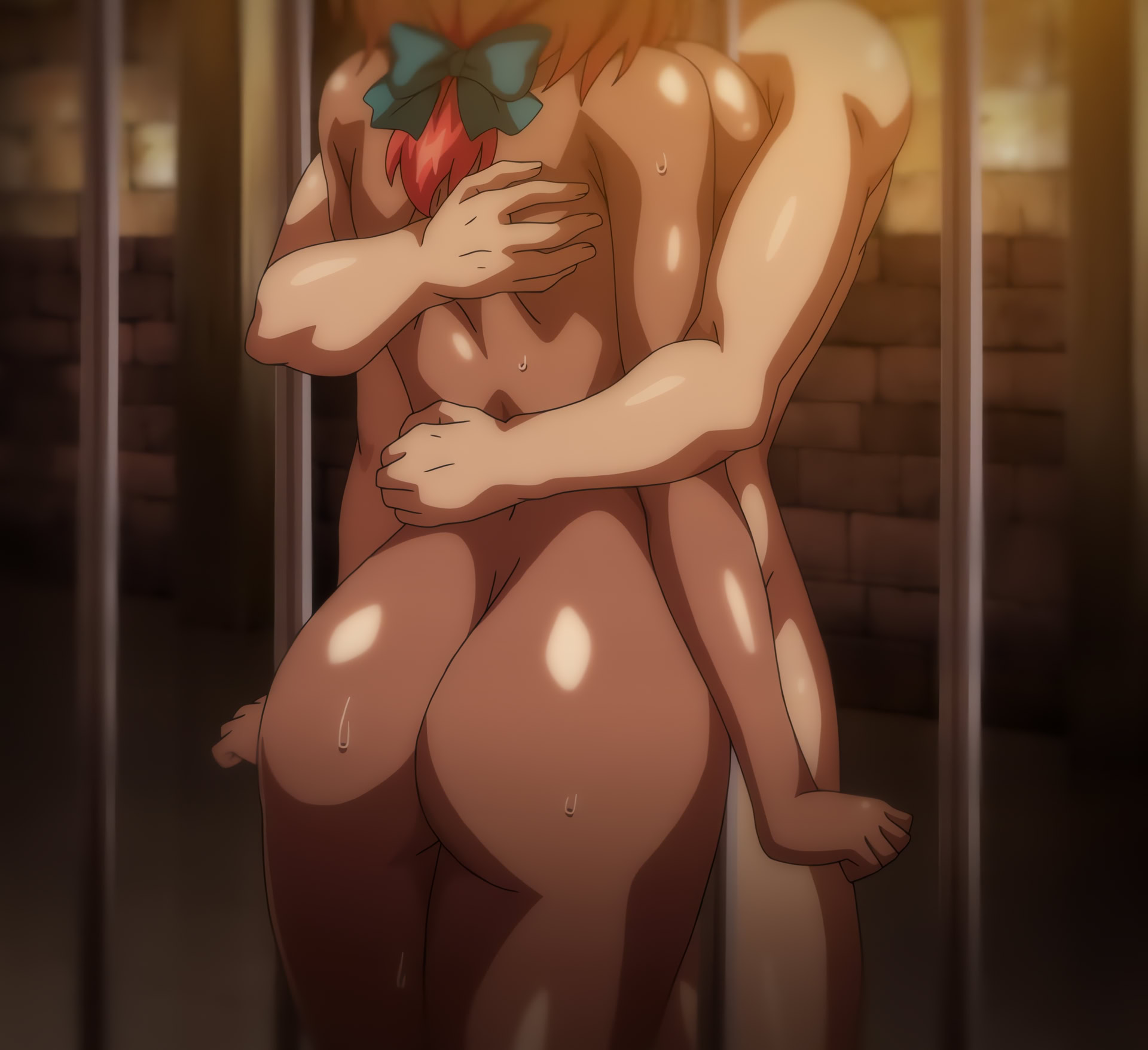
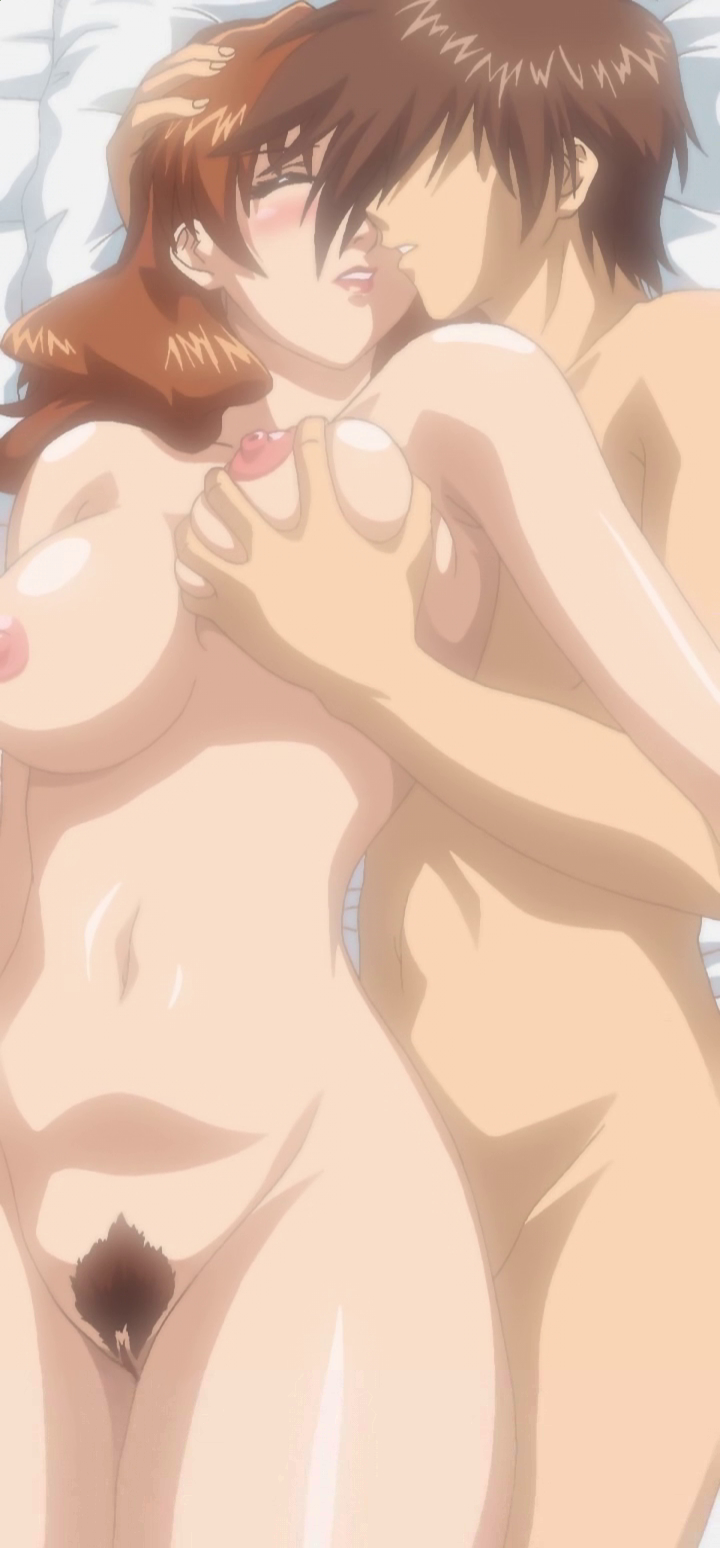
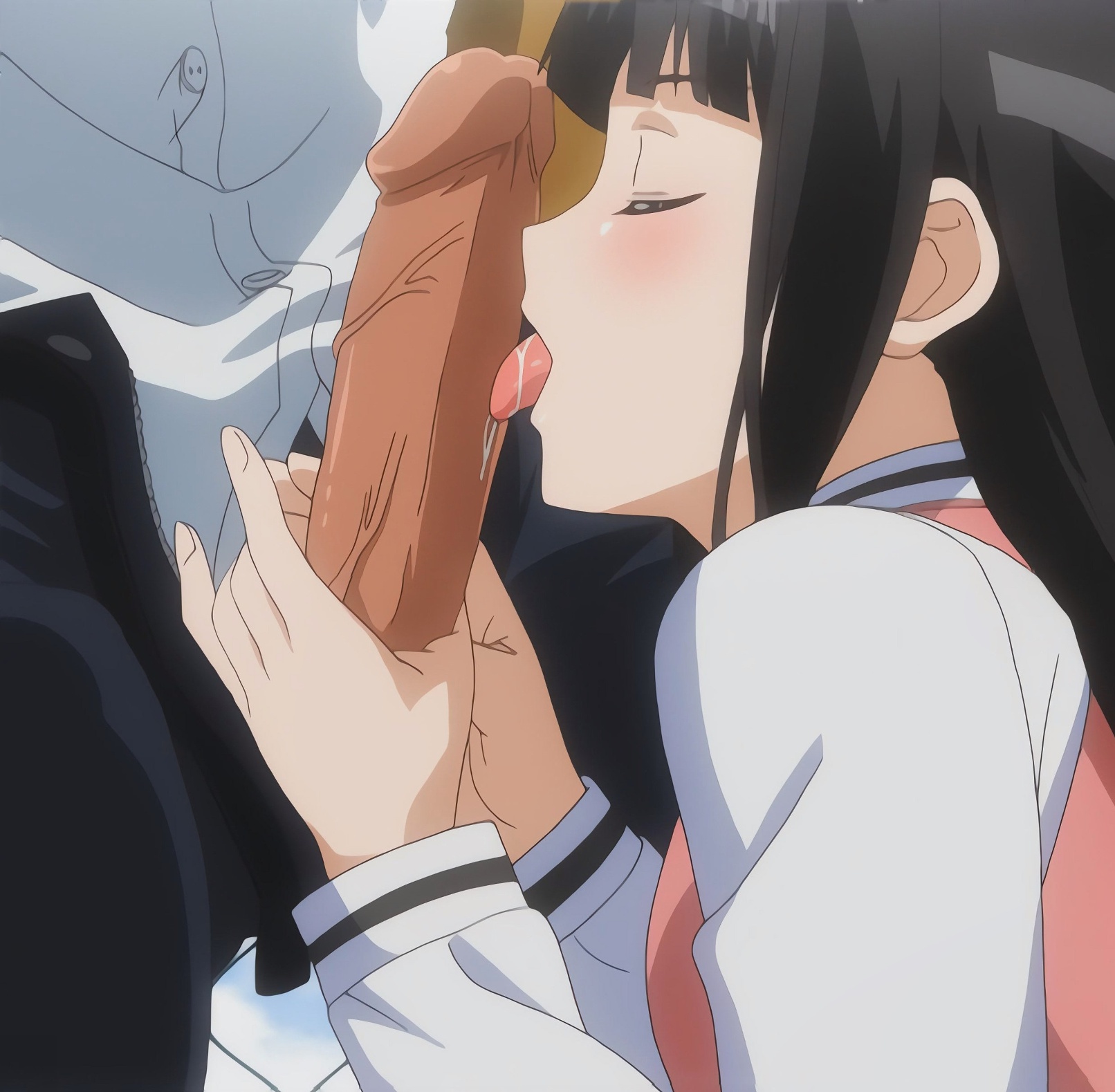
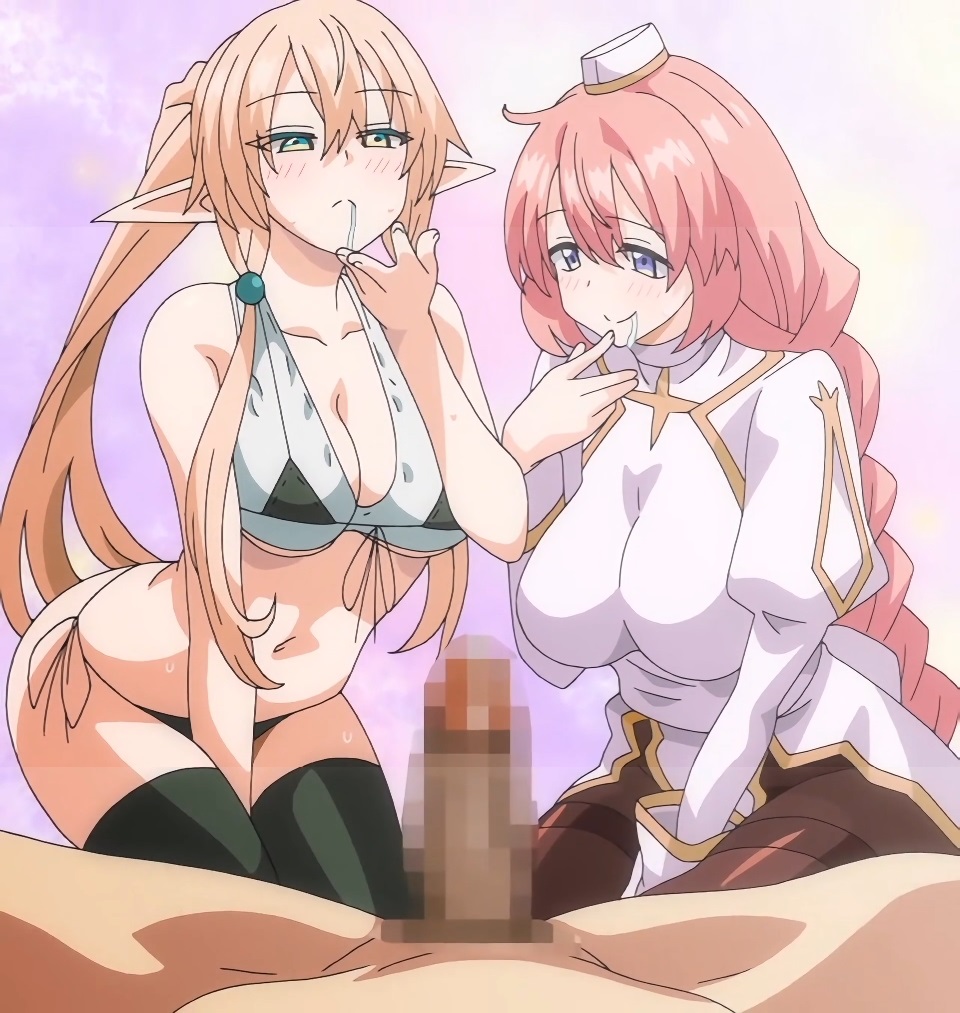
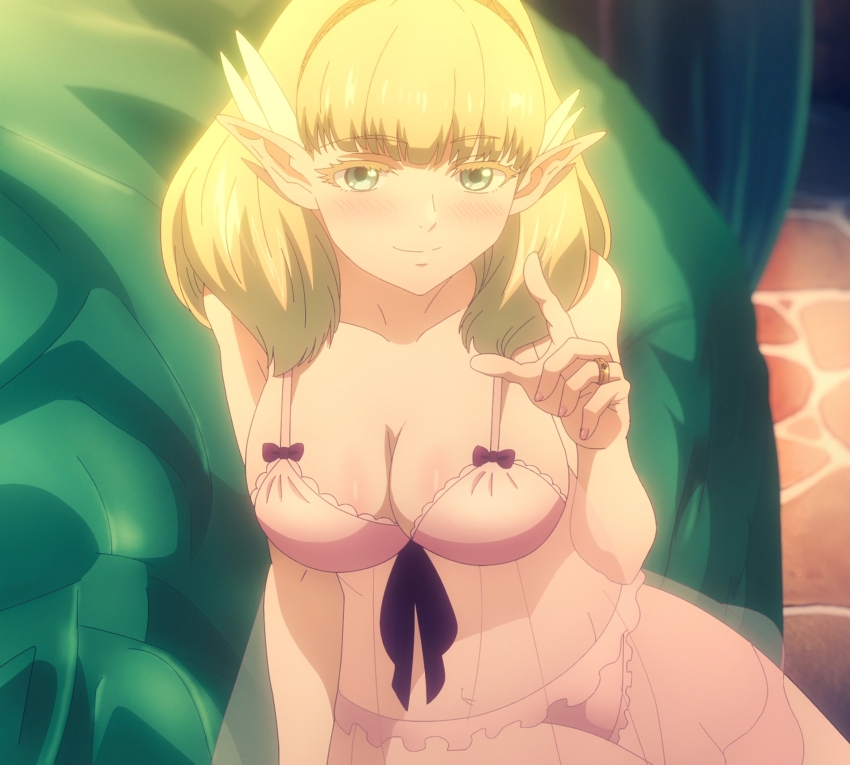
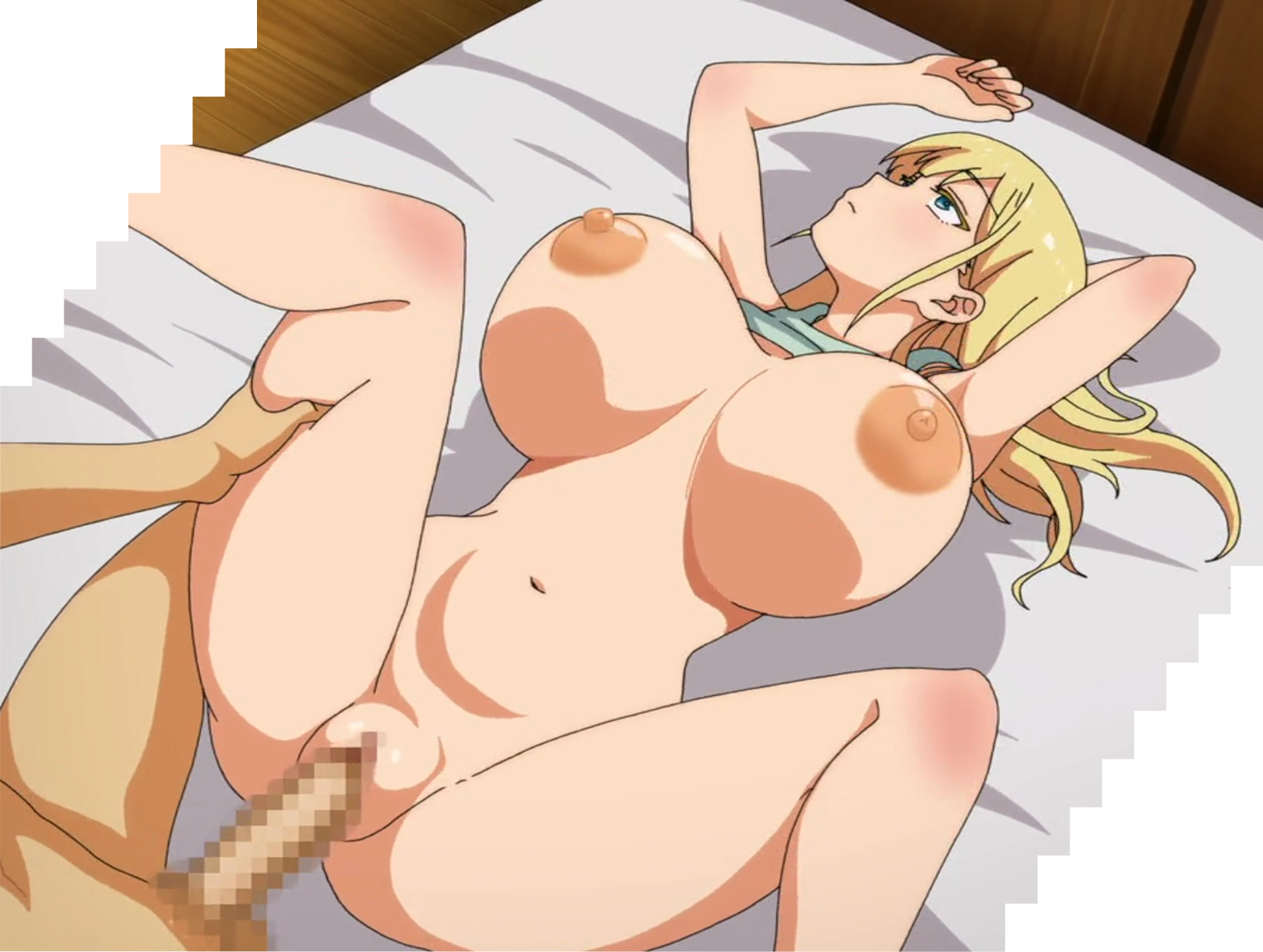
A stitch is a term used for when a person combines several screenshots and stitches them together to form one larger image.
>How do I make these?
Read this:
>https://jojowiki.com/Blog:How_to_Stitch_Anime_Shots#Method_A_-_Automa tic
Post hentai stitches. Stills, animations, gifs, webms, whatever.
Feel free to request a stitch from a hentai scene and maybe someone will help you.
Thread died earlier this month so I felt like starting a new one.
211 RepliesView Thread
 Showing all 211 replies.
>>
>>
File: spydark1.jpg (256.9 KB)

256.9 KB JPG
>>
File: accel1.jpg (163.1 KB)

163.1 KB JPG
>>
File: mahsai1.jpg (128.8 KB)
128.8 KB JPG
>>
File: mahsai2.jpg (105.5 KB)

105.5 KB JPG
>>
File: e675333075ecce95ec6362b2595a9097.jpg (651.9 KB)
651.9 KB JPG
>>
>>
>>
>>
>>
>>
File: paicheer1.png (534.3 KB)
534.3 KB PNG
>>8678316
There's like no good rip of this hentai
>>
File: paicheer2.png (552.1 KB)

552.1 KB PNG
>>8679191
>>
File: paicheer3.png (570.1 KB)
570.1 KB PNG
>>8679192
>>
File: paicheer4.png (768 KB)

768 KB PNG
>>8679193
>>
File: paicheer5.png (824.7 KB)
824.7 KB PNG
>>8679196
>>
File: paicheer6.png (679.2 KB)

679.2 KB PNG
>>8679199
>>
File: paicheer7.png (693.9 KB)

693.9 KB PNG
>>8679201
>>
File: paicheer8.png (693.6 KB)
693.6 KB PNG
>>8679203
>>
File: paicheer9.png (728.5 KB)

728.5 KB PNG
>>8679204
>>
File: paicheer10.png (608.6 KB)

608.6 KB PNG
>>8679205
>>
>>
File: ransem1.png (2.3 MB)

2.3 MB PNG
>>8678452
>>
File: ransem2.png (1.4 MB)

1.4 MB PNG
>>8679280
>>
File: ransem3.png (1.3 MB)

1.3 MB PNG
>>8679281
>>
File: ransem4.png (2.7 MB)
2.7 MB PNG
>>8679283
>>
File: ransem5.png (2.1 MB)

2.1 MB PNG
>>8679286
>>

>>

>>
File: rinsen3.jpg (2.5 MB)

2.5 MB JPG
>>8679291
>>
File: rinsen4.png (2.4 MB)

2.4 MB PNG
>>8679292
>>
File: rinsen5.png (2.3 MB)

2.3 MB PNG
>>8679293
>>
File: rinsen6.png (2.2 MB)

2.2 MB PNG
>>8679294
>>
>>
File: rinsen7.png (3.9 MB)
3.9 MB PNG
>>8679295
>>
File: rinsen8b.png (3.1 MB)

3.1 MB PNG
>>8679297
>>
>>
>>
>>
>>
File: Front Innocent.630_stitch.jpg (354.8 KB)
354.8 KB JPG
>>
File: kuroinu1.jpg (476.2 KB)

476.2 KB JPG
>>8682989
Here
>>8683027
Spy of Darkness, Accelerando, Sexy Magical Girl Ai
>>
File: kuroinu2.jpg (632.8 KB)

632.8 KB JPG
>>8685533
>>
File: kuroinu3.jpg (587.6 KB)
587.6 KB JPG
>>8685535
>>
File: kuroinu4.jpg (612.6 KB)

612.6 KB JPG
>>8685536
>>
File: kuroinu5.jpg (795.5 KB)

795.5 KB JPG
>>8685537
>>
File: kuroinu6.jpg (519.2 KB)
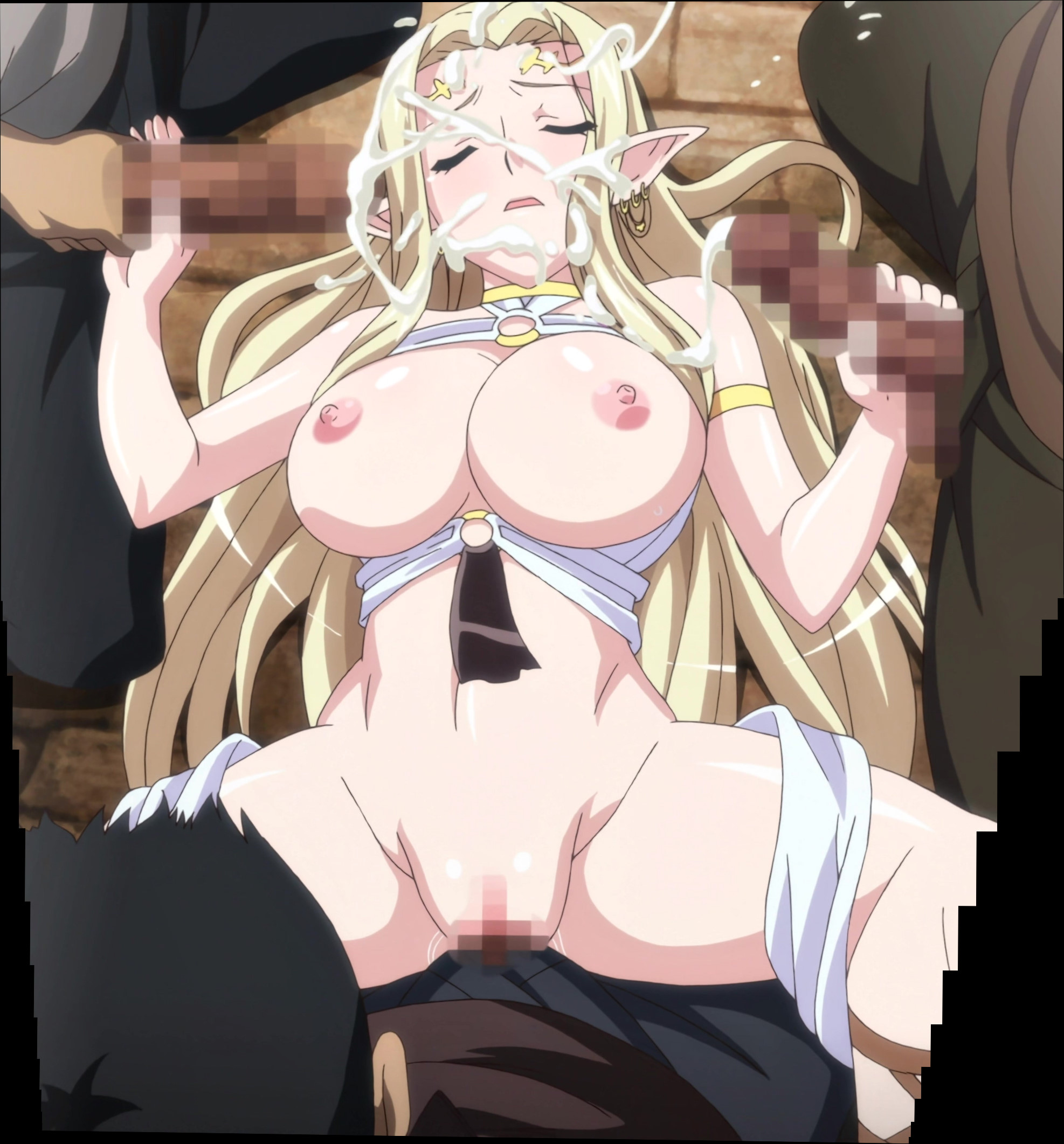
519.2 KB JPG
>>8685538
>>
File: kuroinu7.jpg (469.3 KB)
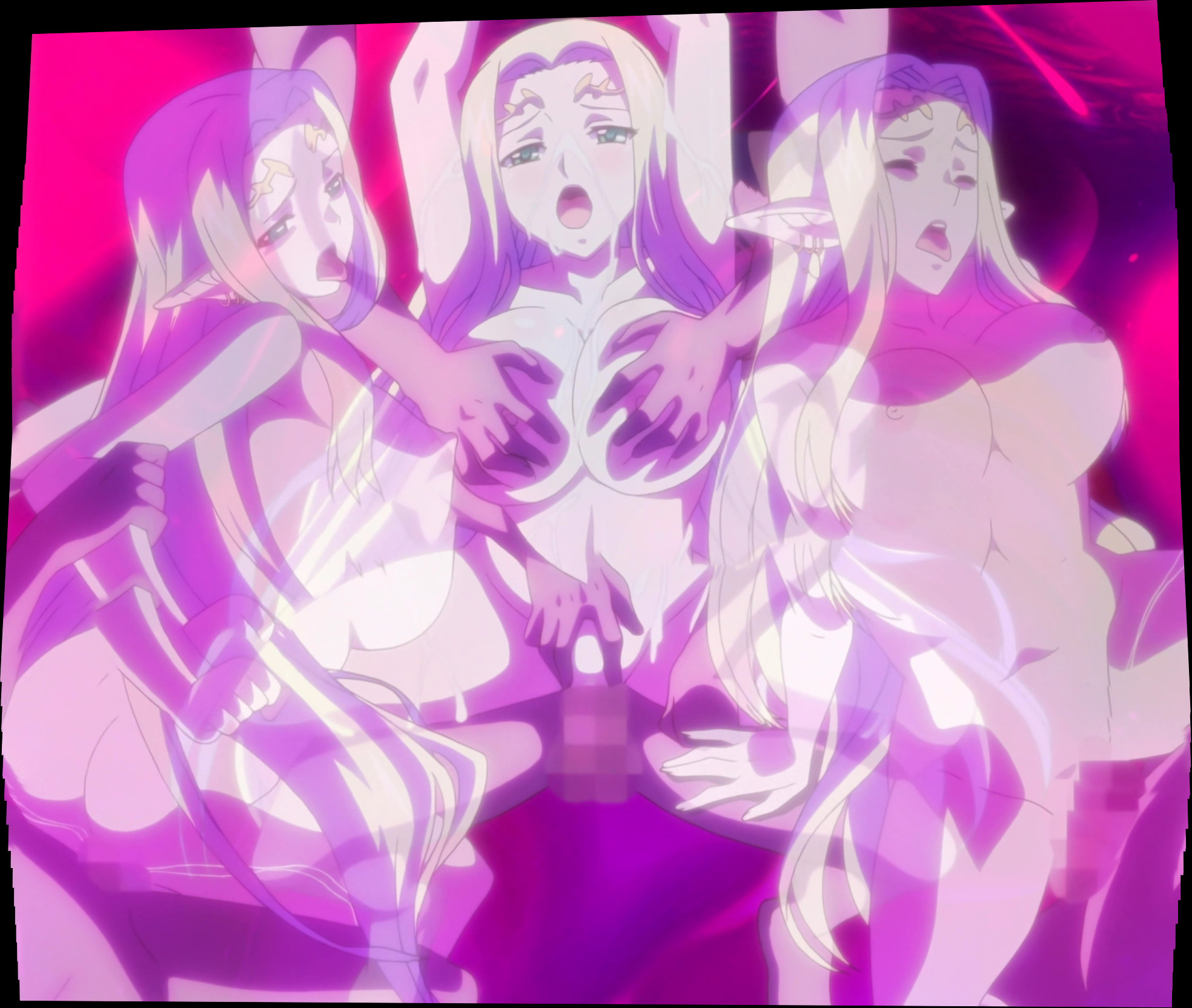
469.3 KB JPG
>>8685539
>>
File: kuroinu8.jpg (627.8 KB)

627.8 KB JPG
>>8685540
>>
File: kuroinu9.jpg (516.9 KB)
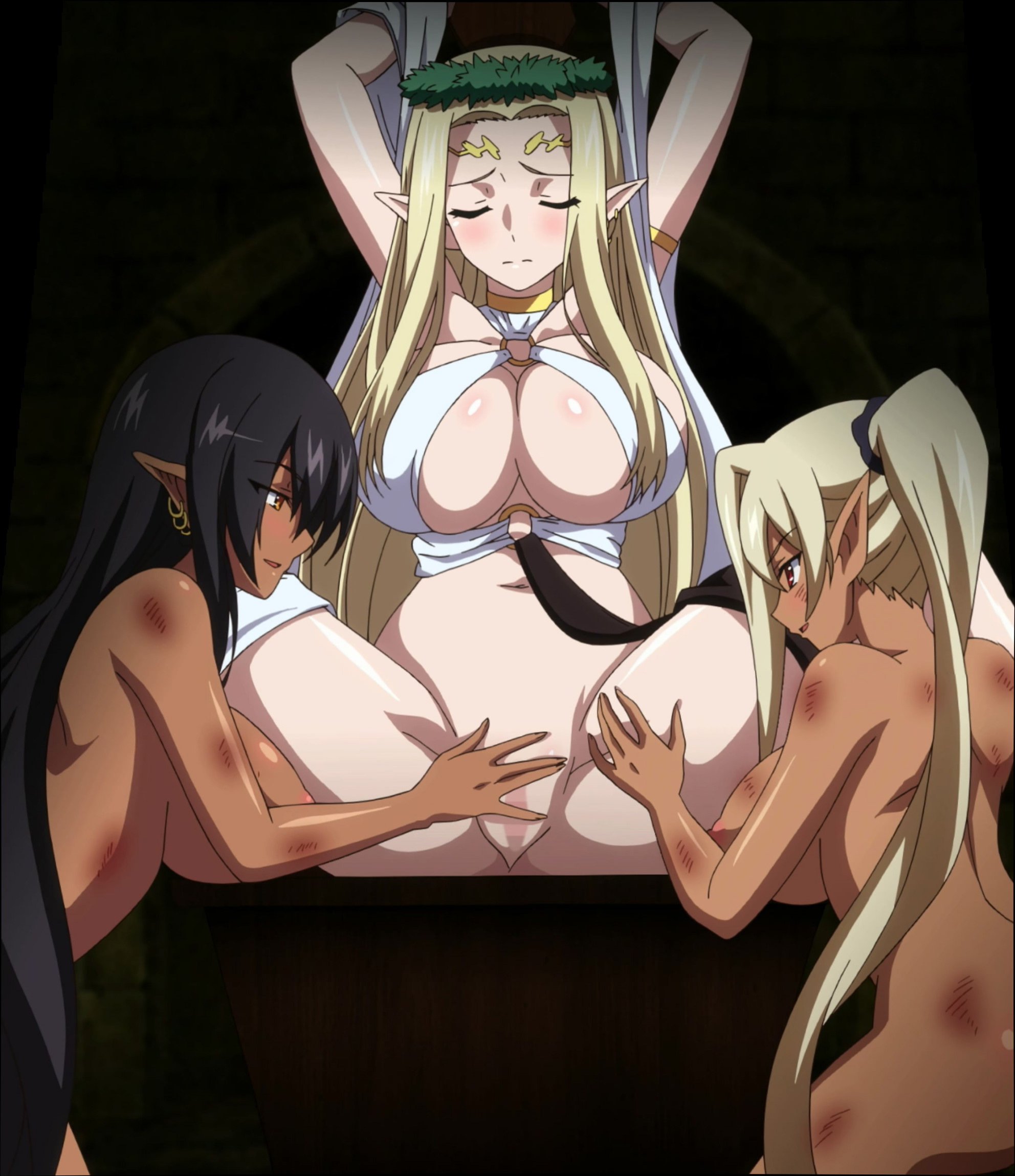
516.9 KB JPG
>>8685541
>>
>>
File: Front Innocent.806_stitch.jpg (649.1 KB)

649.1 KB JPG
>>
File: OP.png (223.7 KB)

223.7 KB PNG
>>8676693
Hey Stitch Anon, it's Hentai Animation Anon. How do you like my first stitch? I was inspired to make at least one by your efforts, its the current OP for the Animation Thread.
I did it the old fashion way tho, by stitching pictures frame by frame. While nice, there's a lot of unforeseen issues that shows itself during the process that makes doing these casually a bit of a chore.
>>
File: class prez.webm (49.5 KB)
49.5 KB WEBM
>>8686605
OP of the last thread here (but not this one).
I did this one myself to explore the process of what it actually takes to do an animated stitch. It is annoying sure and I agree there are issues in the process like scaling and framing correctly. If only there was a program to streamline the procedure instead of manually creating it, much like making the stitch images. I used Vegas to bring everything together cause it's the only program I know well enough.
You did a good job on yours. This animation is only 5 frames compared to your 13.
>>
>>8686621
Oh! the original stitch anon (You) are the one that made this! Got it
This actually made it into the "Previous Notable Animation" section of the new Animation Thread.
I was actually lucky with mine in that its a honest to god pan shot from bottom to top. No weird stretching or angling from the pan shot that exist in so many other hentai (like seriously why do hentai have so many weird panning shots that don't line up) I think I know myself enough to know if I was dealing with a panning shot that didn't line up correctly I'd just give up.
>>
File: Front Innocent.611_stitch.jpg (496.4 KB)

496.4 KB JPG
>>
File: test3.webm (3.8 MB)

3.8 MB WEBM
>>8676693
If you guys take request do you think some of these could be made into a good stitch or not? The second one might be too much with all the frame inbetween idk
>>
>>
File: mamaha.jpg (90.8 KB)
90.8 KB JPG
>>8689665
>>8689672
Uh-huh
>>
File: mamaha2.jpg (106 KB)

106 KB JPG
>>8690049
>>
File: mamaha3.jpg (107.1 KB)

107.1 KB JPG
>>8690050
>>
File: mamaha4.jpg (135.9 KB)

135.9 KB JPG
>>8690052
>>
>>
>>
>>
>>
File: Stitch.png (697.4 KB)

697.4 KB PNG
>>
>>
>>
>>
>>
>>
>>
>>
>>
>>
>>
File: lovemea.png (3.3 MB)

3.3 MB PNG
>>

>>
File: Ep4.m2ts_00_10_47.180_25-02-20-m.png (3.6 MB)

3.6 MB PNG
>>8676693
>>
>>
>>
File: vanilla-gf.jpg (1009.2 KB)
1009.2 KB JPG
I have this.
>>

>>
File: Mistreated_Bride-Mother-1-hd.jpg (513 KB)
513 KB JPG
>>8705660
>>
File: Mistreated_Bride-Mother-2-hd.jpg (1.8 MB)
1.8 MB JPG
>>8705661
>>
File: Mistreated_Bride-Mother-4-hd.jpg (467.5 KB)
467.5 KB JPG
>>8705662
>>
>>

>>
File: Anoko-to-Iikoto-Takita-san-kai.jpg (481.1 KB)
481.1 KB JPG
>>
File: vlcsnap-2025-01-24-01h07m54s504.png (3.4 MB)

3.4 MB PNG
>>
File: okabe-oil.mp4 (1.9 MB)

1.9 MB MP4
>>
>>
>>
File: Ikumonogakari_stitch (3).jpg (846.5 KB)

846.5 KB JPG
>>8711259
The one in the OP for single frames.
Then take those single frames and manually composite them together in your choice of editing software. I'm not aware if there's a software that simplifies that animation workflow.
See:
>>8686605
>>8686621
>>8686755
>>
File: czp2gs.webm (526.5 KB)

526.5 KB WEBM
>>8711259
There are none for clips. You have to manually crop and align the frames ahead of time in a photo editing program like PS or GIMP. Difference mode is your best friend in this regard. After that, use a video editor or ffmpeg to combine the frames into a video.
Do yourself a favor and export them as .mp4s or .webms. Don't bother with .gifs in this day and age. They look like shit.
>>
>>
File: Koinaka_stitch (3).jpg (455.5 KB)

455.5 KB JPG
>>8711904
True, it does take a little minute to learn and it heavily favors frame grabs instead of video. If you feed it too many source inputs it can give a messed up result but if you are cautious and select identical animation frames, then it's quick and simple.
Obviously, it works best for still panning shots primarily from anime, instead of looped animation like in hentai. Just play with it a bit and see if it works for you.
>>
Requesting stitches of these scenes from Netorare Fighter Yaricchingu!
https://files.catbox.moe/v48hya.gif
https://files.catbox.moe/5naesx.gif
>>
>>8711913
If you follow the tutorial it's as if avidemux + ICE is enough to make a good stitch but it's not true. Even if it's a still shot, like there is no movement from the character, the camera is just going from bottom to top but it still manage to fuck up some part of the stitch. Legit don't know why.
I don't know how to select frames because even for a very short shot you have so many jpg it's crazy to sort them manually.
>>
File: Princess Lover - 02_stitch (5).jpg (846.3 KB)

846.3 KB JPG
>>8712769
>even for a very short shot you have so many jpg
It doesn't sound like you're doing it correctly. For example, this stitch here was only 7 manually selected image grabs, frame advancing the video until the animation loop falls back on the frame I want, but with the camera now in a different position.
>>
>>
File: output.webm (233.1 KB)
233.1 KB WEBM
>>
File: akinastitch6.jpg (509.5 KB)
509.5 KB JPG
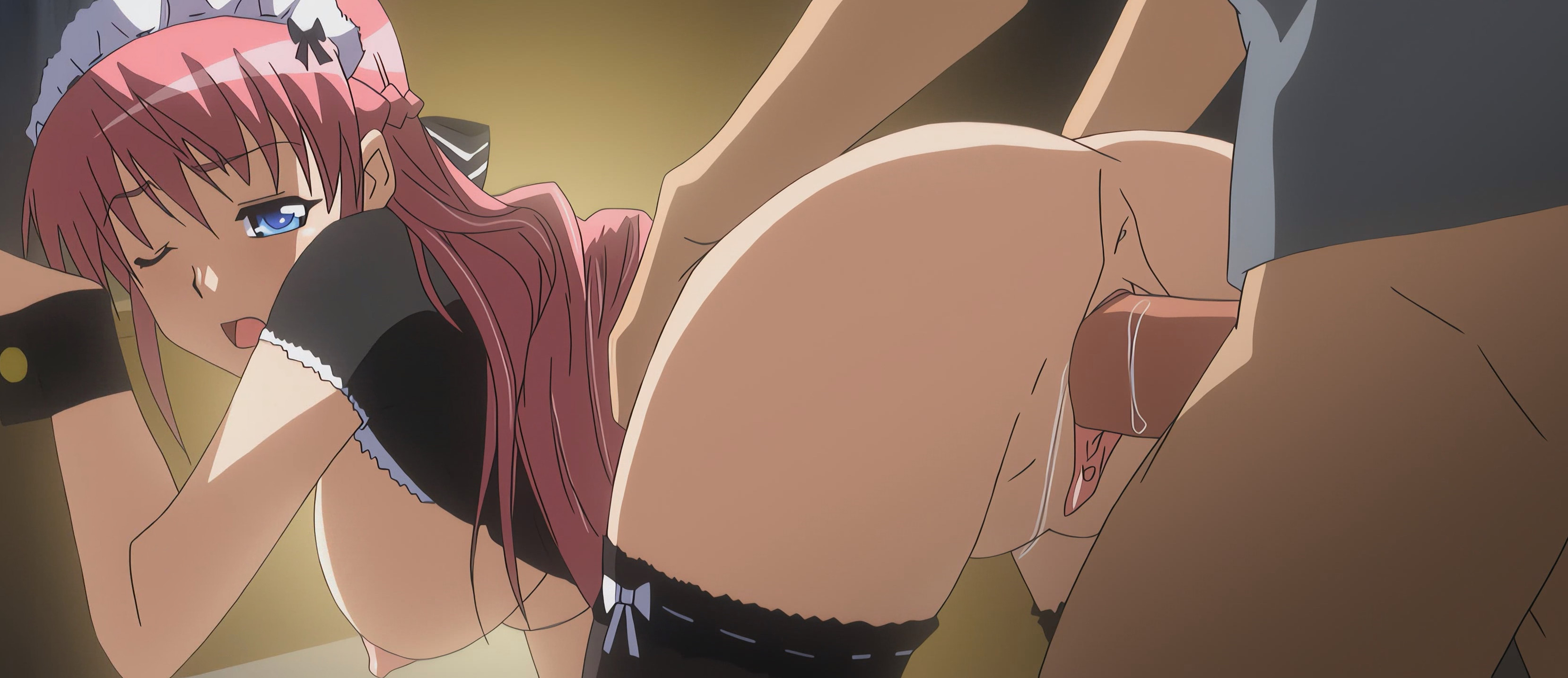
5 rear view doggy style shots in a row.
>>
File: zelda_bottom_view.mp4 (411.7 KB)

411.7 KB MP4
>>8715159
How about one from the bottom?
>>
File: 1731290185428715.jpg (1.4 MB)
1.4 MB JPG
>>
File: 1740792928023499.gif (2.5 MB)

2.5 MB GIF
>>
File: ca5726465db13e366f18a60c137bfe5b.gif (2.2 MB)

2.2 MB GIF
>>
File: b6388b3b19a20eb14430e5a0ec03e631.gif (1.5 MB)

1.5 MB GIF
>>
File: 04ac9cad3977eda0113457d296ad234a.gif (2.2 MB)

2.2 MB GIF
>>
File: a61e0d2dcc8fb3cfecfb271fc87947fa.gif (2.7 MB)

2.7 MB GIF
>>
File: [(038581)20-00-18].jpg (251.5 KB)

251.5 KB JPG
>>
File: Kyonyuu Fantasy - 01 (Upscale)-00_02_52_05.jpg (552.3 KB)

552.3 KB JPG
>>
File: Itadaki! Seieki (Upscale)-00_02_53_02.jpg (374.6 KB)
374.6 KB JPG
>>
>>
File: tsuma-tsuma-1.jpg (412.4 KB)
412.4 KB JPG
>>

>>
File: too much yogurt.jpg (878.2 KB)
878.2 KB JPG
>>
File: rakuen4.png (2.3 MB)
2.3 MB PNG
>>
>>
File: vlcsnap-2025-01-21-20h26m03s707.png (1.4 MB)

1.4 MB PNG
>>

>>
File: Seika06stitch1.jpg (303.6 KB)

303.6 KB JPG
>>
File: Seika06stitch2.jpg (360.5 KB)
360.5 KB JPG
>>
File: Seika06stitch3.jpg (304.3 KB)
304.3 KB JPG
For me, it's the tanned one.
>>
File: e1ee7f28ce23b7f12b796d94feea0c39.png (1.6 MB)
1.6 MB PNG
>>
File: aeb63c9535ea8c2e90ab5c1afe11f229.png (3.8 MB)
3.8 MB PNG
>>
File: db7b7c690cdbaa2906a7c51b53124ac2.png (2.9 MB)

2.9 MB PNG
>>
File: cd18ab3e01ea2f0c092f9fec98d72aa5.png (846 KB)

846 KB PNG
>>
File: 74634a979849d7109318b5ad43901121.jpg (404.3 KB)

404.3 KB JPG
>>
File: Samurai Hormone_stitch.jpg (339.6 KB)

339.6 KB JPG
>>
File: 34227286bb2a8aeb9afb37b83e940f8e.gif (1.6 MB)
1.6 MB GIF
>>
File: 3101bde0f9a440a6d4bbb75e7850f952.jpg (172.9 KB)

172.9 KB JPG
>>
File: rakuen7.png (3.5 MB)

3.5 MB PNG
>>
File: busou-shoujotai-blade-briders-1-35664.jpg (197.6 KB)
197.6 KB JPG
>>
>>
File: Enyoku-Captivating-Lust-Ep-DivX-Cen-Subbed-2462.jpg (89.2 KB)

89.2 KB JPG
>>
File: Enyoku-Captivating-Lust-Ep-DivX-Cen-Subbed-6777.jpg (82.3 KB)
82.3 KB JPG
>>
File: Enyoku-Captivating-Lust-Ep-DivX-Cen-Subbed-31362.jpg (89.1 KB)
89.1 KB JPG
>>
File: ezgif-1-3b06ad357e.gif (1.1 MB)

1.1 MB GIF
>>
File: ezgif-1-a82556053f.gif (1.1 MB)

1.1 MB GIF
>>
File: 1524279860.jpg (354.2 KB)
354.2 KB JPG
>>
>>
>>
>>
>>
>>
File: spin no qwaser.png (701.4 KB)

701.4 KB PNG
I've got a good one. There's this scene in Seikon No Qwaser. The camera spins around 360 degrees, and yu get a brief glimpse of crotch mound in the corner. I tried stitching it together myself years ago, but it looked awful. Maybe one of you can do it, the full shot is hot af.
>>

>>
File: frame317_stitch.png (2.5 MB)

2.5 MB PNG
>>8754157
>>
>>
>>8756485
1. Extract every frame of the animation loop.
2. Use the Difference layer mode in GIMP/Photoshop to find where all the frames overlap.
3. Crop all layers down to a single resolution where everything overlaps.
4. Export every cropped frame as an image.
5. Combine into a video file using ffmpeg.
>>
File: frame084_stitch.png (2.7 MB)

2.7 MB PNG
>>8754159
>>
>>
>>
File: sample_e1cdd314483b458d48d88c4ccfef4004.jpg (133.8 KB)

133.8 KB JPG
>>
File: 6db18f49523719758b04ace94b754cd4.jpg (355.9 KB)
355.9 KB JPG
>>
File: ac01b81e1f27a7a6cb9367c.jpg (81.2 KB)

81.2 KB JPG
>>
>>8762712
Beautiful. My fav from Shinozuka Yuuji and the adaptation was quite good in the end, cheap but efficient. I wish i could make stitches as good as you guys. Found a torrent for the new anime adaptation of Choro Mesu Days, i waited a long time for this one to be out so i might ask for some request if you guys are up for it.
>>
File: frame062_stitch.png (1.4 MB)
1.4 MB PNG
>>8763185
>>
File: 2025-11-05-175134A.png (1.6 MB)
1.6 MB PNG
Honey Blonde 2 Episode 1
>>
>>
File: chrono_mesu.webm (2.3 MB)

2.3 MB WEBM
>>8763762
>>
>>
>>
>>
>>
File: Oppai no Ouja 48 Episode 1-00001_stitch.jpg (704.5 KB)

704.5 KB JPG
>>
File: Kakyuusei 2 Anthology.jpg (334 KB)

334 KB JPG
>>
File: tomoko1_small.png (2.9 MB)

2.9 MB PNG
Good milf, dogshit plot.
>>
File: tomoko2_small.png (2.5 MB)
2.5 MB PNG
>>8770205
>>
File: tomoko3_small.png (2.7 MB)

2.7 MB PNG
>>8770229
>>
>>
>>

>>

>>
>>

>>8771299
How do you get the edges so clean?
When I add all the screenshots I take from each animation frame, this is pretty much the best I can get using Photomerge in Photoshop.
>>

>>

>>

>>
>>
File: c1340692sample11.jpg (110.8 KB)

110.8 KB JPG
>>8772526
Posting the "official" version made by the animation studio, you can find them on the getchu page. I think it's pretty unusual to find some official stitches made by the original staff.
>>
File: c1340692sample3.jpg (121.6 KB)

121.6 KB JPG
>>8772806
>>
File: c1340692sample6.jpg (122.6 KB)

122.6 KB JPG
>>8772807
huge bra
>>
File: This.png (360.1 KB)
360.1 KB PNG
>>8772804
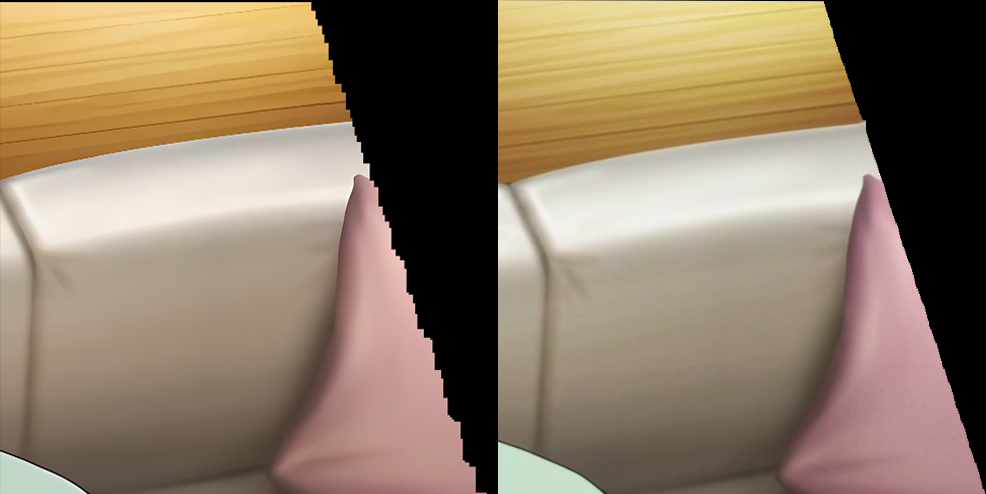
Shit, I didn’t make myself clear (esl). I’m not talking about image quality I mean the stitching seams. In your image the stepped edges are smoother and more uniform than in mine.
How do you get yours to look so good?
>>
i made some handmade stitches (+anims) 10 years ago of Princess 69, u can find them on the murakami https://discord.gg/WZXuetxxuq sorry too lazy to repost em now.
would love to know how they would hold up to methods nowadays
>>
>>8773668
I can't tell you because i'm using the automatic method. I'm very lazy so i'm using ICE instead of manually merging each frame with photoshop. See the wiki in the OP post? I'm just following the steps, nothing more. And don't worry i'm also an ESL so it's my bad for not understanding your question in the first place
>>
>>
>>
>>
>>
>>
File: Saeki-Sucks-Frames-Final-01_Slower.gif (3.8 MB)
3.8 MB GIF
>>
File: hand-stitch-types.jpg (144.2 KB)
144.2 KB JPG
Stitches
>>
>>
File: shishunki4_1.png (2.6 MB)
2.6 MB PNG
>>
File: shishunki4_2.png (1.3 MB)

1.3 MB PNG
>>
File: Harvest Night ep 02-02-00001_stitch2.jpg (479.3 KB)

479.3 KB JPG
>>
>>
File: video3-00001_stitch2.jpg (2.5 MB)

2.5 MB JPG
get stitching
>>
File: a3d7a395d5c58e5273b96922520a72df.jpg (64.4 KB)
64.4 KB JPG
>>
File: hana_1.png (3.5 MB)

3.5 MB PNG
>>
File: MichikoStitch1.png (2.5 MB)
2.5 MB PNG
>>
File: michikoStitch2.png (3.6 MB)

3.6 MB PNG
>>
File: michikoStitch3.png (3.9 MB)
3.9 MB PNG
>>
>>
>>
>>
File: sample_f70c43dd17fd97326cb8b9ecaa401c4a.jpg (334.1 KB)

334.1 KB JPG