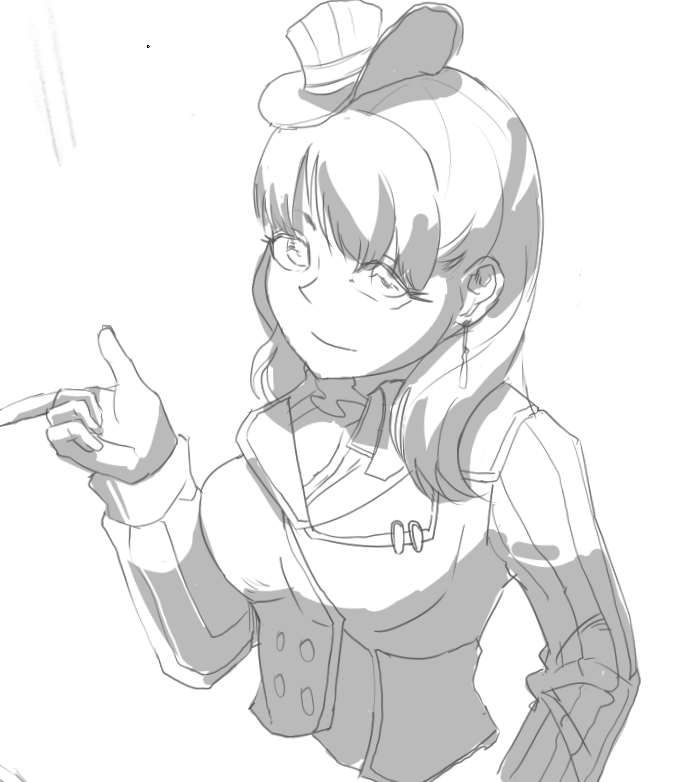
Thread #7861986 | Image & Video Expansion | Click to Play

File: 1767944437080954.jpg (1.1 MB)

1.1 MB JPG
Why You Should Copy Anime:
https://i.imgur.com/zNDsyF0.jpg
Naoki Saito: https://youtu.be/8jsZGeaWkhE?si=6HZIvG9Bx3y9qoHs&t=12
AnimeShijuku: https://twitter.com/animesijyuku/status/1717415459778347358
Krenz: https://www.youtube.com/watch?v=kbKqIJcIUCw
**Strive for quantity AND quality.**
Anime Studying:
>Copy anime references exactly and draw them from memory. Use illustrations, screenshots, anime figures, 3D models, etc.
>Don’t copy recklessly. Use construction, color theory, and other fundamental concepts to rehearse a drawing process that you can later easily manipulate for original artwork.
>Post all of your anime studies. Post even when you’re told not to. Create an art community that actually draws and improves together instead of just talking about it.
>Number your attempts and link to your previous posts.
>Critiquers should lead by example by posting their studies.
General Anime Style Discussion:
>Questions about achieving certain styles/techniques/compositions etc.
>Drawing methods, study habits, resources, tutorials, tools, software, etc
>Be specific and try to post a sample of your study attempts before asking for help.
**Draw copies from good anime styled references to mindfully up our mileage, internalize appealing aesthetics, and learn from each other’s processes and knowledge.**
Recommended Resources:
https://pastebin.com/Yz2scAEc
/mmg/ - Manga Making General:
>>>/ic/mmg
Previous Thread:
>>7815337
78 RepliesView Thread
 Showing all 78 replies.
>>
File: 1765233736209427.png (1.6 MB)
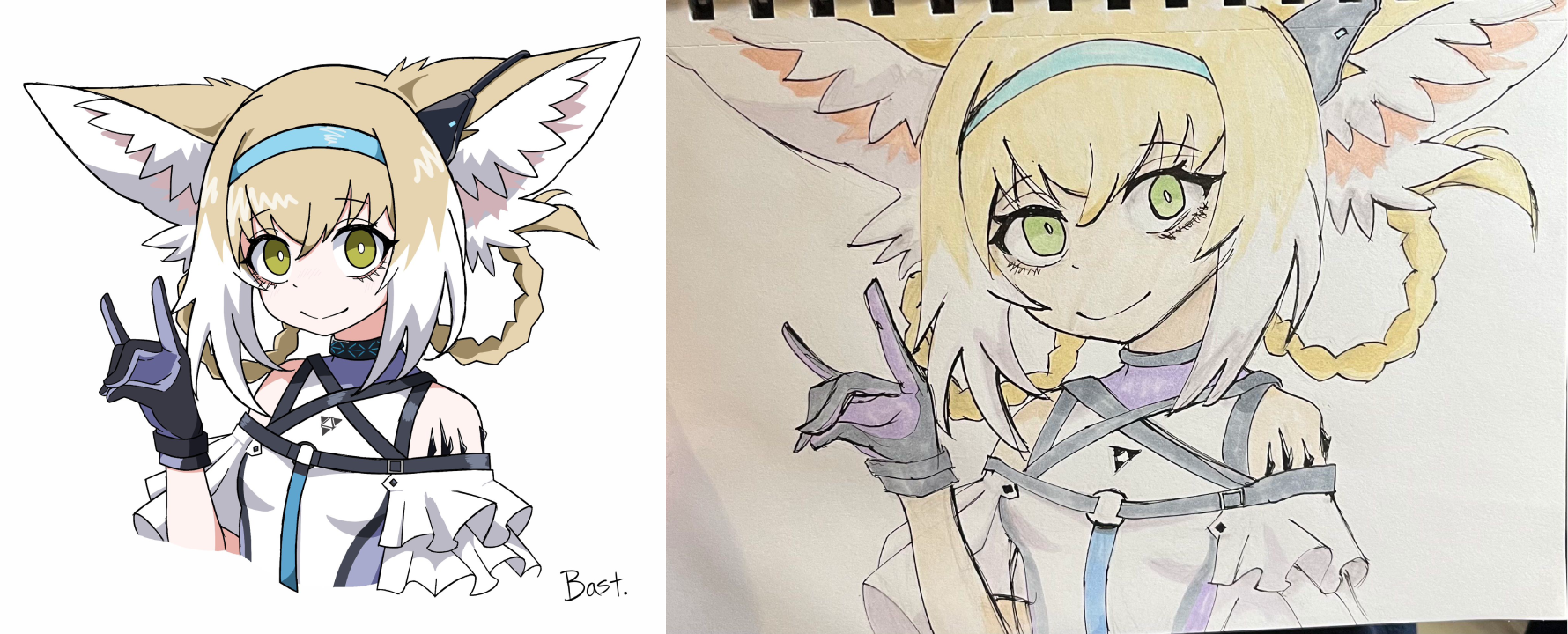
1.6 MB PNG
I tried
>>
>>
File: image_2026-01-19_165551606.png (522.1 KB)

522.1 KB PNG
>>7861986
How the fuck do you even draw anime?
every other good artist uses entirely different proportions and stylistic choices
>>

>>
File: Scan_19-01-2026-1.jpg (192.5 KB)
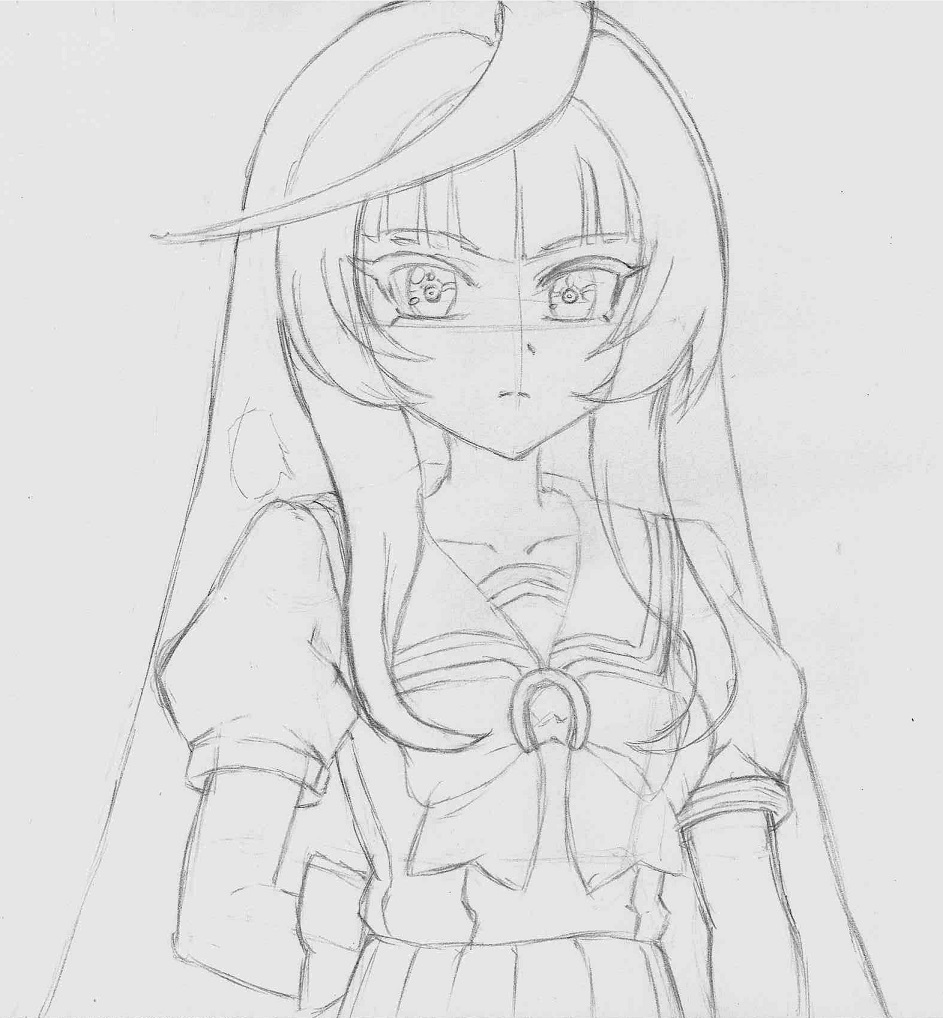
192.5 KB JPG
Well chat I messed up, I ran out of space. Might have to redraw to complete the rest of her head and ears.
>>
>>
File: 1765797268252353.jpg (218.3 KB)
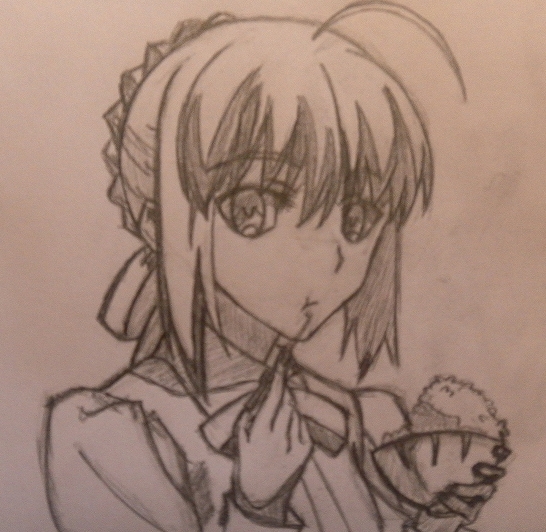
218.3 KB JPG
>>

>>
File: 1768935987804682.png (663.3 KB)

663.3 KB PNG
>>7863143
>>
File: anime-edit.png (440.3 KB)

440.3 KB PNG
>>7863143
Make big eye
>>
File: Scan_20-01-2026-1.jpg (221.9 KB)

221.9 KB JPG
>>7862472
kek true looks so wrong without the ears
>>7862466
Okay I might as well color it now!
>>
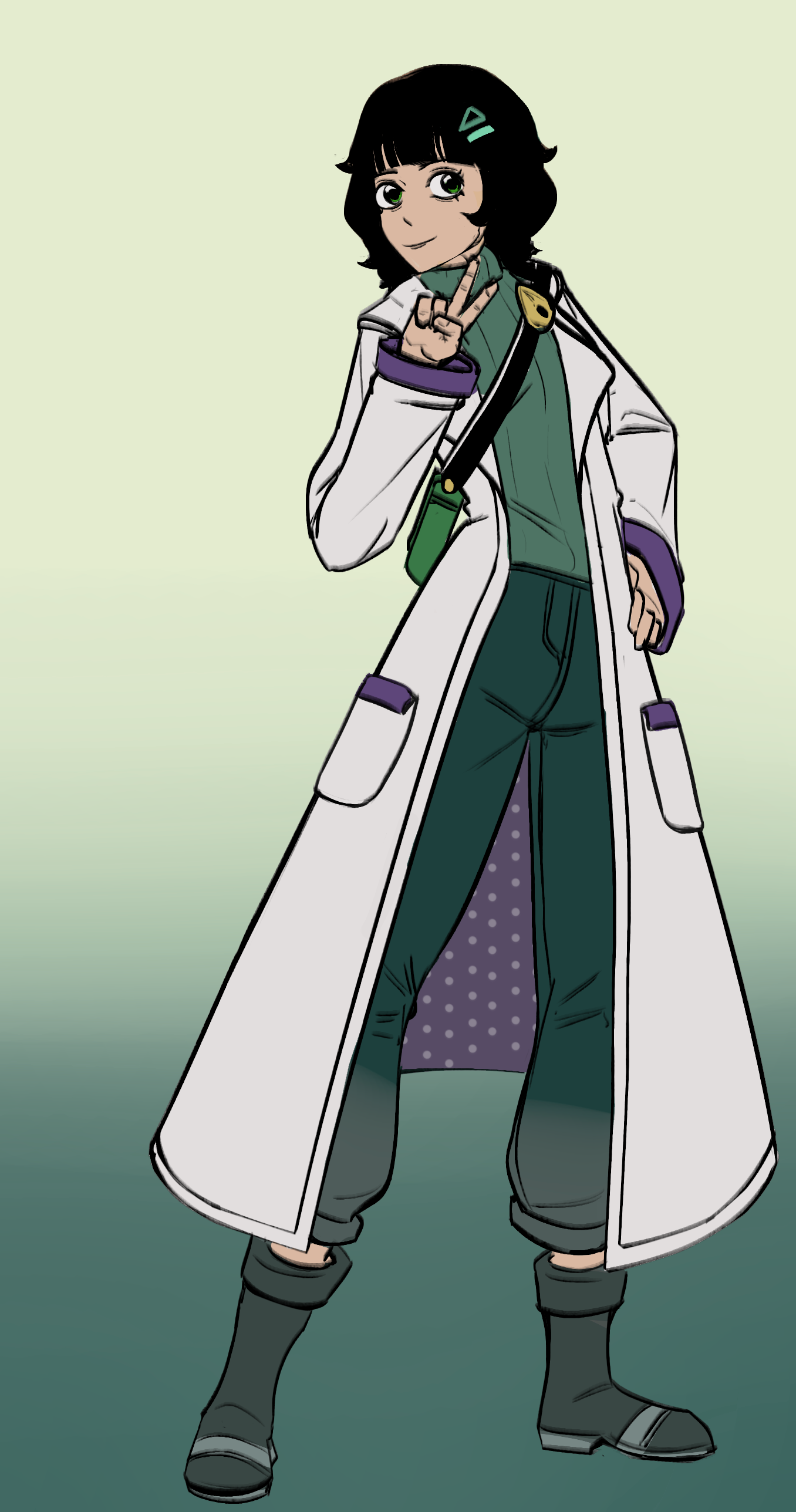
I read the book but I still don't get the Naoki Saito method. Is it basically
>Pick artist you like
>Try to draw an original illustration in their style
>Compare your image to theirs
>Study why yours is unappealing (e.g. if they understand eyes better than you, go study eyes)
>Redraw image while including what you studied
>Repeat for 3 months straight
>>
>>

>>

>>
>>
>>
File: 1738018926056130.png (784.9 KB)
784.9 KB PNG
>>
>>
File: Scan_22-01-2026_2301.jpg (394.6 KB)

394.6 KB JPG
>>7863363
I heckin love anime and horsegirls
>>
File: Illustration.png (562.3 KB)

562.3 KB PNG
>>7864409
>bad hair
Thanks for the critique anon, I guess I wasn't paying attention to the more subtle curves that makes the hair look more natural, I'll pay more attention to it.
>>
File: Scan_23-01-2026_2157.jpg (279.3 KB)

279.3 KB JPG
So yeah, today I decided to copy more anime!
>>
File: 1759362347804313.jpg (147.2 KB)

147.2 KB JPG
>>
>>
File: Day12.jpg (2.7 MB)

2.7 MB JPG
Krenz Day12
Some thoughts
- Original assignments have resolution of 3736x2000 px. Each individual picture is quite small. So it helped to increase resolution x2 first and then draw (so my lines became lines and not just pixels). Picrel is downscaled x2 to meet file size limit.
- I see small elements (especially noticeable when looking at Chinese characters) on the screen as slightly blurry. If I squint (thus helping my eyes achieve proper focus), the image becomes sharp, and small elements become more distinguishable. I don’t know if this affects the accuracy of the lines I draw: I tried drawing lines while squinting, but I can’t tell whether it improves hand-eye coordination or if it’s just a placebo effect.
Rant
What is le heckin secret to draw line (using a screenless tablet) exactly as you want it, not "oh, it's 5 px to the left and slightly curved - now I need to ctrlz it 10 times"
>>
>>7866393
>What is le heckin secret to draw line (using a screenless tablet) exactly as you want it, not "oh, it's 5 px to the left and slightly curved - now I need to ctrlz it 10 times"
No such secrets to be found. It's a matter of mileage
>>

>>
>>
>>
File: Day13.jpg (2.7 MB)

2.7 MB JPG
Krenz Day13
Incoming rant
I hate how much time I have to spend on each pic. But even more I hate the fact that this time is stable - it doesn't decrease. They show (in videos) finished assignments of other people: 30 min, 35 min, 18 min per copy (while I spend ~1hr) - I'm so fucking envy it's unreal.
I feel like 80-90% of time is trying to draw lines straight/properly curved AND through the right points. I know that I have specific range of angles I can draw straightest lines known to mankind at. But I need to rotate canvas for that. Aguo doesn't rotate canvas during demonstrations. And though her lines aren't 100% straight she can draw them okayish at any direction AND she can draw them slow (to control start and end points) without visible micro-wobbling. Micro-wobbling happens to me most of the time when I try to control line precisely - I reduce line drawing speed for that.
>>
File: micro-wobbling.png (74.8 KB)

74.8 KB PNG
>>7867456
picrel is an example of such micro-wobbling The arc on the right side was drawn slower, resulting in the issue, while the arc on the left was drawn faster and has no imperfections.
>>
>>7867456
>Micro-wobbling happens to me most of the time when I try to control line precisely
You are using a stabilizer for this stuff right? Micro wobbling is an innate problem of all drawing tablets due to how they work. So just use some stabilization and don't worry about it. Some brands have inbuilt stabilization in their drivers btw so even if the artist has low stabilization in the app they still get some of it from the tablet
>>
>>7866393
>>7867456
>>7867460
Do you have the same problem when drawing trad? If so, there's nothing for it but practice. Line ghosting, drawing from the shoulder for everything except small marks, and doing warmup exercises before drawing helped me.
If not, there's likely a problem with your setup. Like the other anon said stabilizer helps. I use painters tape to stick a piece of paper over my tablet, the extra friction gives me a little more control and feels more comfortable.
Also, if your monitor is significantly different in size from your drawing surface then any small changes in direction get magnified. In that case, you can try mapping your tablet to only the portion of the screen where you draw.
Lastly, don't stress too much about getting perfect lines (difficult, I know). If you zoom out to a normal viewing distance the flaws in your micro-wobbling image are probably not noticable. Your time is much better spent on actually drawing than endlessly redoing lines.
>>
>>7867463
> You are using a stabilizer for this stuff right?
Stabilization 6, "Adjust by speed" = off at CSP
>Micro wobbling is an innate problem of all drawing tablets
yeah, I know. I tested my tablet by placing physical ruler on top if it and drawing 45deg straight lines slowly. Amount of wobbling is pretty inexistent.
For comparison, the same test with my previous tablet (CTL472) reveals higher amount of wobbling.
So I don't think I can blame hardware in this case.
>>
File: Scan_25-01-2026_2244.jpg (417.2 KB)
417.2 KB JPG
>>7865922
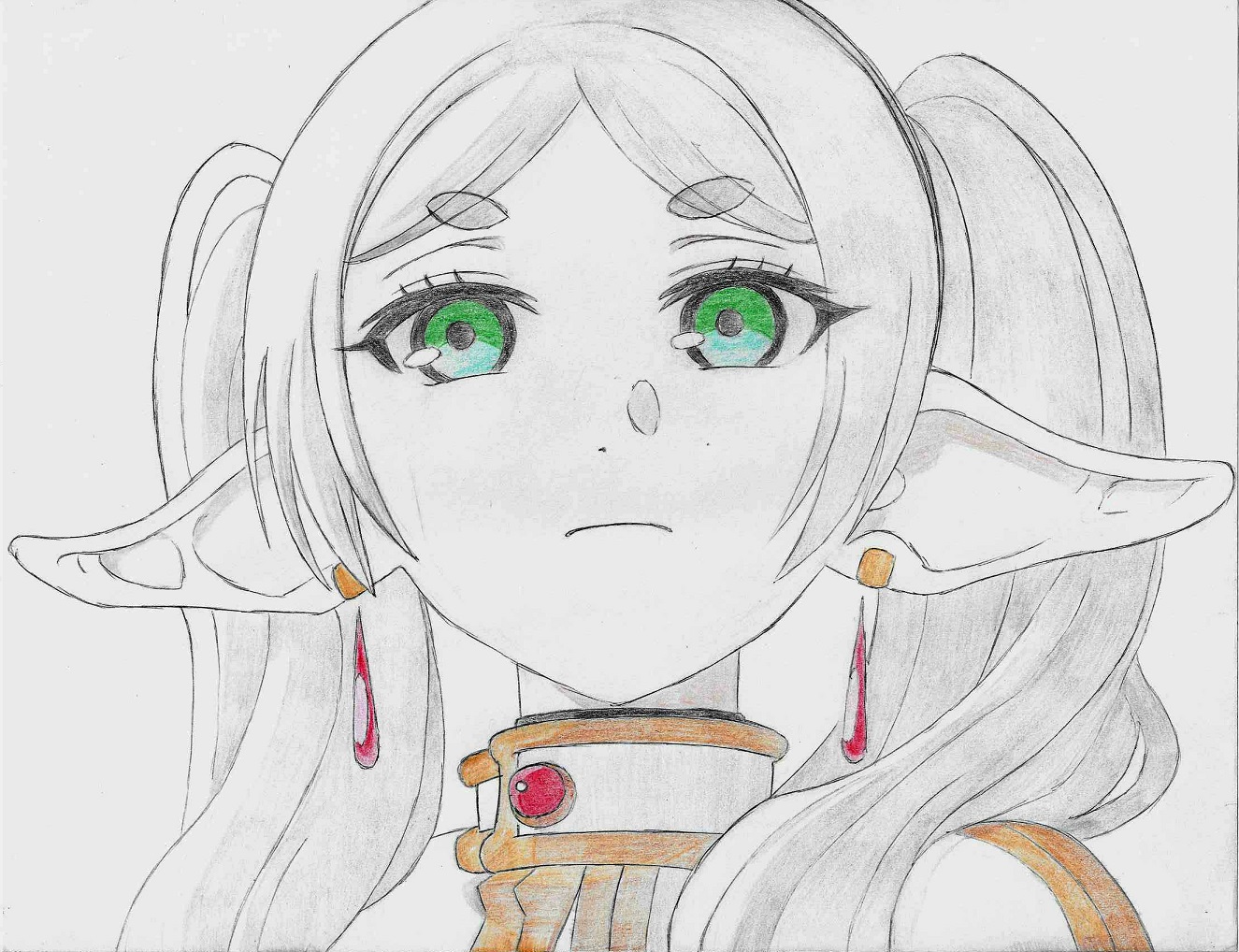
I have so much fun copying anime. I think I can keep copying anime forever even though I don't know the reason why I should copy anime.
>>
>>7867456
>They show (in videos) finished assignments of other people: 30 min, 35 min, 18 min per copy (while I spend ~1hr)
It’s normal if you’re a beginner
> though her lines aren't 100% straight she can draw them okayish at any direction AND she can draw them slow
The video shows the line exercises. If you need that class material, I can share it.
https://www.youtube.com/watch?v=WiXkwE649wc&list=PLE2zgki6BEdgcCYusrlt KsCfOroYJGAta&index=3
>>
File: Day4 五边形.jpg (2.6 MB)

2.6 MB JPG
>>7867494
nnnghhh... those ears
>>7867497
> https://www.youtube.com/watch?v=WiXkwE649wc&list=PLE2zgki6BEdgcCYusrlt KsCfOroYJGAta&index=3
I do these exercises alongside the main course (Stabilization 0 in CSP). Btw does channel's author work through some new version of krenz course?
>>7867478
idk, the only thing I did in trad were initial exercises of Drawabox ~a year ago and he explicitly teaches to draw lines fast. But I will try I guess.
I found ghosting to be highly effective for Drawabox exercises (using fineliner and paper) but it's efficiency for digital is severely reduced for me, idk why.
I draw primarily from shoulder (and elbow) - this helps to get long straight lines *at comfortable angles*, but with uncomfortable ones it is one of the reasons for micro-wobbling, I suspect. I will elaborate tomorrow, as I need to sleep now.
>>
File: Untitled-1.png (156 KB)
156 KB PNG
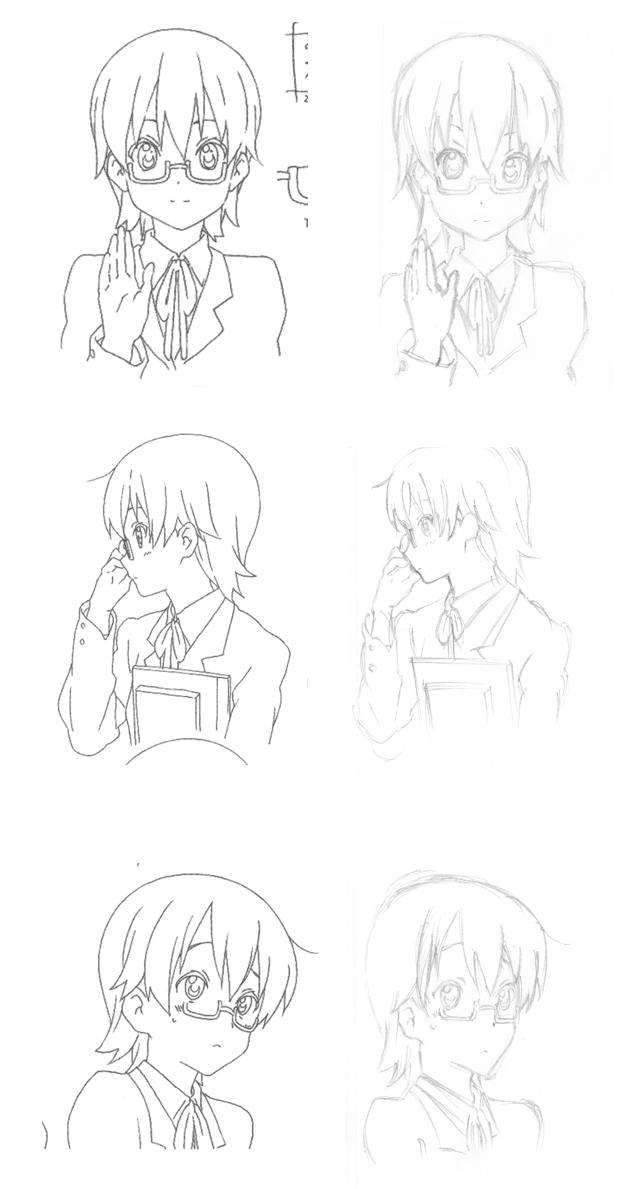
Some quick trad today, kept on ctrl-z'ing in my mind
>>
File: GirlSprite.png (42.4 KB)

42.4 KB PNG
Background is just there for the sake of being there, the main thing that matters is the Girl. Now I have to animate it T_T... might've bitten off a bit more than I can chew.
>>
File: Day14.jpg (2.7 MB)
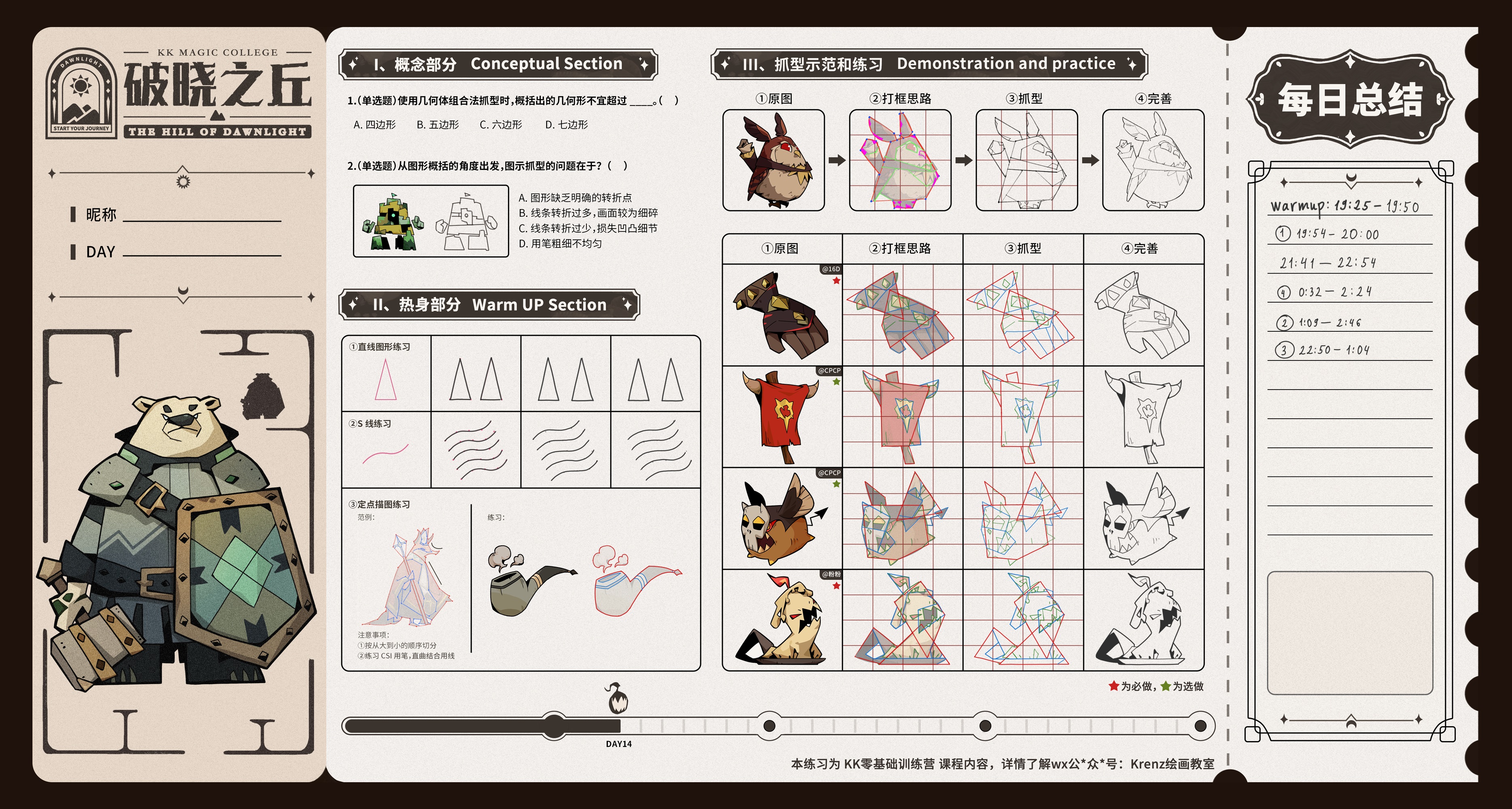
2.7 MB JPG
>>7867456
Krenz Day14
At least I'm happy with the visual quality of the results when I add black areas
>>7867478
> Do you have the same problem when drawing trad?
I tried pencil on paper and I see similar kind of micro-wobbling. But the pencil's strong texture helps to hide this wobbling, as opposed to the completely uniform line width in digital.
> if your monitor is significantly different in size from your drawing surface
Active area of my tablet is 11.8'', monitor is 15''
> drawing from the shoulder
When drawing from the shoulder, as I mentioned earlier, I manage to draw stable smooth lines in the direction from bottom-left to top-right (I draw with my right hand). In this case the elbow (joint) remains fixed, and the rotation of the forearm around it provides a stable arc of constant radius, which can be easily adjusted into a good-quality straight line.
When drawing lines from top to bottom, from left to right, or diagonally from top-left to bottom-right, the elbow has to move - this is where the loss of line stability occurs.
So I come to the conclusion that either drawing from the shoulder is only advantageous for specific line directions, or I’m doing something wrong.
>>
>>7869659
>I tried pencil on paper and I see similar kind of micro-wobbling.
Then it's just a matter of practice.
>bottom-left to top-right, elbow (joint) remains fixed
That's the most comfortable for me too, I use it for hatching or any time I need clean and consistent strokes in one direction, I just rotate the canvas so I can work at that angle.
But that's drawing from the elbow.
>the elbow has to move - this is where the loss of line stability occurs
That's drawing from the shoulder. It's really difficult to draw long straight lines or perfect circles if you anchor your elbow. So don't anchor anything, although you can lightly support your hand with your little finger or the side of your palm for stability.
You will still have favorable directions, but you should be able to go any which way.
Here's how I practice:
Warmup- Draw one loose, curved scribble over the canvas, then trace over it. Draw straight/curved lines the full length/height of the canvas, trace over them too. Do everything in one stroke.
Make sure to keep your eye on where the stroke ends, not where your pen is currently.
Draw circles and ellipses, trace over them. Draw Vilppu beans from the second chapter of his drawing manual or do ball figures like this. https://www.youtube.com/watch?v=Nz8Gm8ErRtI
Use your shoulder even for small circles. Pay attention to how it feels. Make sure not to grip too hard.
You mentioned before you learned to draw lines quickly. I don't agree. Almost any kind of physical training benefits from practicing slow and controlled movements.
It increases the difficulty a lot, but it pays off. When you practice, go just slow enough that it's wobbly, try to go slower over time. Normal drawing just use whatever speed you need to make it look right, it's too frustrating otherwise.
That's what I do, if you don't see good results after a while don't stick to it forever.
>>
>>7869744
>So don't anchor anything, although you can lightly support your hand with your little finger or the side of your palm for stability.
Am I supposed to not touch the tablet with side of palm/fingers at all when drawing from shoulder properly?
>>
>>7870376
>Am I supposed to not touch
Technically, you are not. In trad if you were drawing/painting on an easel you can't set your hand down on anything. And if you were drawing with charcoal/ink/etc on a table, touching your hand to the surface can smudge and mess up the drawing.
But that's very difficult, especially if you are trying to control line weight as well. And we are drawing digitally so it doesn't affect the work. So I do lightly rest my hand when I need to, and when I move the pen my hand lightly brushes/drags on the surface.
The short of it is do it if you need to, but it's not a good habit so try to rely on it less as you become more coordinated.
>>
As a /beg/, how long should I be spending on sketching + line art when doing a copy? I know I should take my time to understand the purpose of each line but I'm worried there's a point that I'm taking too long because I'm focused more on trying to copy 1:1 than learning from what I'm looking at.
>>
>>7870673
It's fine to be slow for a copy, especially at first. As you get better you will have more leeway to think about other things. But if you don't understand the purpose of a line it might serve you better to copy from life or photos before doing anime.
>>
>>
>>
>>
File: 1769815425565.jpg (2.5 MB)

2.5 MB JPG
struggled a lot with the bottom middle one
>>
File: 20260130_081404.jpg (533.4 KB)

533.4 KB JPG
I was recommended to post here.
Hello :)
>>
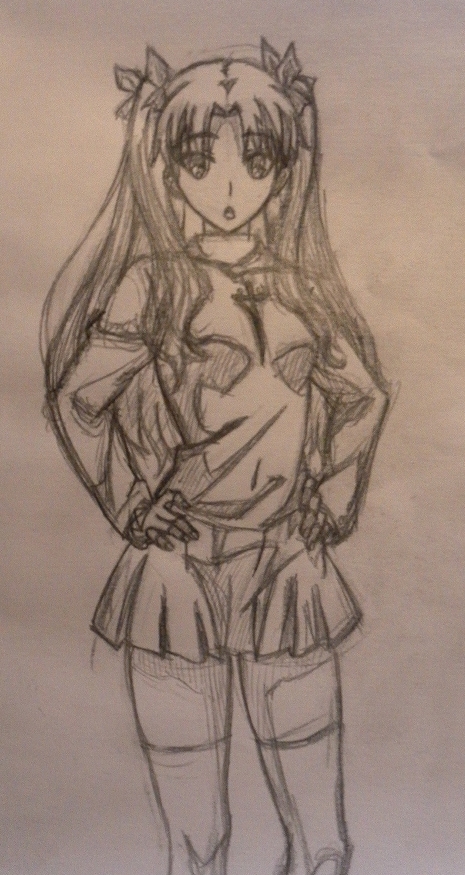
File: 1750470373341935.jpg (324.8 KB)
324.8 KB JPG
>>
>>

>>
File: document_0.jpg (588.9 KB)

588.9 KB JPG
wew.
>>
File: copied kuro.png (651.7 KB)
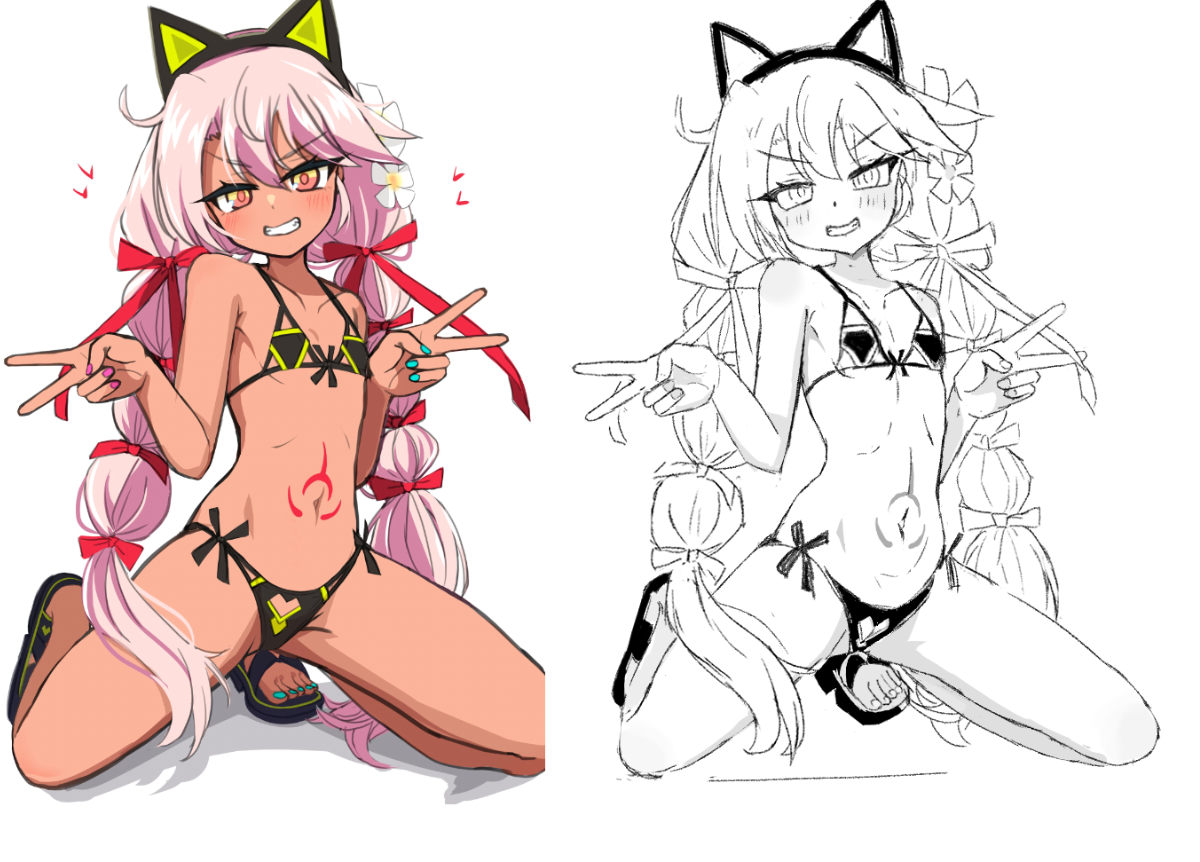
651.7 KB PNG
I haven't drawn for awhile and trying to get back into the groove. Here I did a study but somehow the proportions don't match. What happened to me?
>>
>>
>>7871620
This general used to be for actually drawing anime in general. We even have a studies general for copyfagging but this general is dead now that there's mmg and lsg. Most of the anime tags unironically post in beg since it has more traffic
>>

>>
File: 1769987742178.jpg (2.4 MB)

2.4 MB JPG
>>7861986
Wip
>>

>>
File: {5B198FBC-0973-49A6-BD58-CC3161F8EECE}.png (2.4 MB)
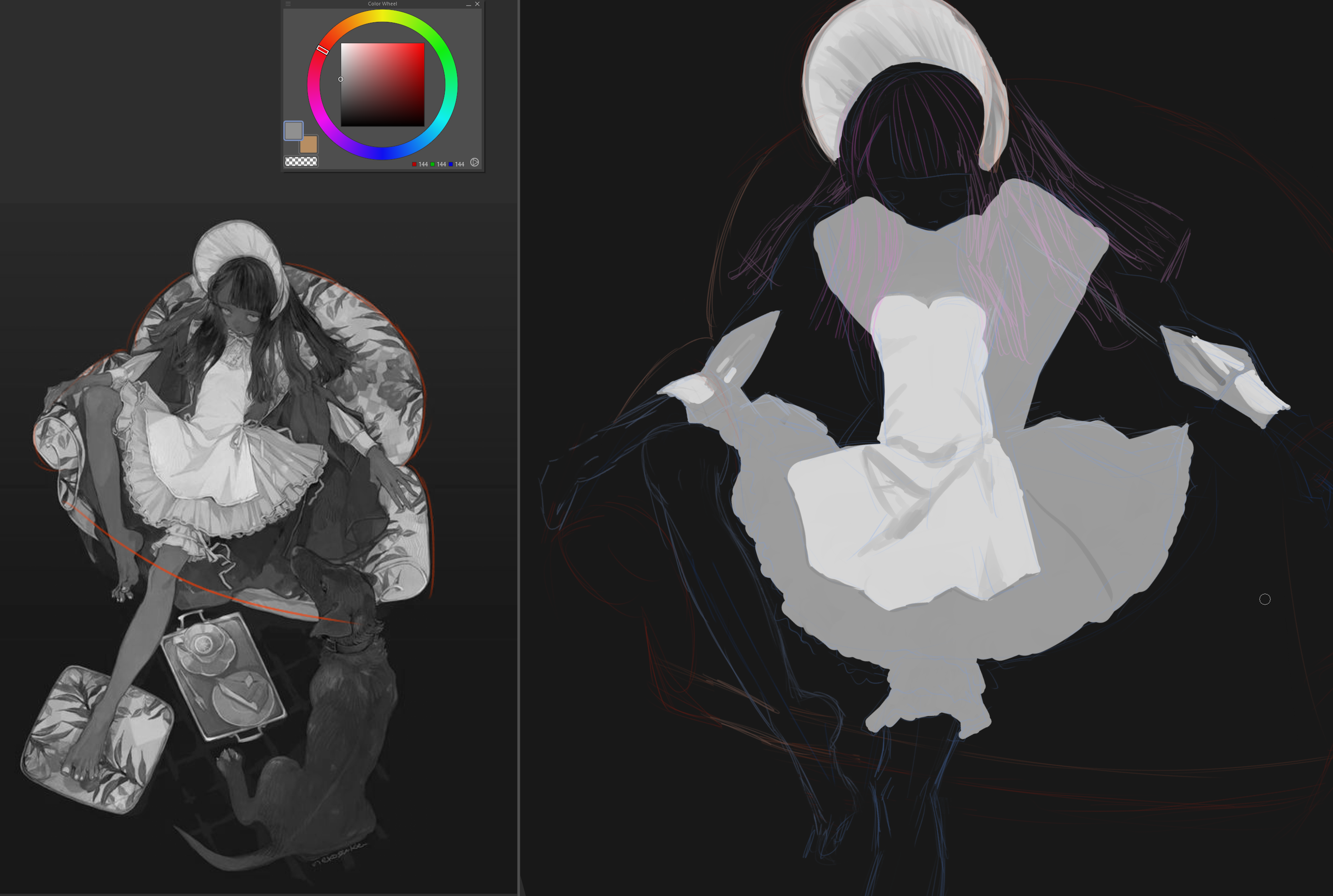
2.4 MB PNG
it's hard bros. but i love this artwork so much. her legs are gorgeous
>>
>>
File: 02.02.2025.png (207 KB)

207 KB PNG
>>
File: kuro maybe.png (56.5 KB)

56.5 KB PNG
>>

>>
>>
File: Day17.jpg (2.7 MB)

2.7 MB JPG
>>7873001
Krenz Day17
>>7873079
Krenz Zero
it's jpgs (my advice is upscale 2x before practicing)
u can find it in the telegram group (search for krenz masterpost)
>>7873044
hmm, keep us posted
>>
File: 1766505638767.jpg (762.4 KB)
762.4 KB JPG
>>7873546
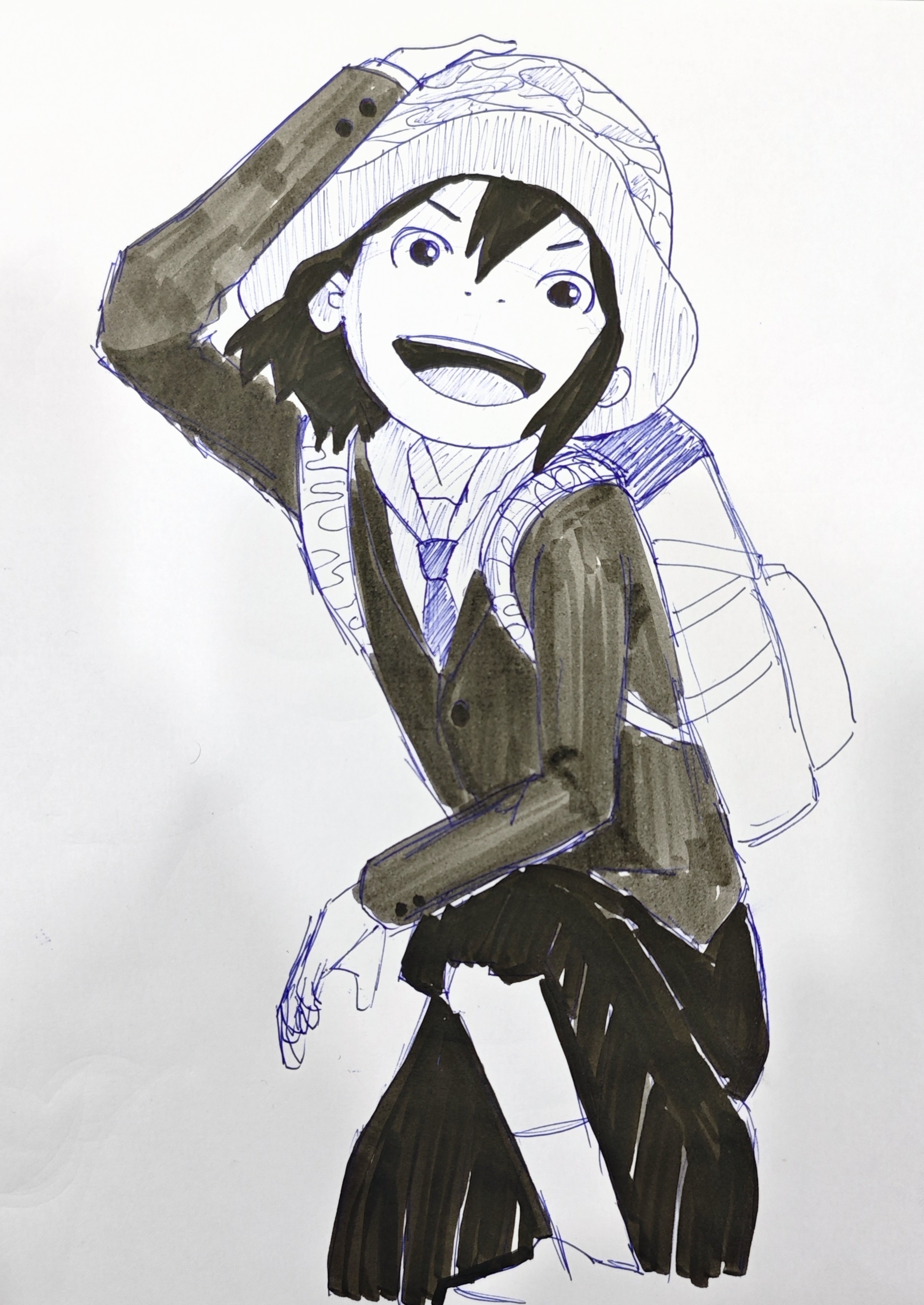
Today's piece, like this one more than the previous 2
>>
before drawing the cute anime girls I desire, is there something I should work on? I feel lost. I want to start with krenz but I have low line confidence and don't understand the basics fully.
I've been drawing basic shapes for an hour a day and they haven't really helped much.
>pyw
I have nothing to really show. I have been drawing for a year but it's nothing good.
>>
>>
>>
File: 1752041413071568.jpg (380.6 KB)

380.6 KB JPG
>>
>>
File: 1739700059206256.jpg (105.8 KB)
105.8 KB JPG
>>7874232
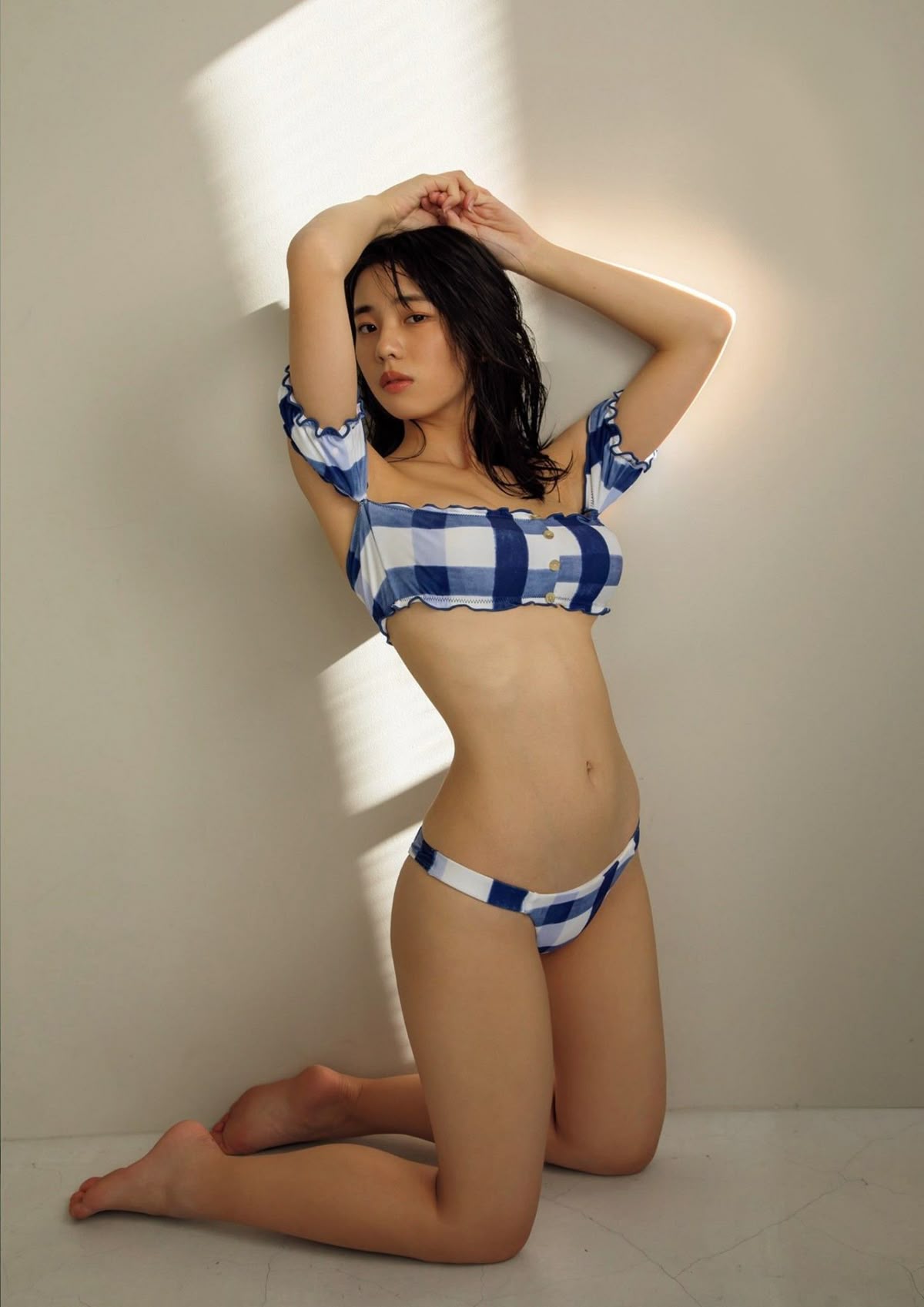
to further elaborate since Im not gettign any replies. this is the furthest I can go without making this look any worse. I am aware that my shapes are all off but I cant figure out how to draw out my curves. even on paper
i cant draw softly this is the softest I can go
>>
>>7874267
Ditch the basic shapes and copy from ref for an hour a day instead and you'll actually get somewhere. Your accuracy is below the streshold where you'll actually get much results from anything else. For this figure, either erase and try again or go to the next one mindful of what went wrong
>>
>>