Thread #2264390 | Image & Video Expansion | Click to Play

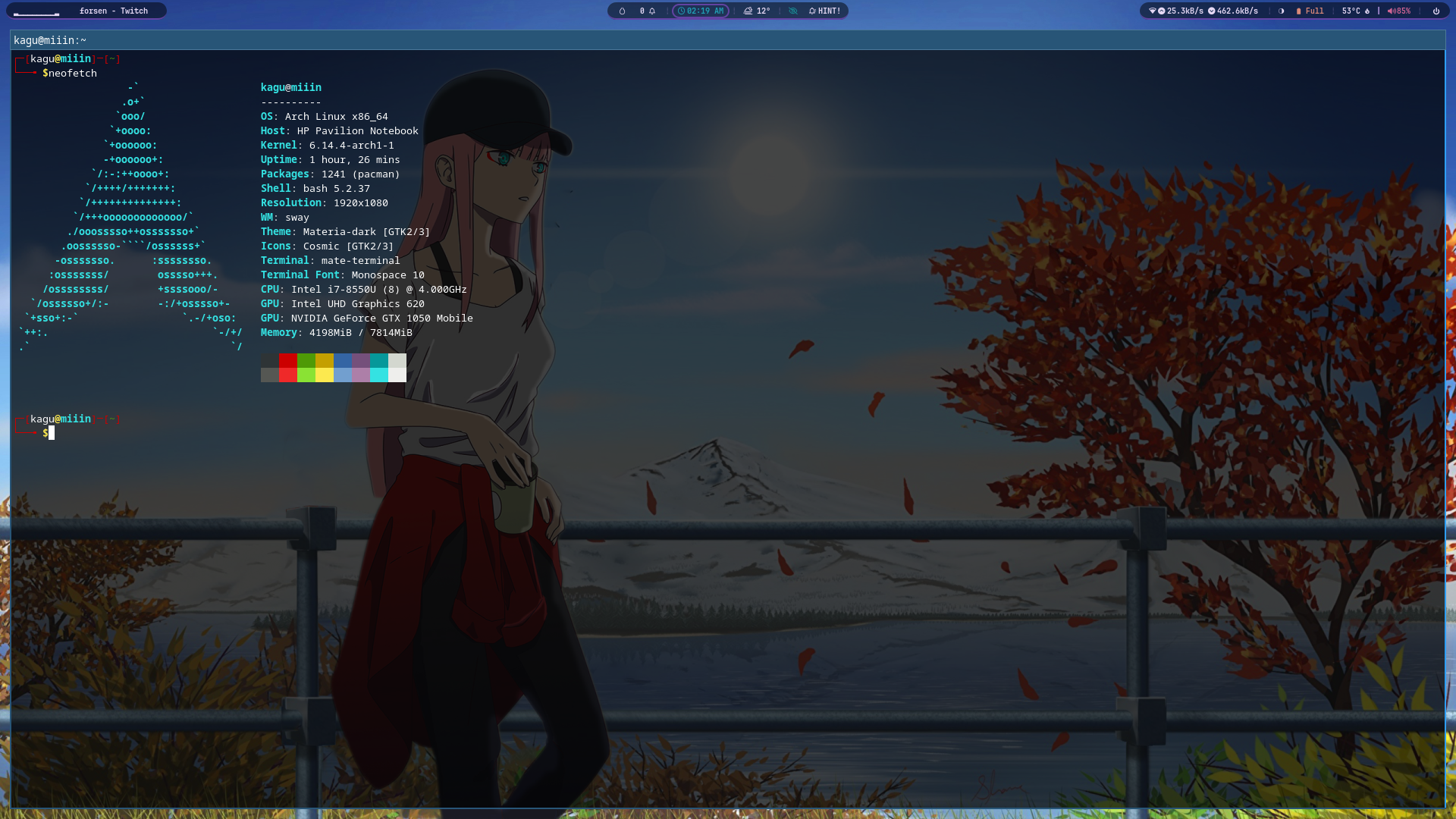
File: 2025-05-09-021907_sway-screenshot.png (1.6 MB)
1.6 MB PNG
desktop thread
share your desktops /w/ bros
214 RepliesView Thread
 Showing all 214 replies.
>>
>>
>>
File: screenshot_2025_05_08_1746750830.png (2.2 MB)

2.2 MB PNG
>>2264392
Bro, I'm too high right now, what the fuck is wrong with me. gbye!
>>
>>
>>
>>
File: 2025-05-10-012232_1600x1200_scrot.png (916.1 KB)

916.1 KB PNG
>>
>>2264415
It's the default fastfetch preset module, he didn't customize it as far as I can tell. After you install fastfetch, in your terminal run [code]fastfetch -c all.jsonc[/code]
It will display every available value that you can show, pick which ones you want to use and note their names. Edit [code]~/.config/fastfetch/config.jsonc[/code] Choose any values from this list and include them in the above file
https://github.com/fastfetch-cli/fastfetch/blob/dev/presets/all.jsonc# L9
You can write custom text (with custom colours), this is what determines your 'theme'
[code]
{
"type": "custom",
"format": "\u001b[31m■ \u001b[91m■ \u001b[33m■ \u001b[93m■ \u001b[32m■ \u001b[92m■ \u001b[34m■ \u001b[94m■ \u001b[36m■ \u001b[96m■ \u001b[35m■ \u001b[95m■ \u001b[30m■ \u001b[37m■ \u001b[90m■ \u001b[97m■"
},
{
"type": "custom",
"format": "\u001b[96m This is my distro"
},[/code]
This includes a display of all your 14 terminal colours and a line of text you can edit and place anywhere. If you want a specific theme like dracula, import the theme colours to your terminal config file and it will display them properly.
>>
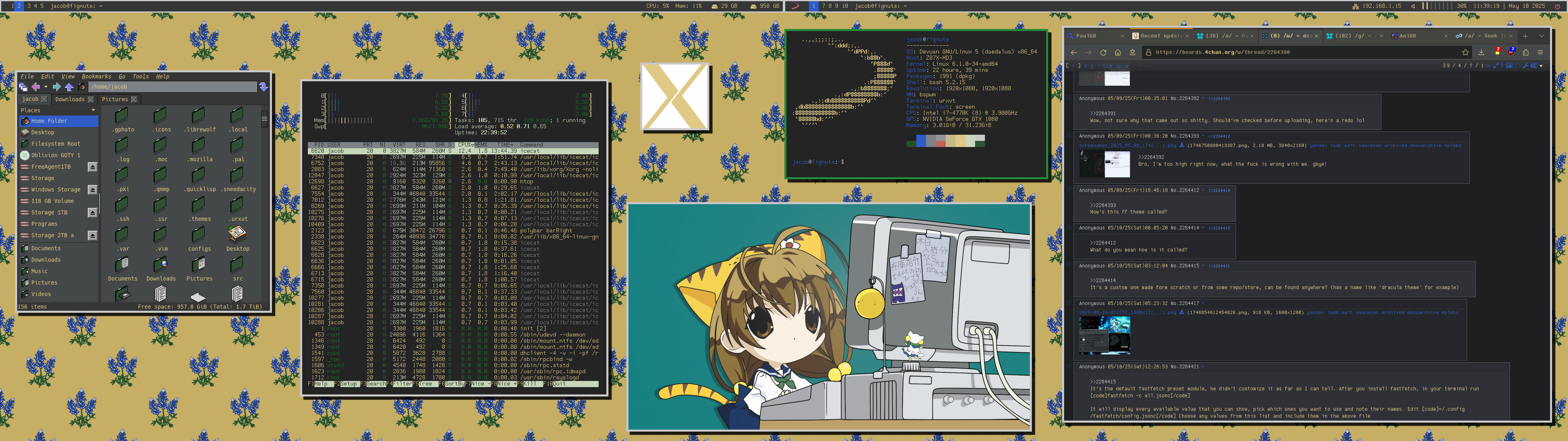
File: 2025-05-10-113920_3840x1080_scrot.png (854.3 KB)
854.3 KB PNG
>>2264417
Nice window maker setup and colors, anon, dockapps are so cool. That Miku dockapp is cute.
>>
File: 17468977042.png (1.5 MB)
1.5 MB PNG
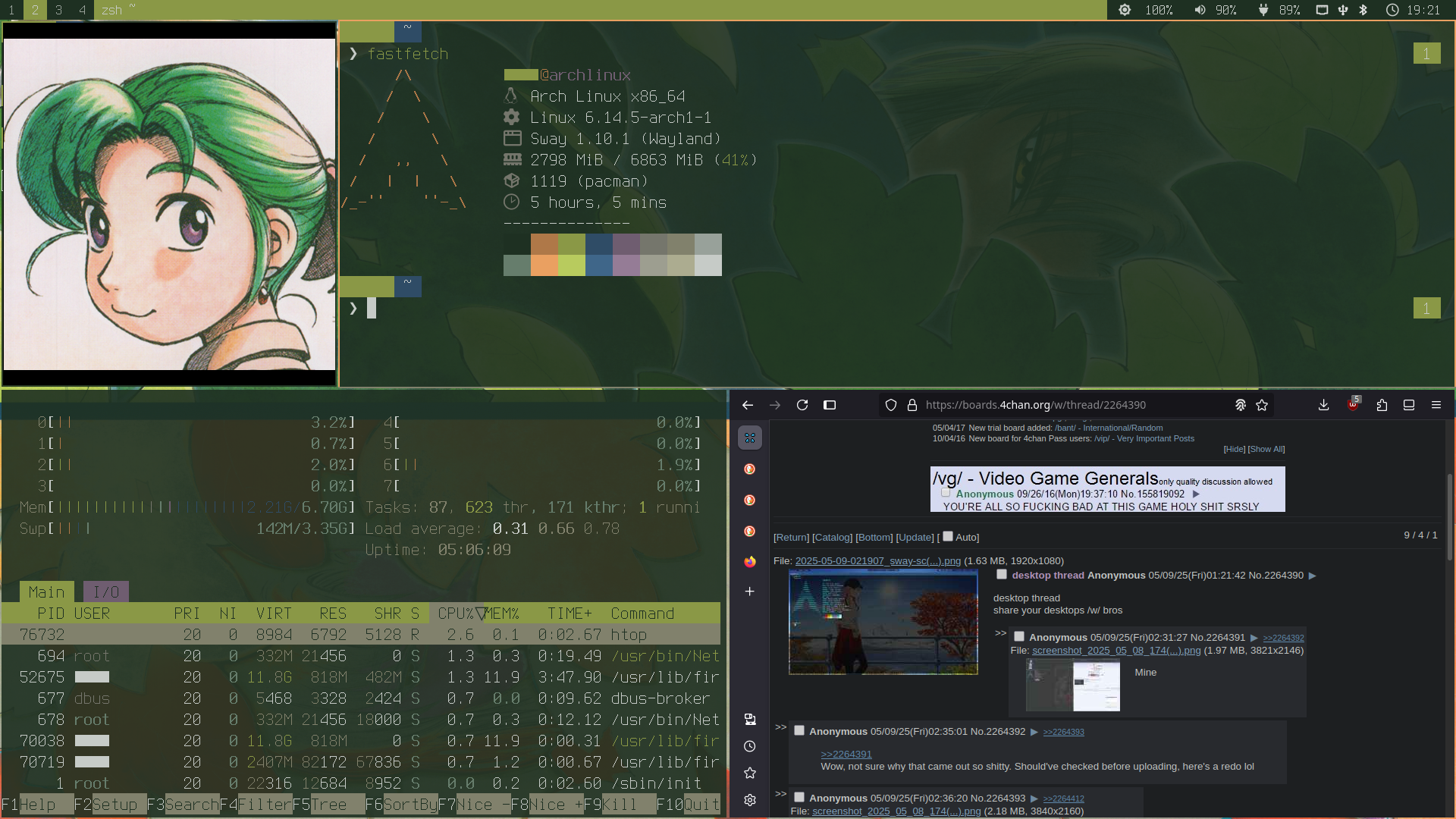
My desktop is currently very green
>>2264417
comfy
>>2264425
i love your tiled wallpapers anon
>>
>>
File: __gema_and_broccoli_neptune_and_1_more_drawn_by_pochi_popcooooorn__d46e1db472e7f6c4cfdc0ea41e8a9ce4.png (1.5 MB)

1.5 MB PNG
>>2264425
Thanks, anon. Love the retro and sleek look. Also, cute Puchiko.
>>
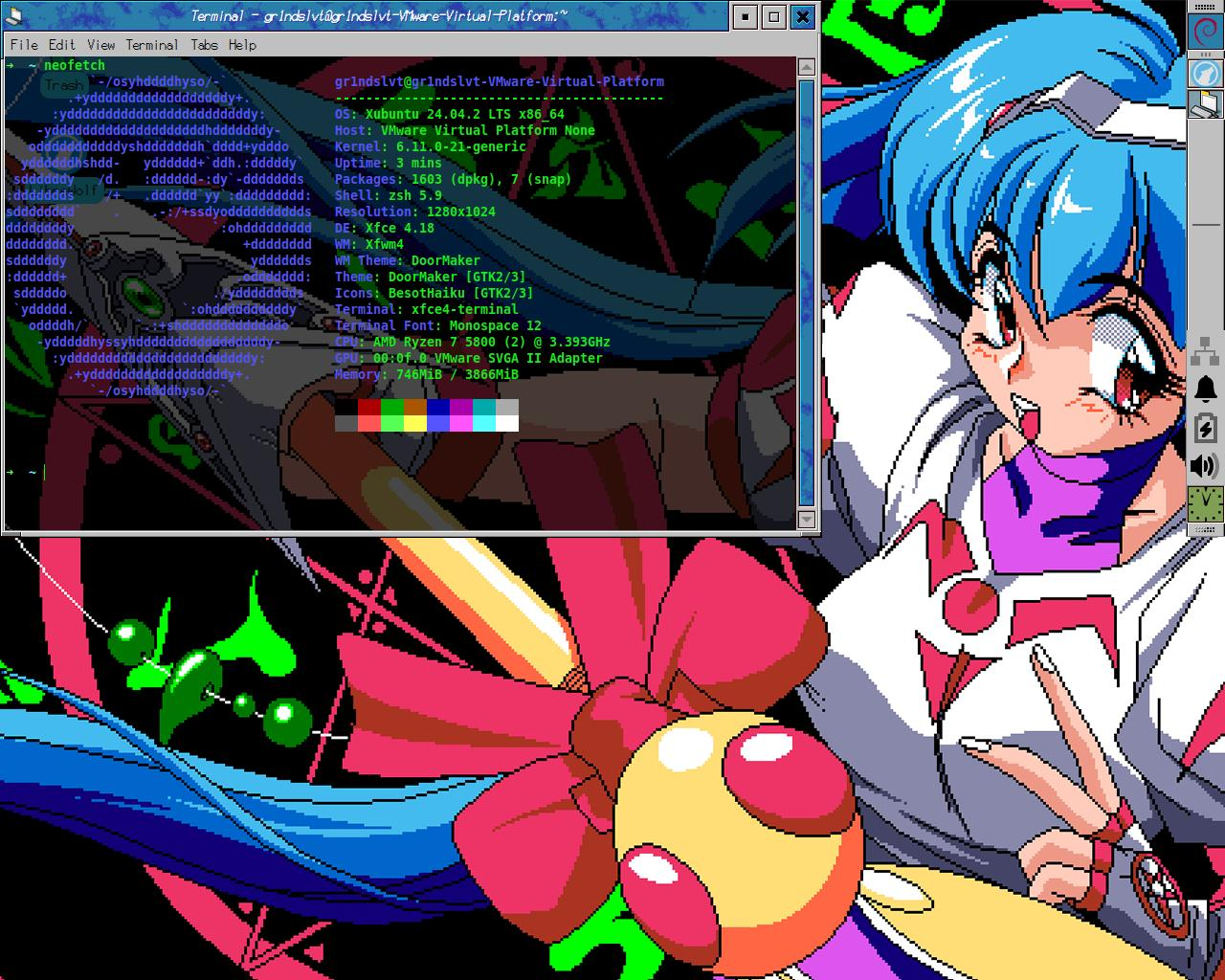
>>
>>2264412
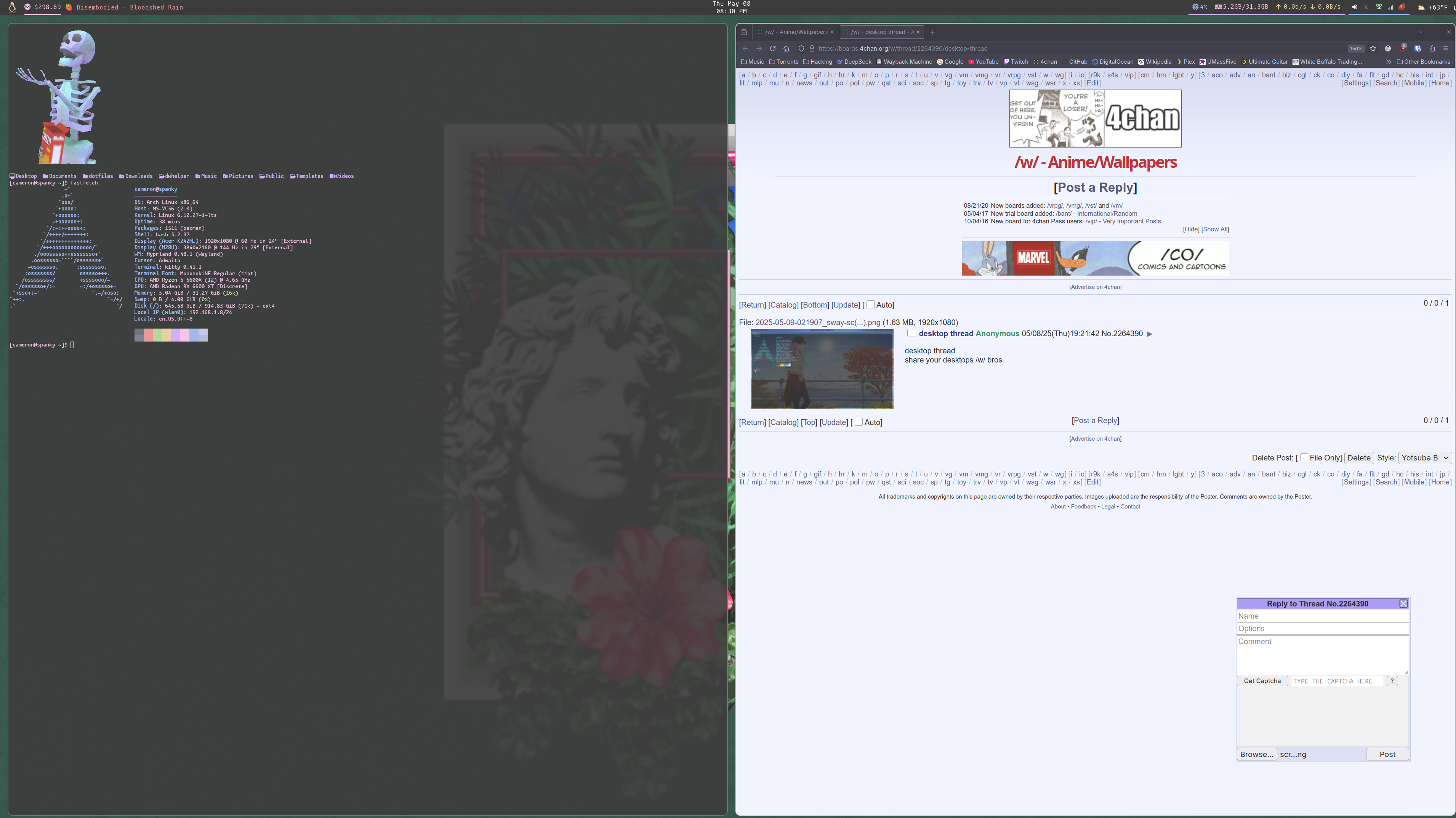
My fastfetch? It's default actually. Once neofetch got archived and I switched I never got around to customizing it.
When a new window opens my .bashrc displays the gif of the skeleton, then an "ls" command that uses exa for the folder icons. That's where the other stuff came from, then I just ran fastfetch at the end
Also, just realized I had no anime wallpaper in a /w/ thread -_______-
>>
File: 2025-05-11-170552_sway-screenshot.png (1.3 MB)

1.3 MB PNG
I want to showcase my gaps when I take a screenshot but I don't know what other windows to open besides neofetch and htop, any suggestions ?
>>
File: 2025-05-11-184039_1920x1080_scrot.png (694.4 KB)

694.4 KB PNG
Just finish this desktop. Im not loving the bar, desu
>>2264426
I really like your color scheme.
>>
>>2264453
Thank you, anon. I like your theme and background.
>What icons do you use btw
I edited the folders from https://www.xfce-look.org/p/1371886/ and combined it with NsCDE incons.
https://files.catbox.moe/7qicmi.tar
>>
File: eirin_desktop_2.png (1.9 MB)

1.9 MB PNG
>>2264390
>>
File: Screenshot_20250512_182700.png (2.8 MB)

2.8 MB PNG
New system I installed a couple of days ago. I've been on Mint 20.2 for years and I decided that I needed a change, so I went back to KDE. Just a standard KDE desktop, no frills.
>>2264390
I like the bar
>Im not loving the bar, desu
To be honest, I also am not a fan of those arrow-like mini sections, but your desktop looks coherent.
>>
>>
File: Screenshot_20250513_161226.png (1.3 MB)

1.3 MB PNG
Here's my low effort kde setup. Haven't yet bothered to figure out how to keep title bars on windows but hide the text.
>>
>>

>>
File: desktop.png (1.2 MB)

1.2 MB PNG
Plasma is almost perfect as is
>>
>>
File: 2025-05-15-115735_sway-screenshot.png (1.7 MB)
1.7 MB PNG
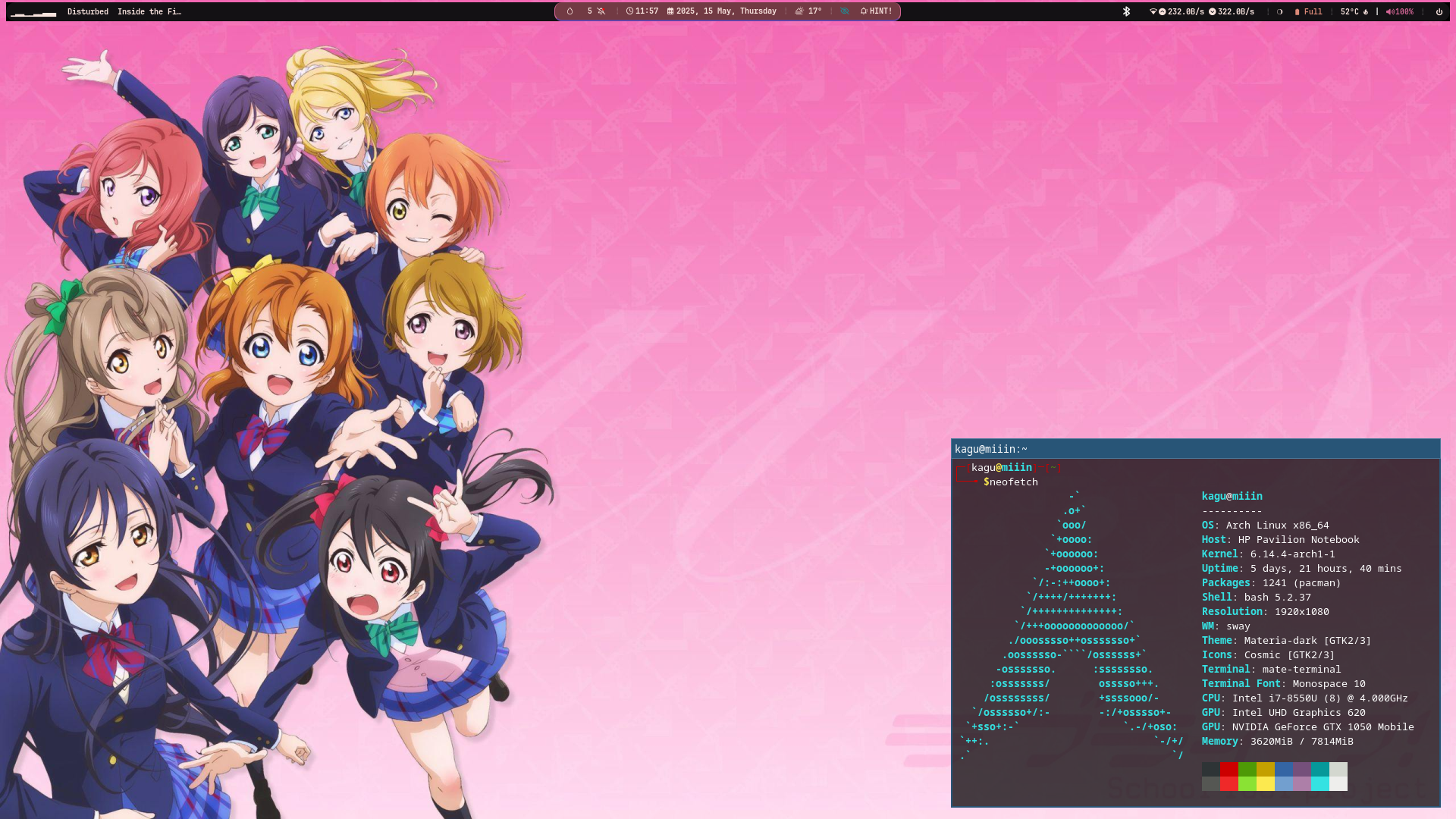
changed some stuff around
>>
File: Screenshot_2025-05-16_05-37-43.png (382.1 KB)
382.1 KB PNG
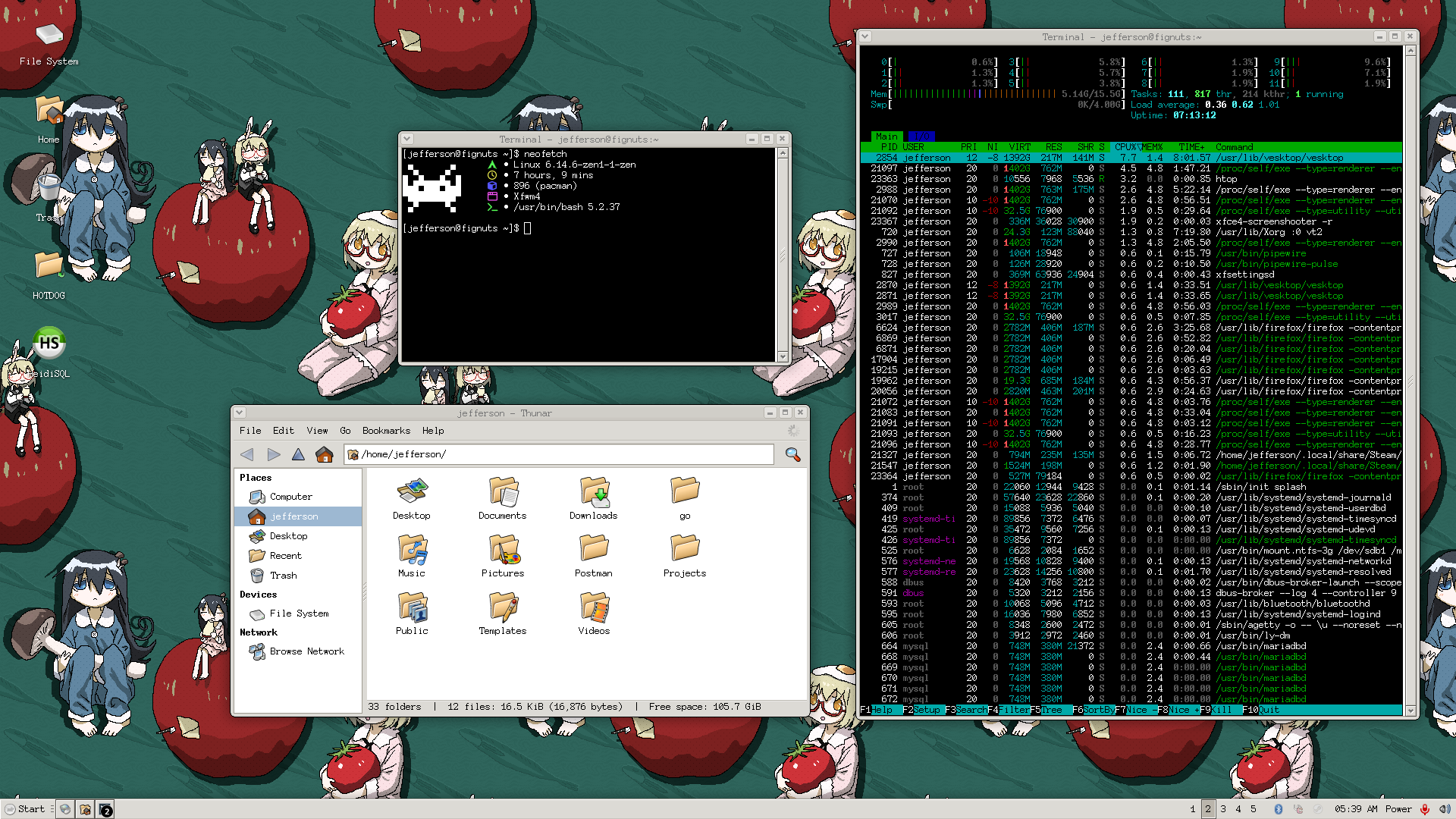
hassle at bspwm but don't get me wrong. it was good I used it daily but it's hard to use at work because of monitoring stuff so I switch back to xfce
>>
File: Screenshot at 2025-05-19 15-31-32.png (2.7 MB)

2.7 MB PNG
>>
>>
>>
>>
>>
>>
>>2264741
If you're asking for my dots here they are:
https://files.catbox.moe/fdljbk.tar
>>2264788
Weird, I just tried the link and it works for me. Try the link in this post, it includes my theme and icons.
>>2264791
You're welcome.
>>
>>
>>
>>
>>
>>
>>
>>
>>
>>
>>

>>
File: 2025-05-18_15-19.png (3.2 MB)
3.2 MB PNG
>>2264485
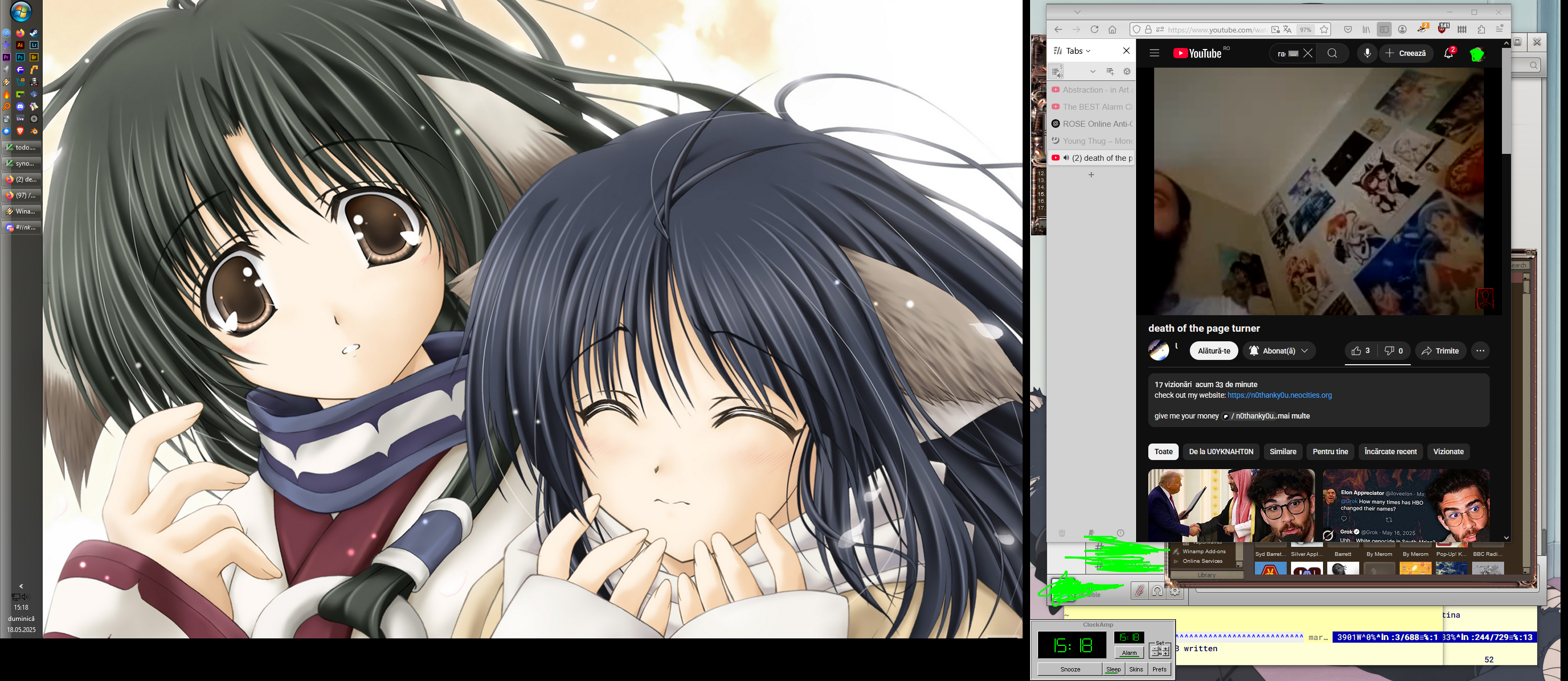
goated resolution + desktop
>>
File: 2025-05-27_14-09.png (972.3 KB)
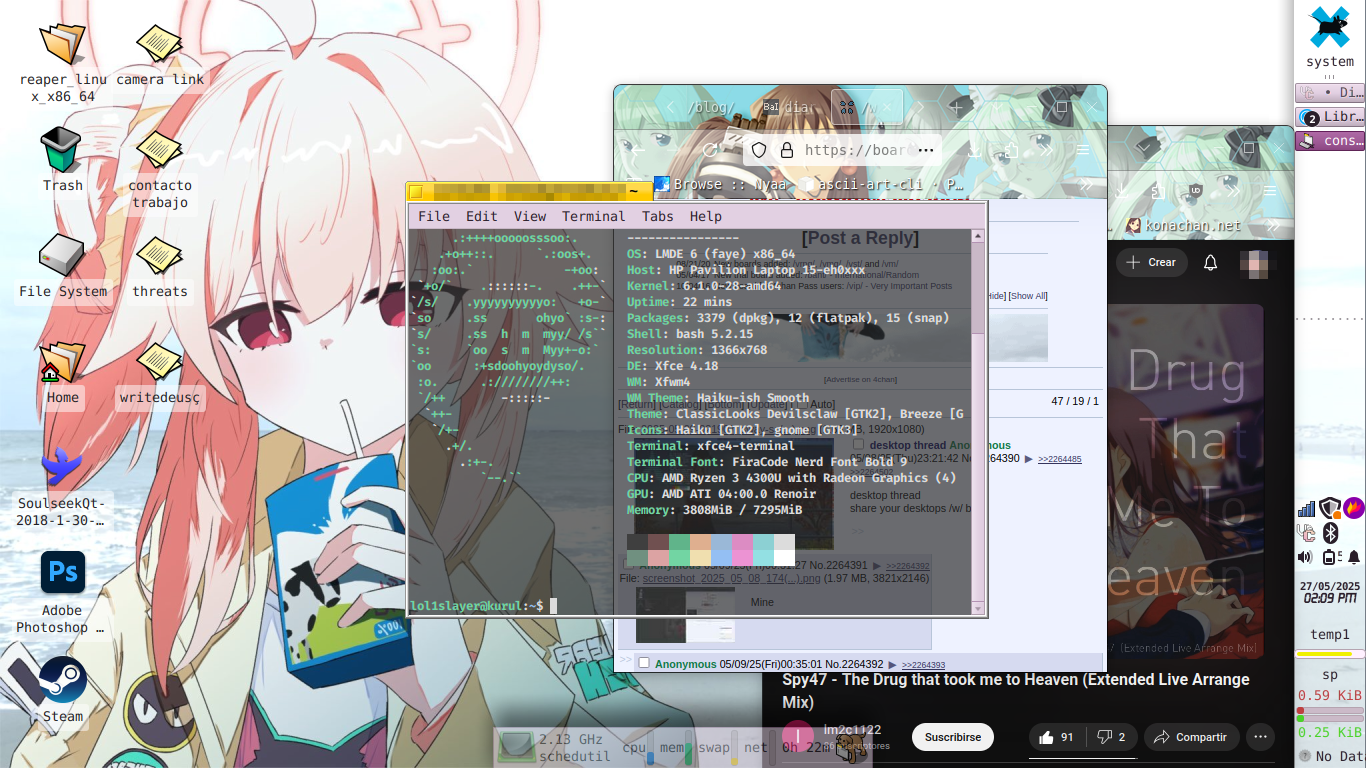
972.3 KB PNG
recently i got a thinkvision but i need a vga adaptator, is very good to look too
>>
>>

>>
File: 112553616_p0.png (4.4 MB)
4.4 MB PNG
>>
File: screenshot_250528_144218.png (1.1 MB)
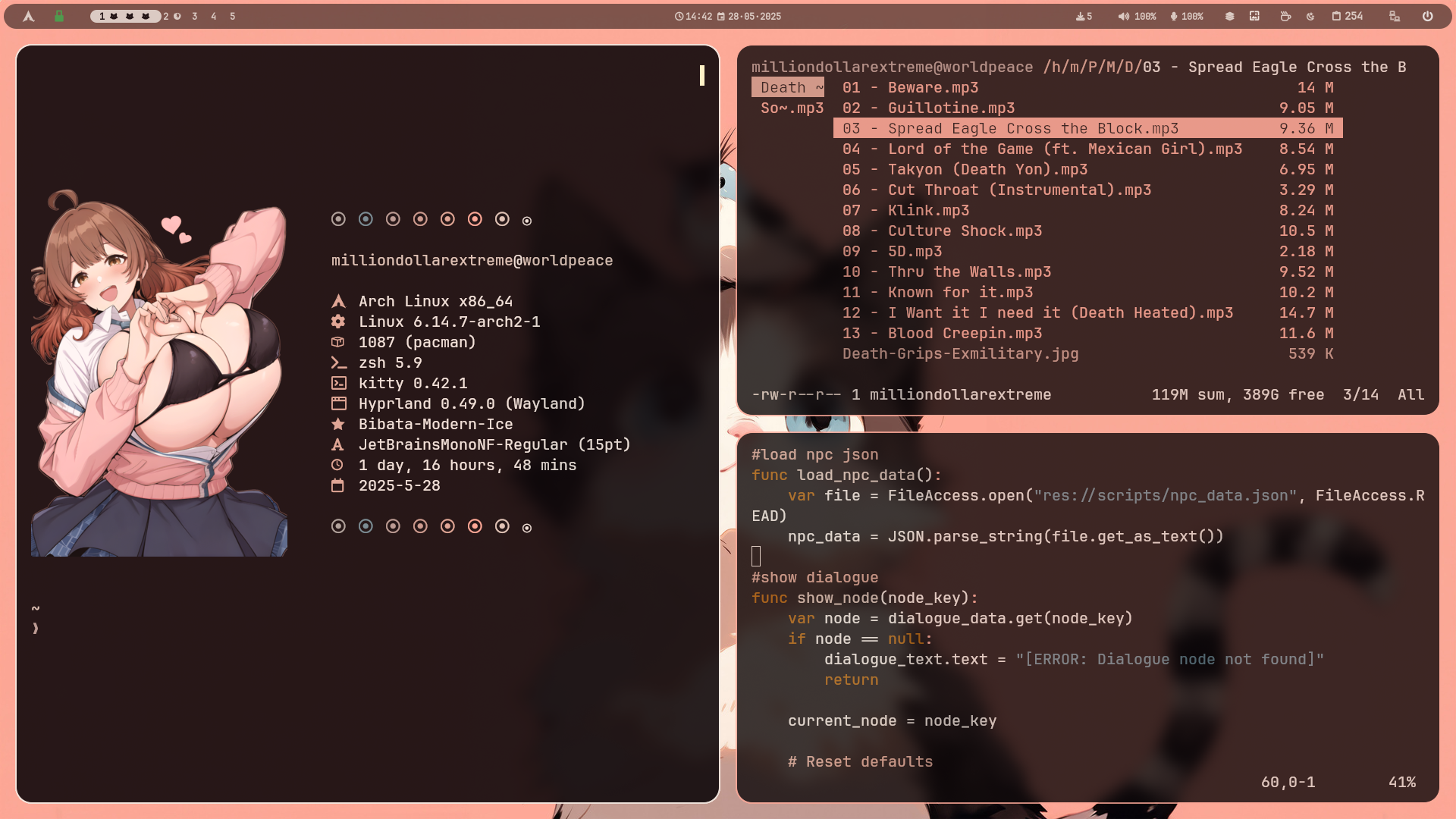
1.1 MB PNG
fresh hyprland install
feels good to have my virginity back
>>
File: Selection_002.png (247.4 KB)
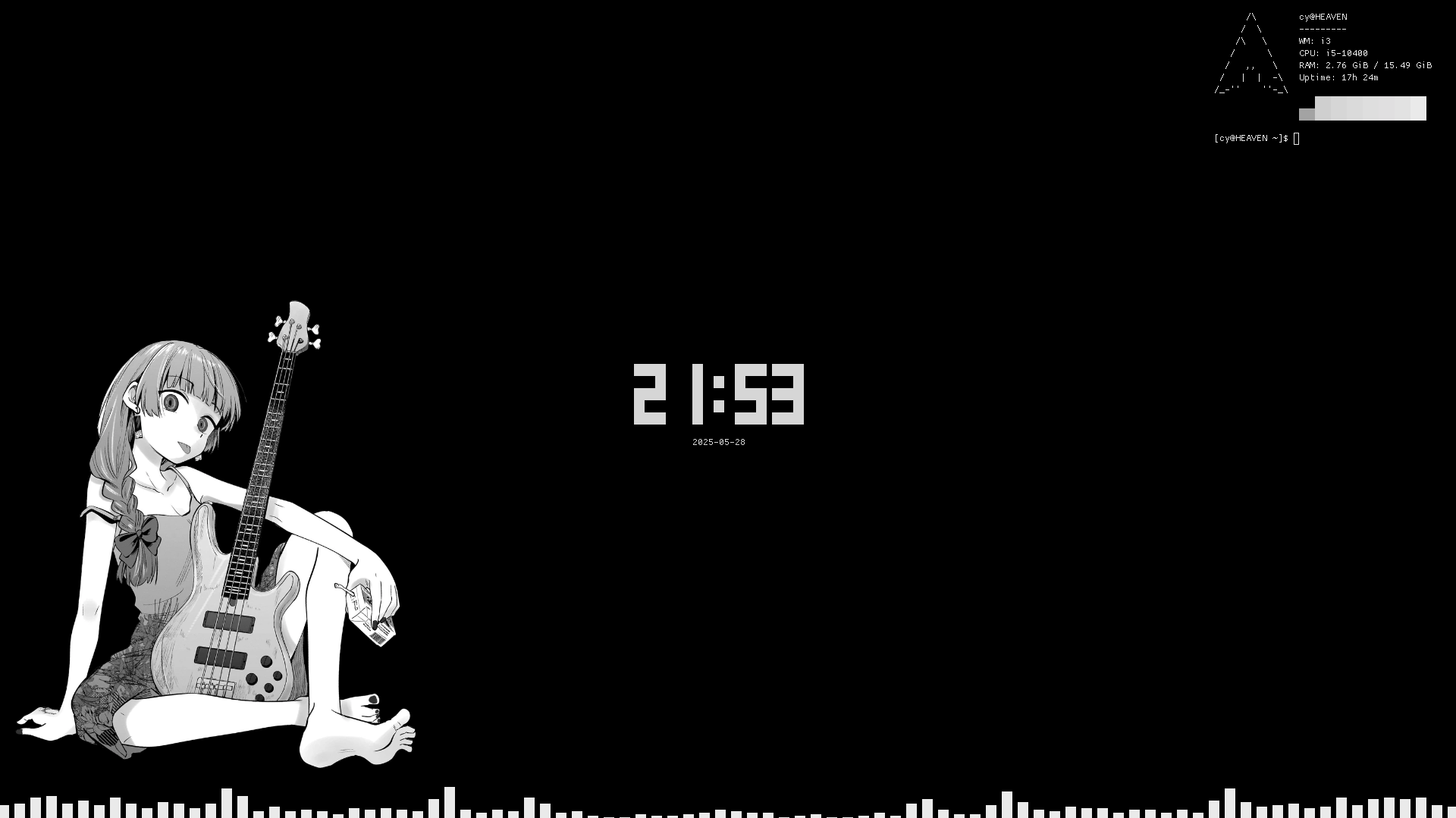
247.4 KB PNG
muh minimalisms (bars are bloat)
>>
>>
>>
>>
>>
>>
File: 2025-05-31_21-03.png (1.2 MB)

1.2 MB PNG
Mine
>>
File: Screenshot_20250604_095904.png (929.6 KB)
929.6 KB PNG
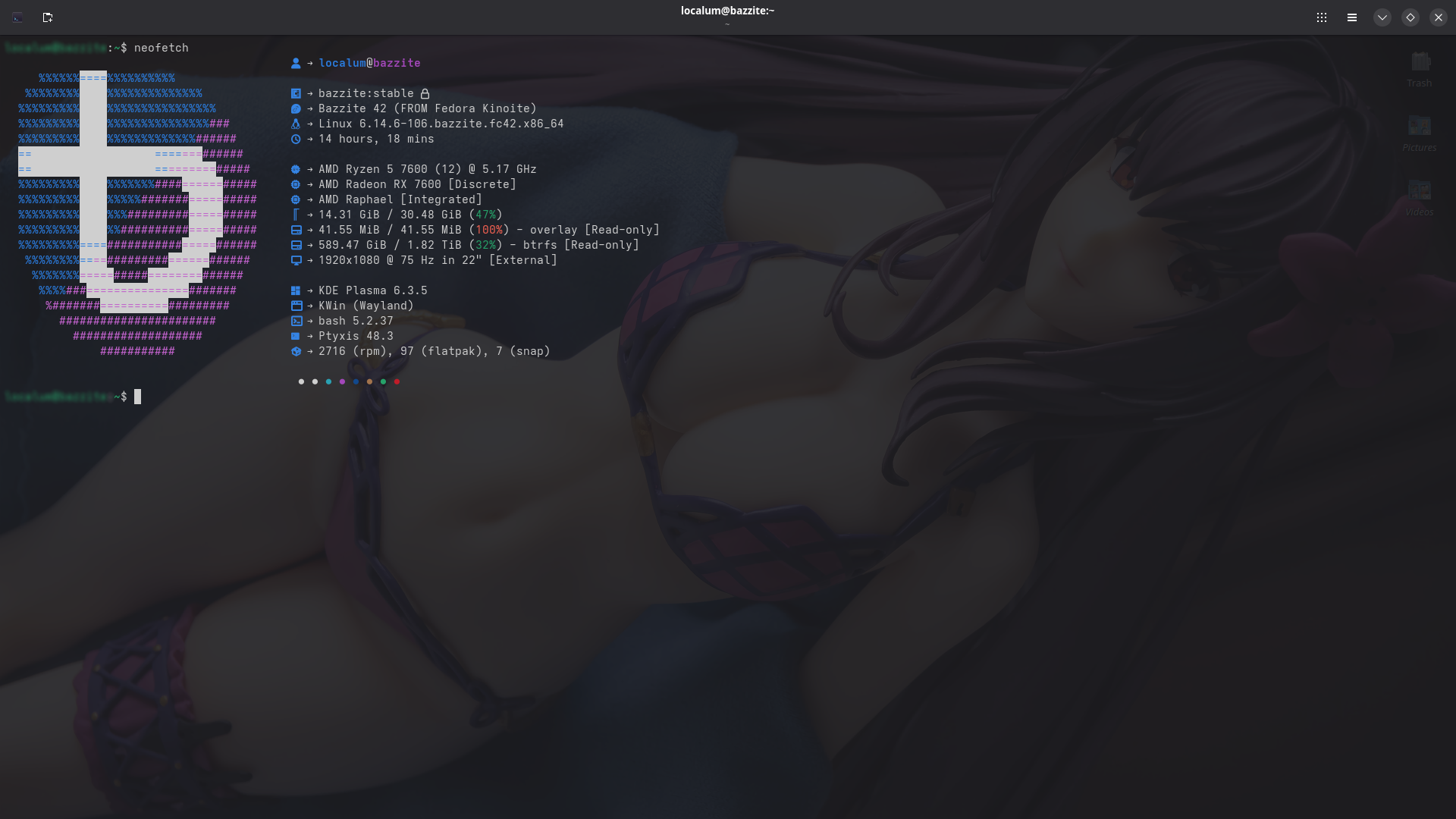
Recently switched to Bazzite from Windows after looking into Linux Distros.
>>
File: Screenshot_3.png (2.8 MB)
2.8 MB PNG
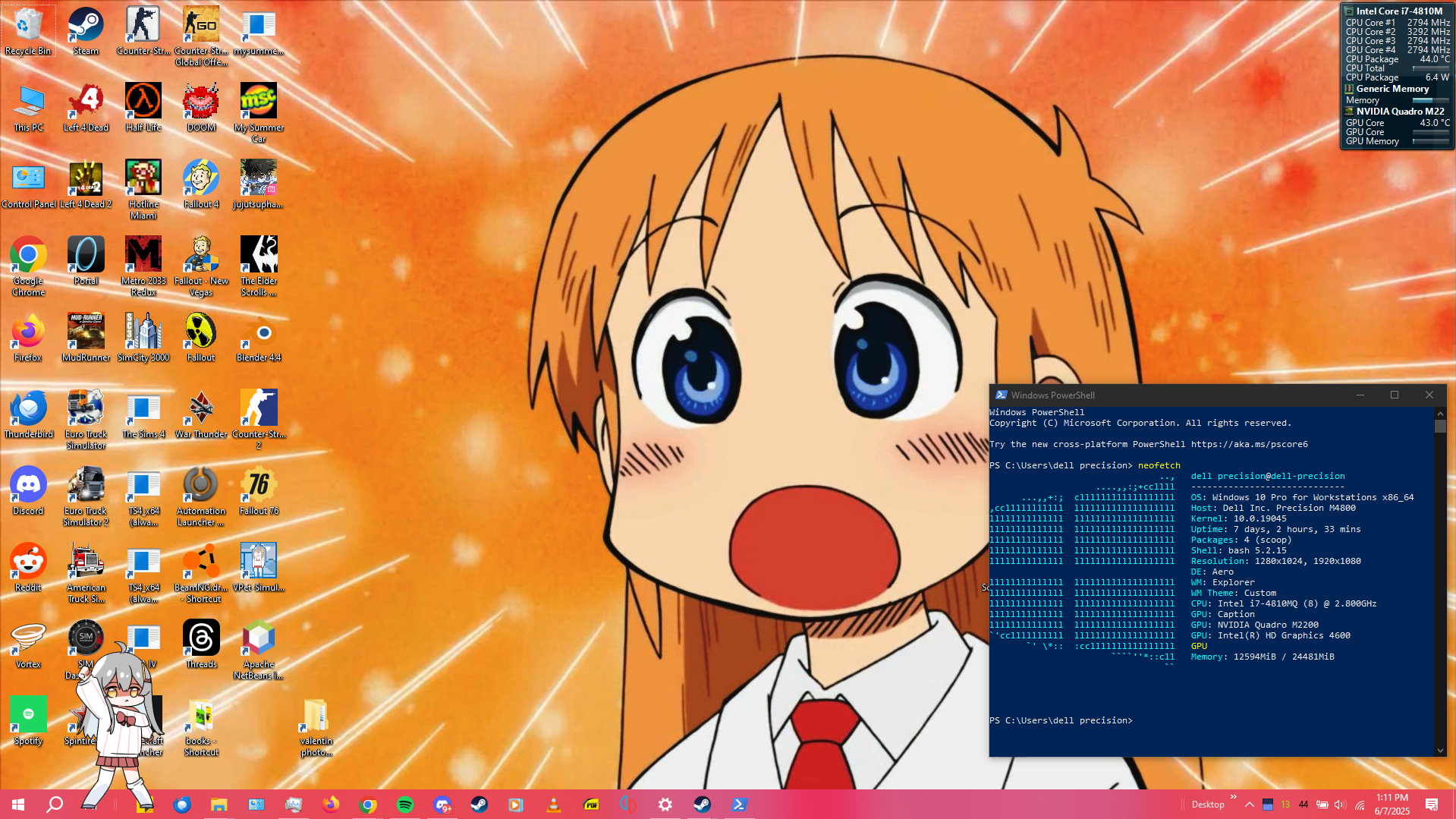
dell my beloved
>>
>>
>>
File: 250520_19h43m27s_screenshot.png (450.2 KB)

450.2 KB PNG
i use arch btw.
>>
File: desktop20250617.png (2.4 MB)
2.4 MB PNG
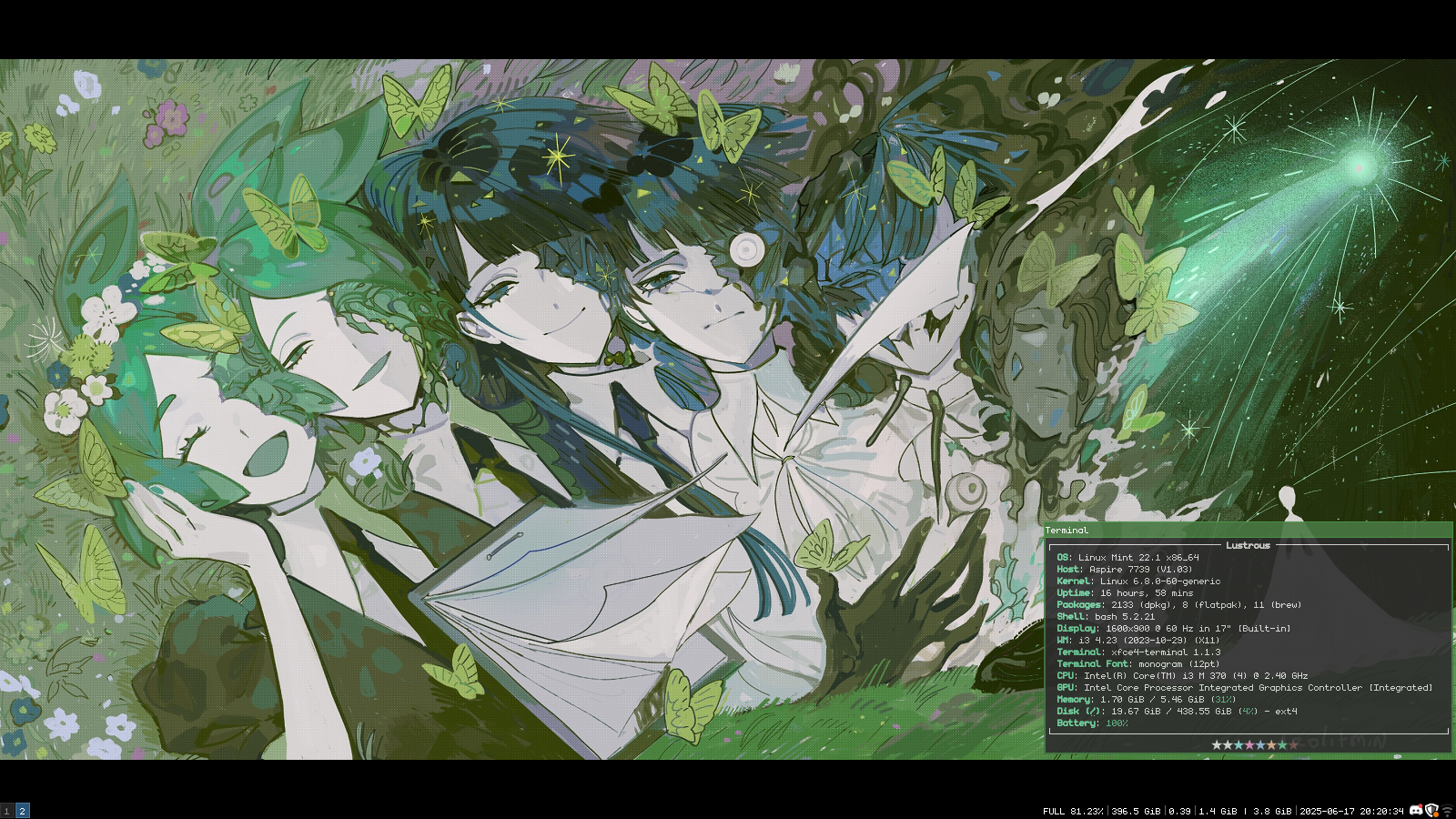
took my nearly 14 year old laptop and installed mint on it for the lols. sadly the monitor is pretty ass and the network card is borderline unusable
>>2264895
how did you do the visualizer at the bottom anon?
>>
File: 2025-06-22-20:32:39-screenshot.png (1.1 MB)

1.1 MB PNG
>>2264390
i use a fork of arch xd
>>
>>
>>
>>
>>
File: july 4 2025.png (4.2 MB)
4.2 MB PNG
>>
File: cutepsycopath.jpg (906 KB)
906 KB JPG
gg
>>
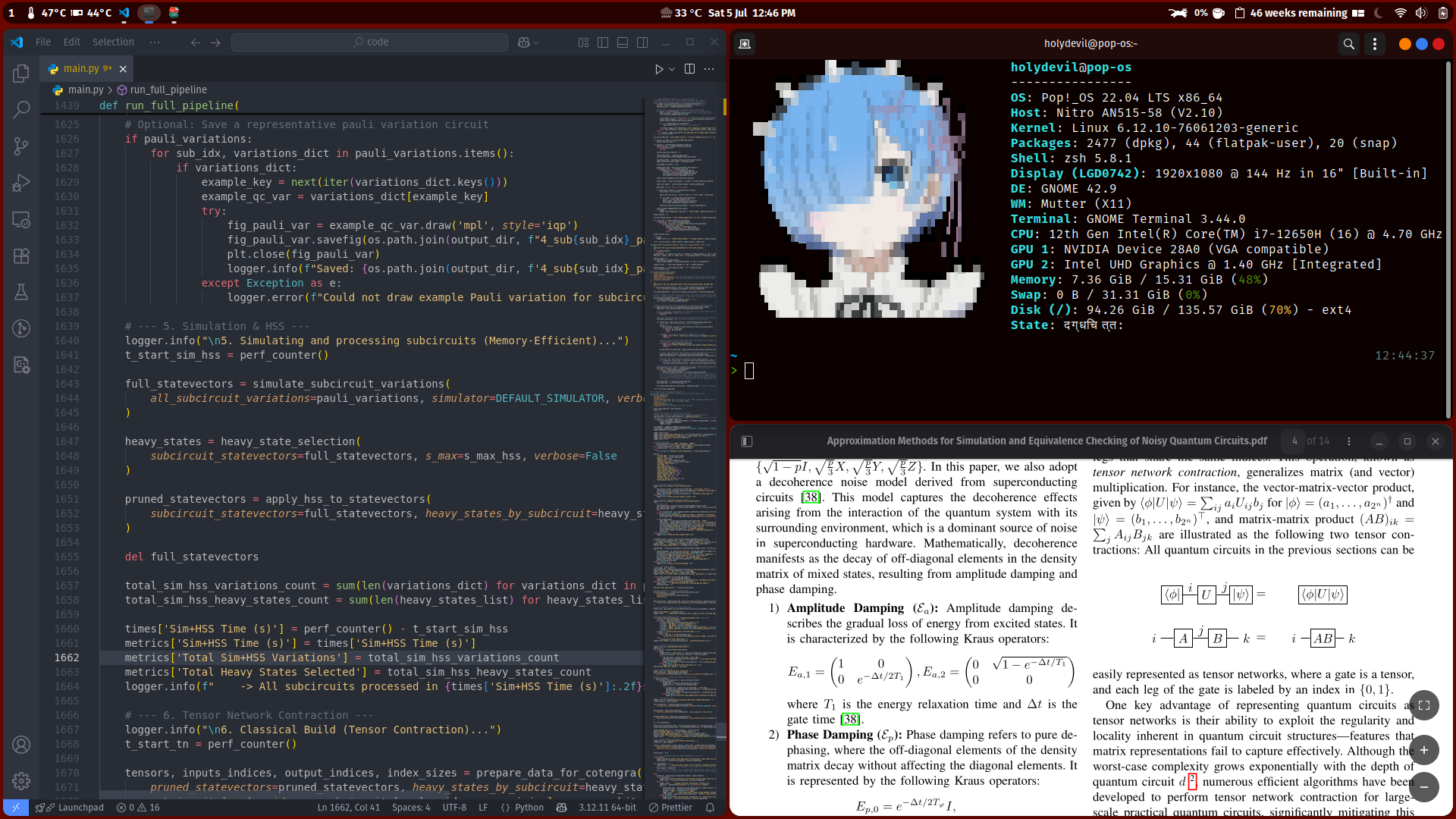
File: Screenshot from 2025-07-05 12-46-53.png (719.5 KB)
719.5 KB PNG
Simple Popppp
>>
>>
>>
>>

>>2265324
i gotcha covered, im not exactly the same person as the person you replied to but i did my reverse image search magic and looked for the highest res i could find 4u
>>
File: Screenshot from 2025-07-06 19-07-13.png (1.1 MB)

1.1 MB PNG
>>2264959
Based Scáthach wallpaper, I salute to you anon as a fellow Scáthach enjoyer.
>>
>>
>>
>>
File: 20250710211232.png (3.9 MB)

3.9 MB PNG
New to Hyprland
>>
>>
>>
File: septette for a dead princess is a good song.png (1.7 MB)

1.7 MB PNG
>>

>>
File: Screenshot 2025-07-14 010658.png (47.5 KB)
47.5 KB PNG
I was recently looking into Linux, specifically Arch but was a bit uncomfortable after watching a few videos and noticing a high percentage of the men in them were transgender. One had a fucking doll of Astolfo beside his monitor.
Why is this?
>>
File: Screenshot from 2025-07-14 15-59-06.png (334.2 KB)

334.2 KB PNG
I love Rem :p
>>
>>
File: 20250809213815.png (986 KB)

986 KB PNG
I got really used to Hyprland to the point where I dont wanna use KDE or XFCE anymore lol
>>
File: Screenshot_20250809_181820.png (1.6 MB)
1.6 MB PNG
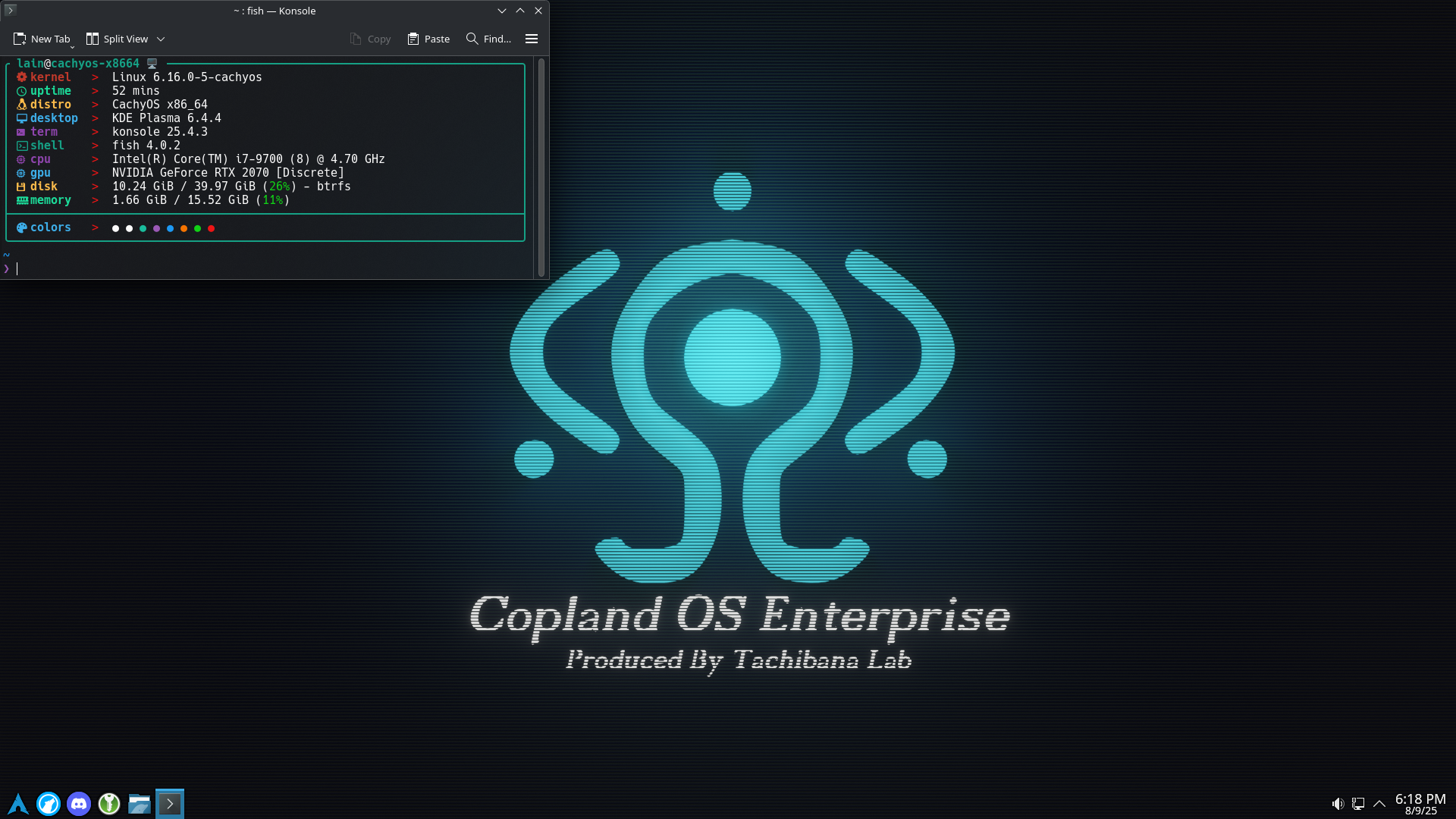
Let's all love Lain
>>
File: my-desk.png (727.4 KB)

727.4 KB PNG
Simple KDE on devuan system
>>
>>
>>2265833
I tested a lot of UI's, and I like using lxqt, XFce or i3 or fluxbox with low specs machines for everyday use.
This combo is a professional keynote and formation's configuration with the goal of showing deciders that a Linux based configuration (debian or devuan) can be very comfy for an office desktop.
Within KDE everything is linked, you have notifications of appointments and mails in taskbar, everything my chiefs can expect (with office skills and internet basic needs).
Also, it's very customizable and it can be relooked at the beginning of the transition in a Windows-like look and progressively changed.
>>
File: Screenshot (1).png (3.1 MB)

3.1 MB PNG
>>
File: 1752740995059686.png (366.4 KB)
366.4 KB PNG
>>
File: Screenshot_20250812_111505.png (5 MB)
5 MB PNG
>>2264417
>>2264426
Holy shit these two are beautiful, saving them for inspiration. What a nice balance of detail and simplicity.
>>2264589
Great icons. Very cohesive style.
>>2264856
Please more details. I suppose it's a linux faux windows 7. What's the DE, WM, etc.?
>>2265428
Beautiful player, thanks for tip. Also cool window styling
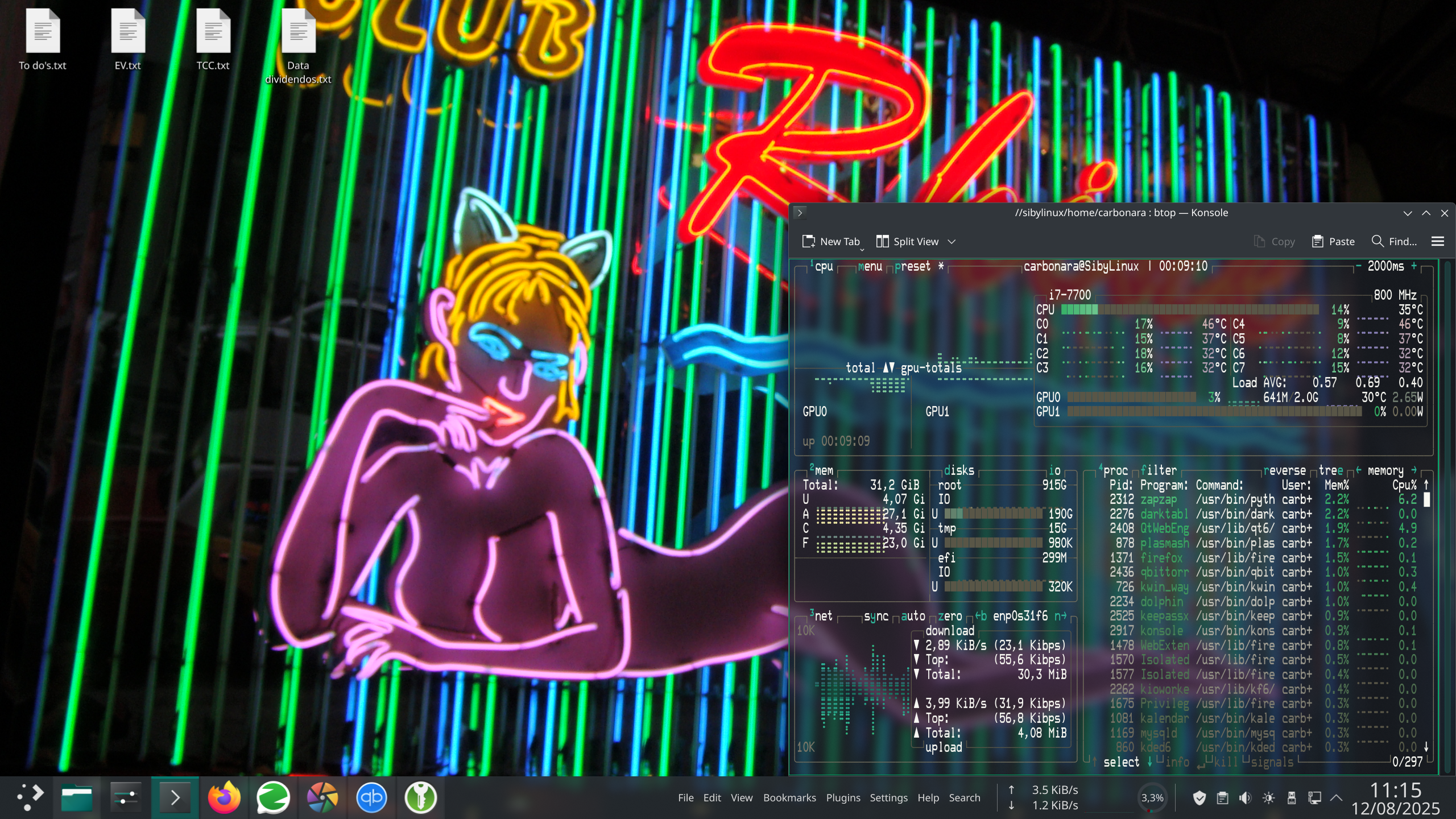
Picrel is my current (kinda bland) setup. Still haven't taken the time to properly customise it
>>
File: Screenshot 2025-08-12 191333.png (1.3 MB)

1.3 MB PNG
>>2264390
>>

>>
File: Screenshot_2025-08-21_14-36-00.png (1020.1 KB)

1020.1 KB PNG
>>2264390
had to move off arch for the time being
>>
File: Знімок_20250821_205825.png (2.4 MB)
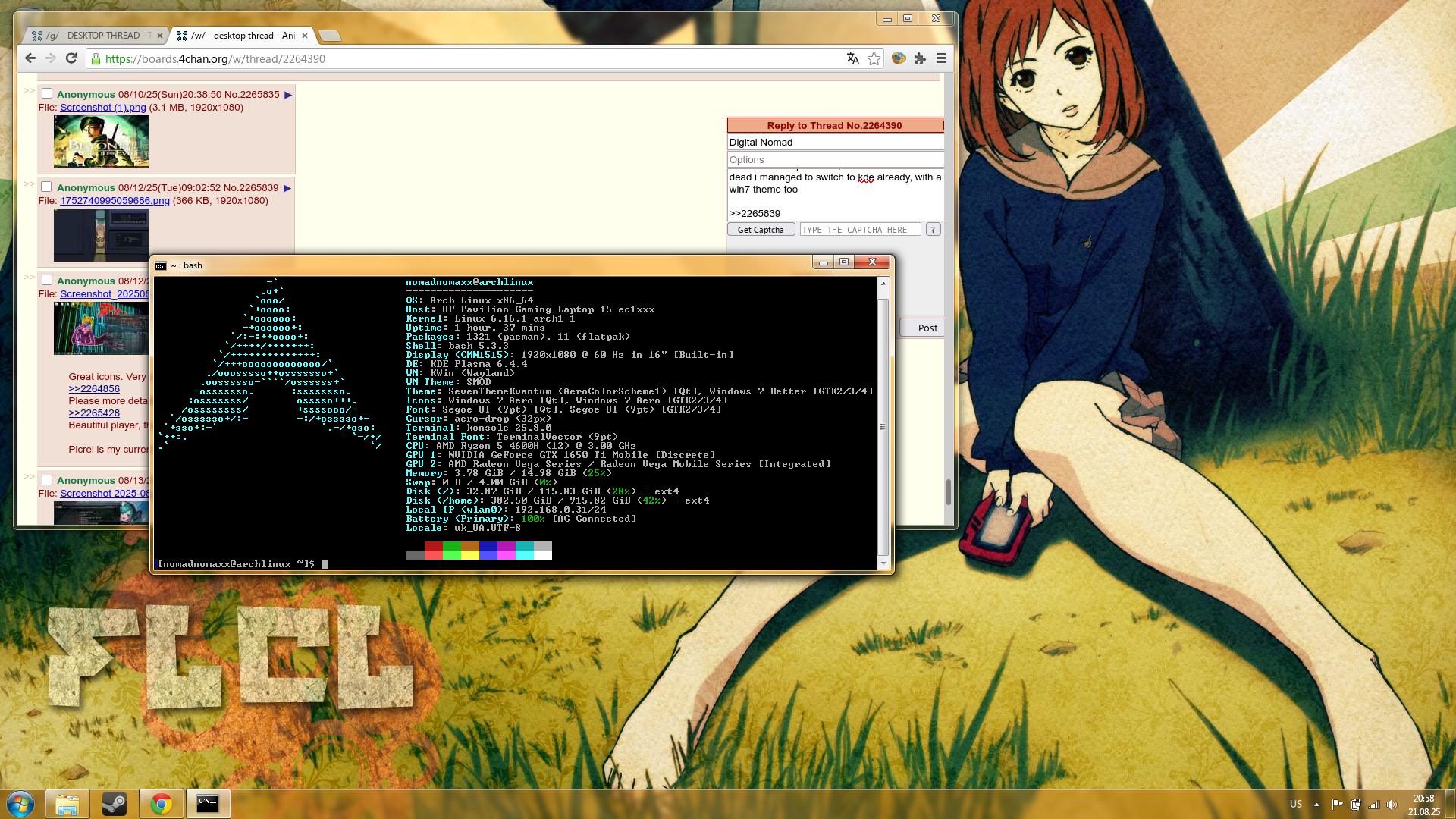
2.4 MB PNG
>>2265312
anon from this post here, how is this thread not dead i managed to switch to kde already, with a win7 theme too
>>2265839
жased wallpaper btw
>>
File: Picture_47.png (259.2 KB)

259.2 KB PNG
>>
Found my mom's ancient laptop in the basement among a pile of old laptops that don't work anymore. So I tried to revive it. Loving Xfce4 so far.
>>2265845
There's something really comfy about this. Maybe it's the relatively small screen size/resolution combined with the colors.
>>2265819
>>2265433
>>2265428
>>2264881
>>2264589 (based Shimeji Simulation bro)
>>2264453
>>2264425
I love these.
Btw, idk what it is but there's something really comfy about 1366x768
>>
>>
>>
>>
File: swappy-20250827-185623.png (2.8 MB)

2.8 MB PNG
>>
File: Screenshot 2025-08-28 211819.jpg (1.7 MB)

1.7 MB JPG
mostly rainmeterstuff
>>
File: εικόνα_2025-08-28_184056404.png (1.9 MB)
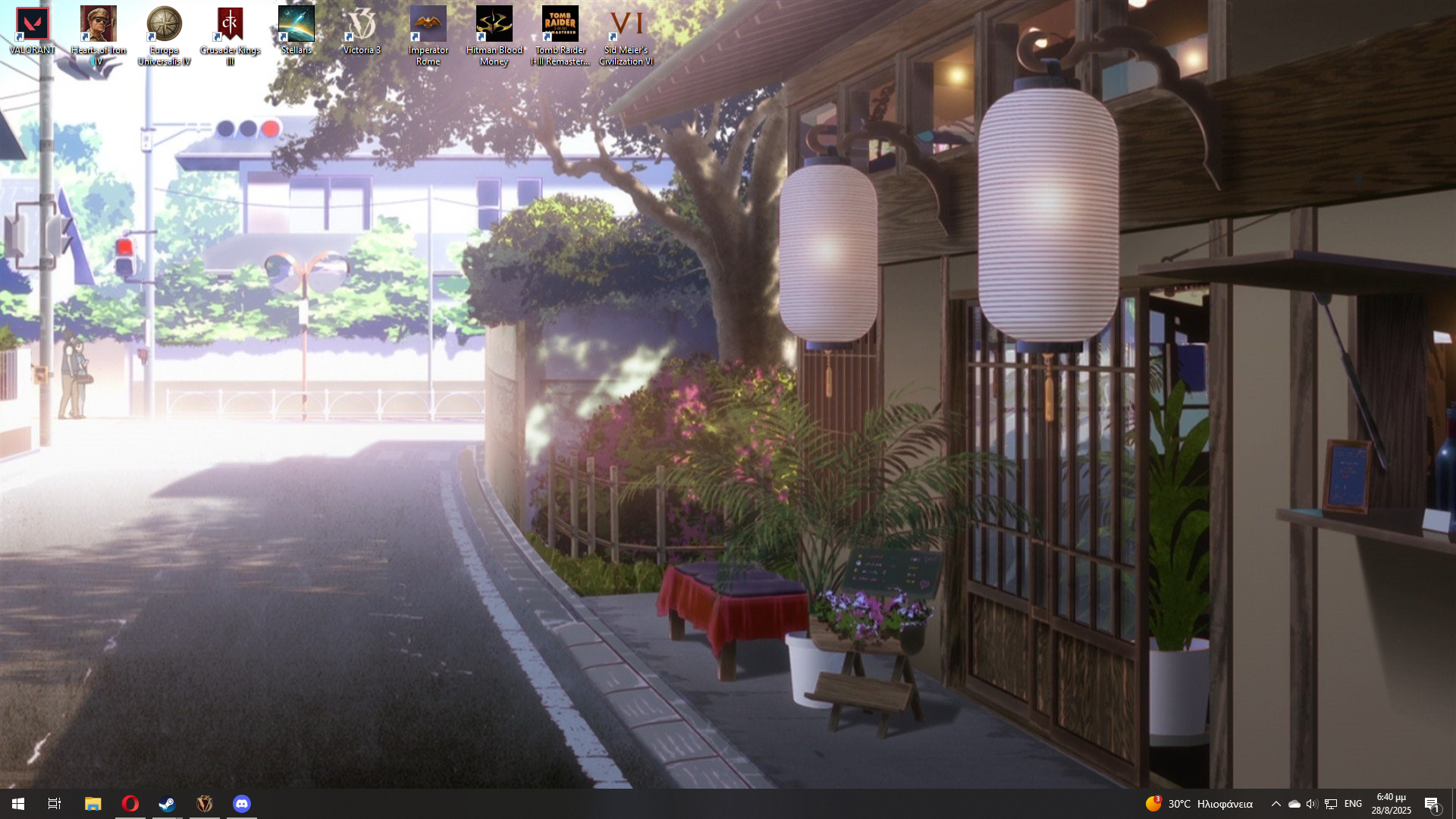
1.9 MB PNG
Rate mine(at work desktop)
>>
File: Captura de pantalla_20250828_214322.png (777.5 KB)

777.5 KB PNG
>>2264390
>>
>>
File: znijneri9u23hf3.png (46.9 KB)

46.9 KB PNG
>>2266186
>ricing windows
>>
>>
>>
>>
File: gscreenshot_2025-09-05-230019.png (3.7 MB)

3.7 MB PNG
where do i find my wallpapers?
>>
>>
>>
>>
File: 1000019734.jpg (282 KB)

282 KB JPG
>>
File: 1000019735.png (2.1 MB)
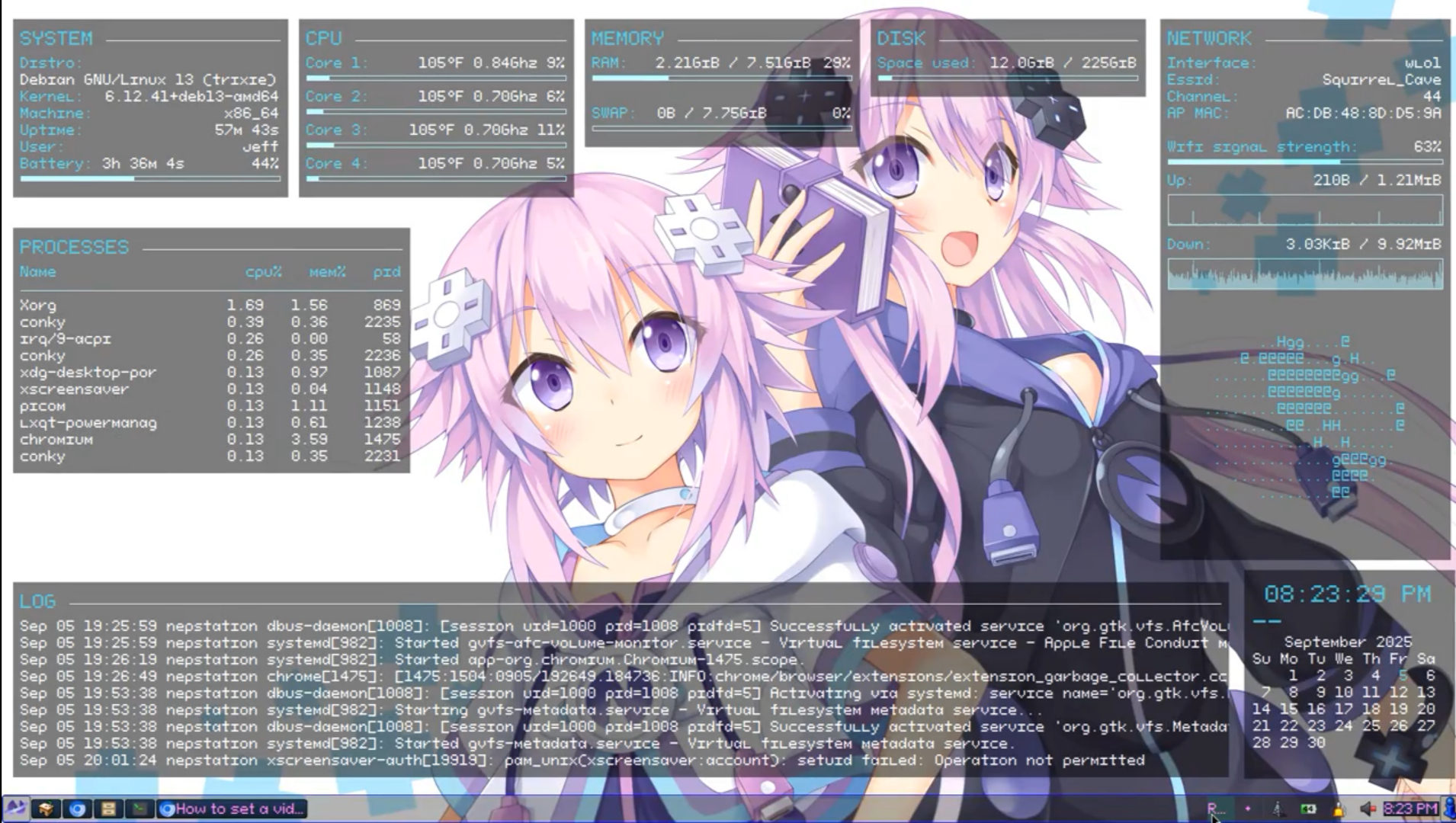
2.1 MB PNG
>>2266307
And the Conky. Here it is running:
>https://streamable.com/hkobjr
>>
>>
File: 250907_12h13m13s_screenshot.png (1.4 MB)
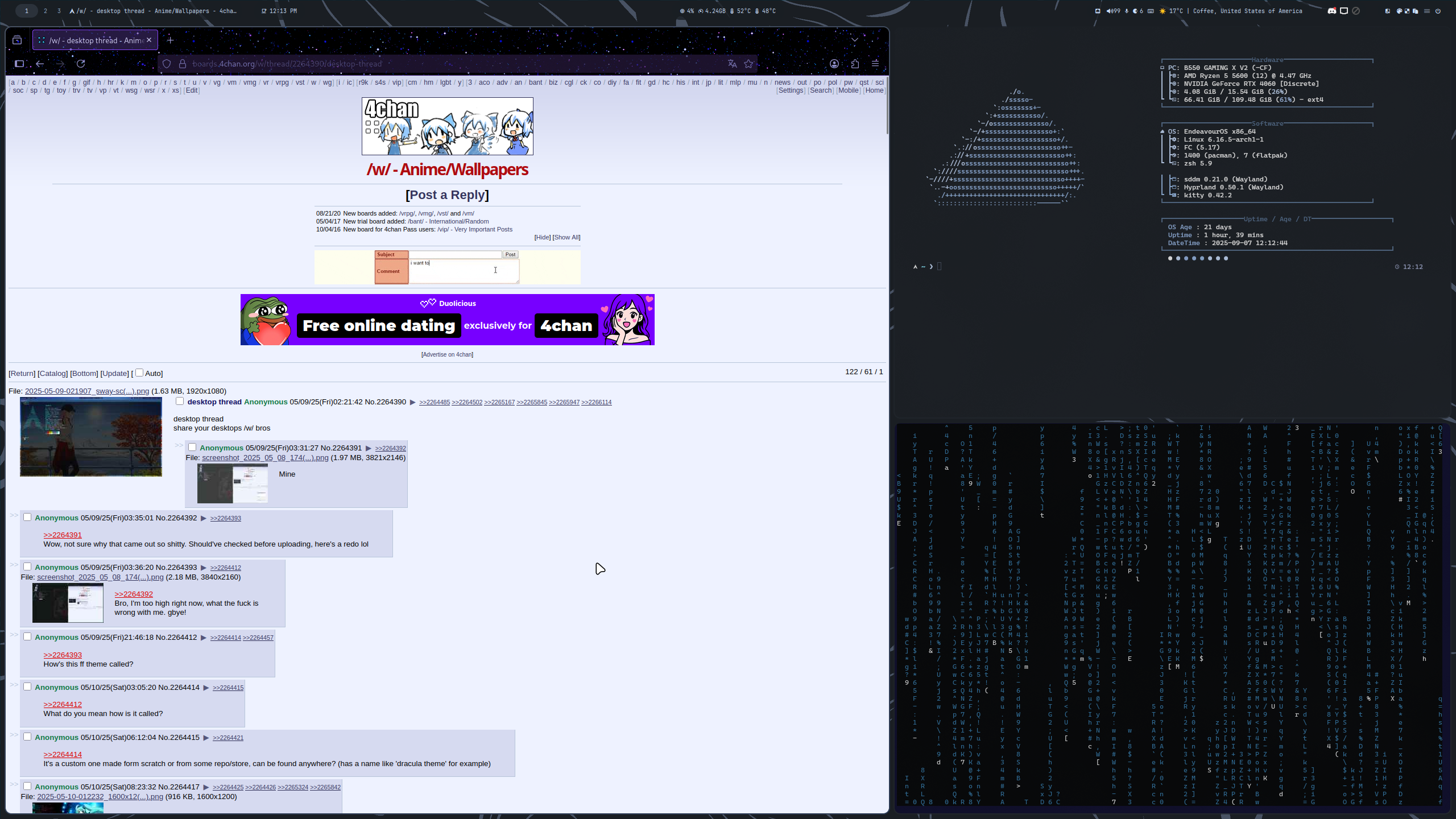
1.4 MB PNG
mine
>>
File: Screenshot_20250211_224735.png (1.4 MB)

1.4 MB PNG
>>2266097
Yo I used to have that pic as my pape as well
>>
>>
File: untitled.png (932.7 KB)
932.7 KB PNG
>>2266192
linuxoid discovers that linux isn't the only thing that can be riced
this is windows 10, old setup i no longer have, i use linux nowadays
>>
>>2266319
changing your taskbar and icons is not rice you dumbfuck zoomer. now show us your customized window management, widgets, terminal etc. oh wait you cant because winblows does not let you do any of that. kys faggot
>>
>>
File: goalpost.jpg (332.9 KB)

332.9 KB JPG
>>2266320
Stop crying, little bro.
>>
File: output.png (1.6 MB)
1.6 MB PNG
>>2266320
bro shut the fuck up
>>
>>
File: Screenshot_20250911_172806.png (724.1 KB)

724.1 KB PNG
Manjaro
>>
File: Screenshot_20250919_032758.png (155.4 KB)
155.4 KB PNG
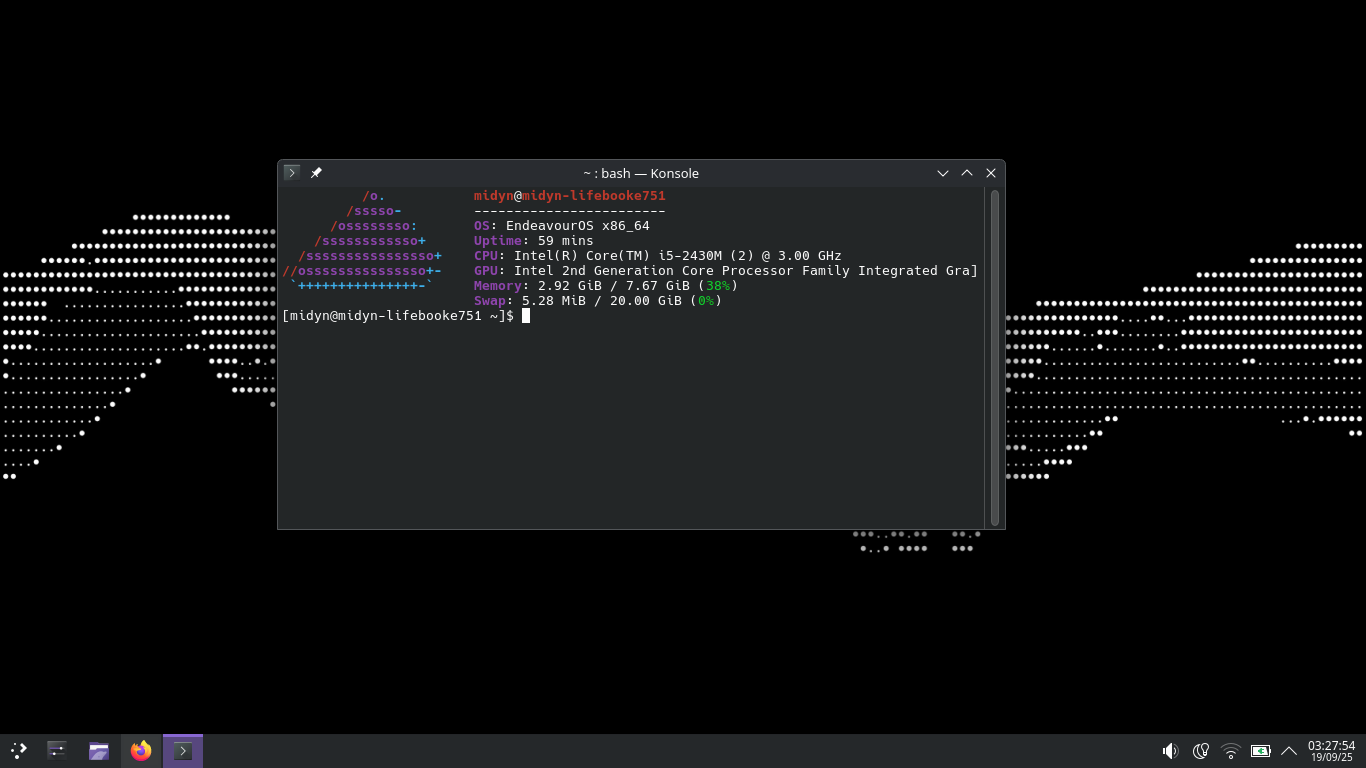
Endeavour
>>
File: 2025-09-19_18-22-10.png (924.4 KB)

924.4 KB PNG
pls no hate im new to this
>>
>>
File: Screenshot_20250924_004211.png (1.1 MB)

1.1 MB PNG
Background is a video and blurs when something is on top
>>
File: image-1.png (1.1 MB)

1.1 MB PNG
cosmic beta is unbelievably good and minimal. the tiling experience rivals dedicated dynamic tiling wm out there. give it a shot if you're a tiling user. for floating experience, it's nothing special, the fact that you can have floating tiling and stacking all in the same DE is pretty cool though.
>>
>>
File: I-love-Shine.jpg (231.4 KB)
231.4 KB JPG
You call it scuff, I call it comic relief
>>
>>2265434
The majority of people that get in to something niche are insecure posers that only get into it because it's niche and not for any real reason. That fits with the transgender mindset if you ask me. 'I'm special and labels used for normal people don't apply for me.'
>>
File: explorer_hG5nZj9RXz.png (1.6 MB)

1.6 MB PNG
>>2265434
If someone being trans and weird is enough to deter you from using something then I doubt you had any reason to use it in the first place desu. People who use a tool shouldn't influence whether or not you use the tool yourself.
>>
>>
>>
>>
>>
File: Screenshot (10).png (715.7 KB)
715.7 KB PNG
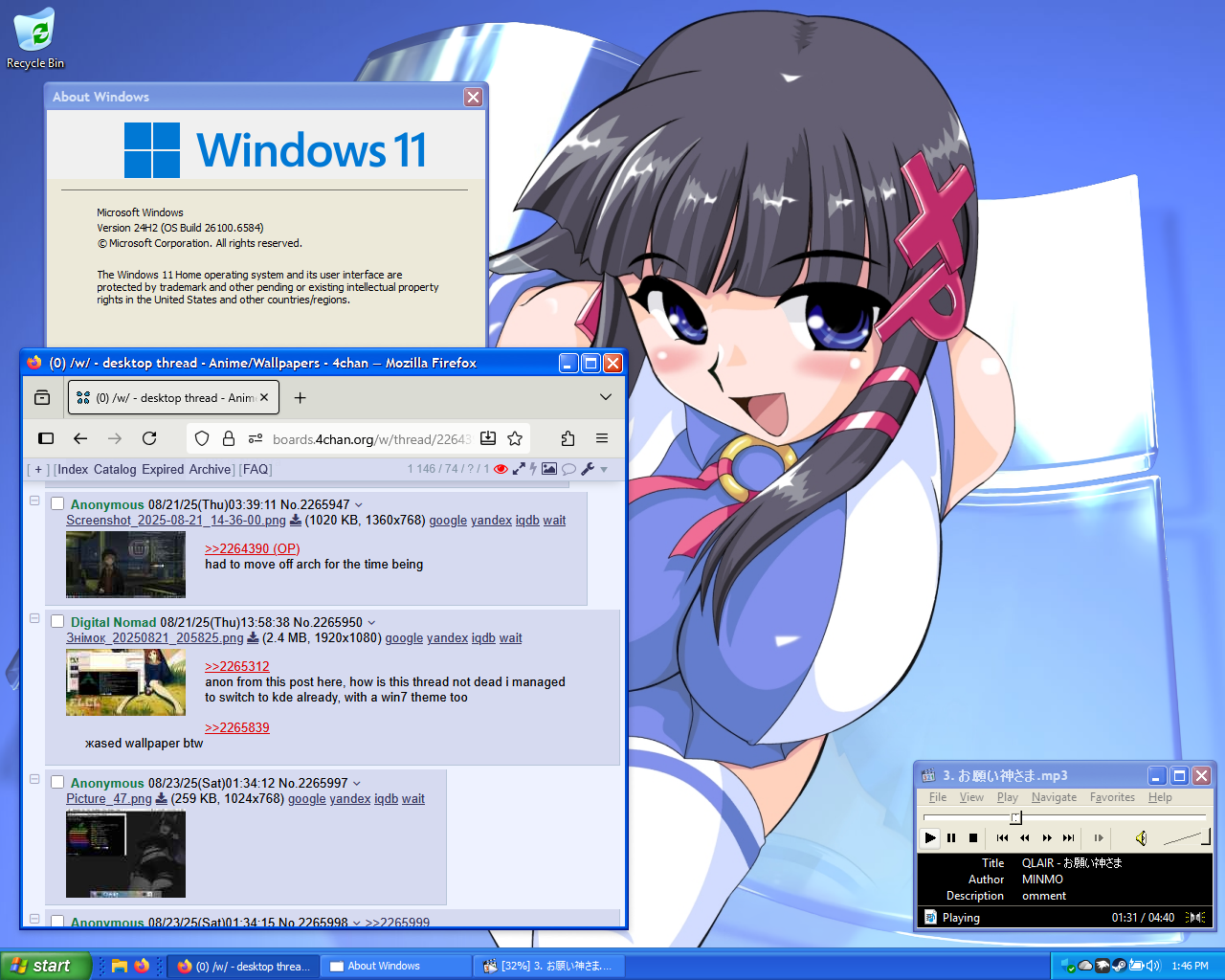
Getting the eXPerience
>>
File: dsk--2025-0923-1424-22.png (652.4 KB)
652.4 KB PNG
>>2264390
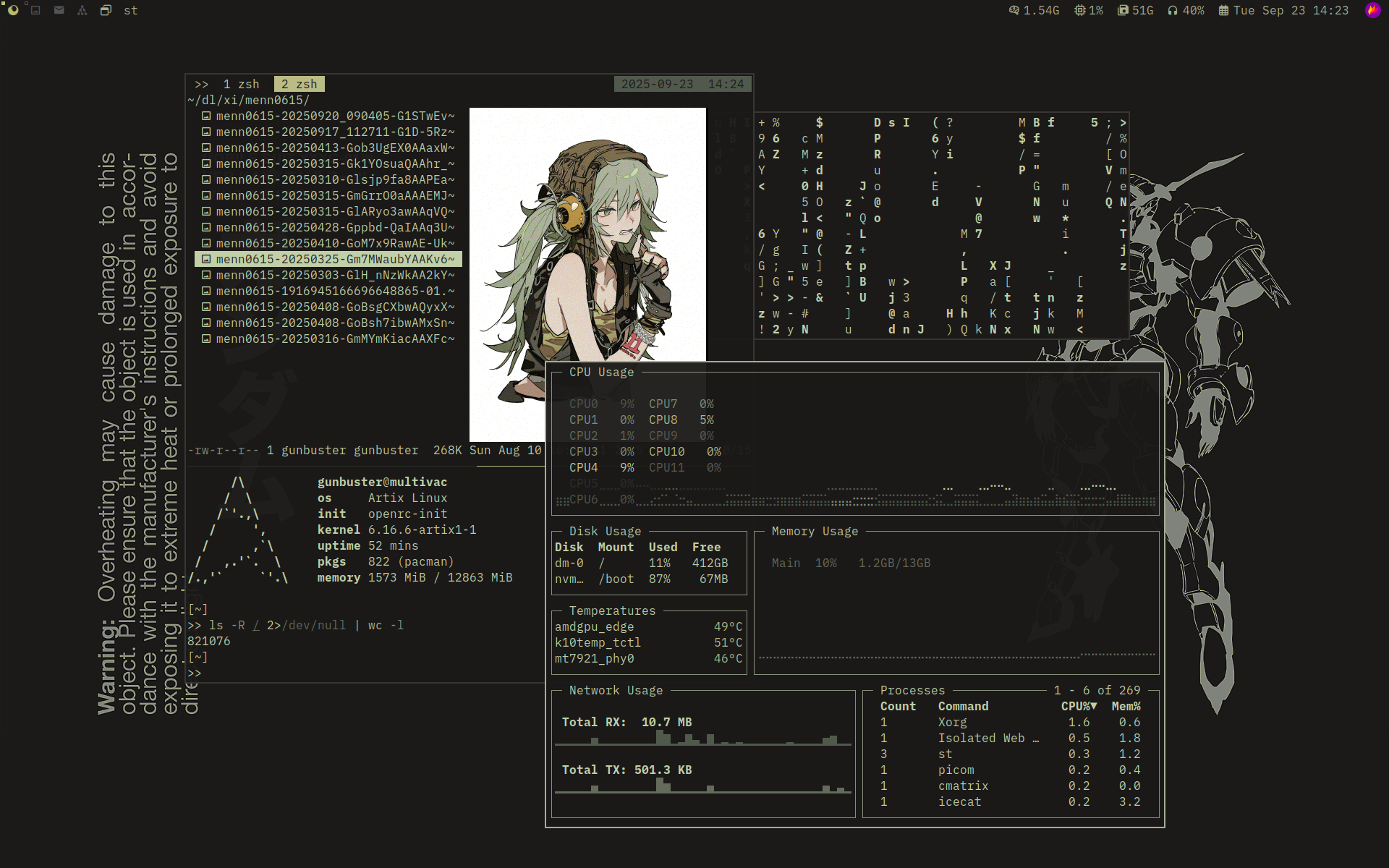
I didn't know there was a desktop thread here as well.
>>
File: 251013-222027.png (2.2 MB)

2.2 MB PNG
>>2266294
i use my own booru viewer
>>
>>
File: b34c242c69b97a113df77668bbaf2910efb852cbb27661b4aab2c1b15a10c97da46b8f2a1557875d67d2dda49ba4979d432351d497b49600b2ec1a840fef3476.jpg (88.3 KB)

88.3 KB JPG
>>2266867
what software do you use to set wallpaper
>>
File: 1b408ded4fe2c1bfe896cc62c1ccf99b.png (1012.8 KB)

1012.8 KB PNG
>>2266877
hsetroot
>>
File: 1760583650097947.png (2.9 MB)

2.9 MB PNG
>>2266307
Hi fellow nep bro.
>>
>>
File: retard.jpg (1.1 MB)

1.1 MB JPG
im so cool i post my wallpaper on chan wow
>>
File: desktop.png (302.7 KB)

302.7 KB PNG
Pastel Pink and Turquoise were my fav colors before they were co-opted.
Thinking of switching over to cachyOS but mint is working fine as I like it. Is KDE Plasma really that much better of a DE?
>>
File: screenshot_2025-10-18_11-33-33.png (2.2 MB)

2.2 MB PNG
KAF!
>>
>>
>>
File: makima-unleashed-ex-3840x2160.jpg (2.3 MB)

2.3 MB JPG
Ofc
>>
>>
File: i-tried.png (965.8 KB)

965.8 KB PNG
I like mine
>>

>>
File: Screenshot 2024-02-21 165636 copy.jpg (1.8 MB)

1.8 MB JPG
>>
>>
File: wallpaper-123.png (2.7 MB)
2.7 MB PNG
>>2266946
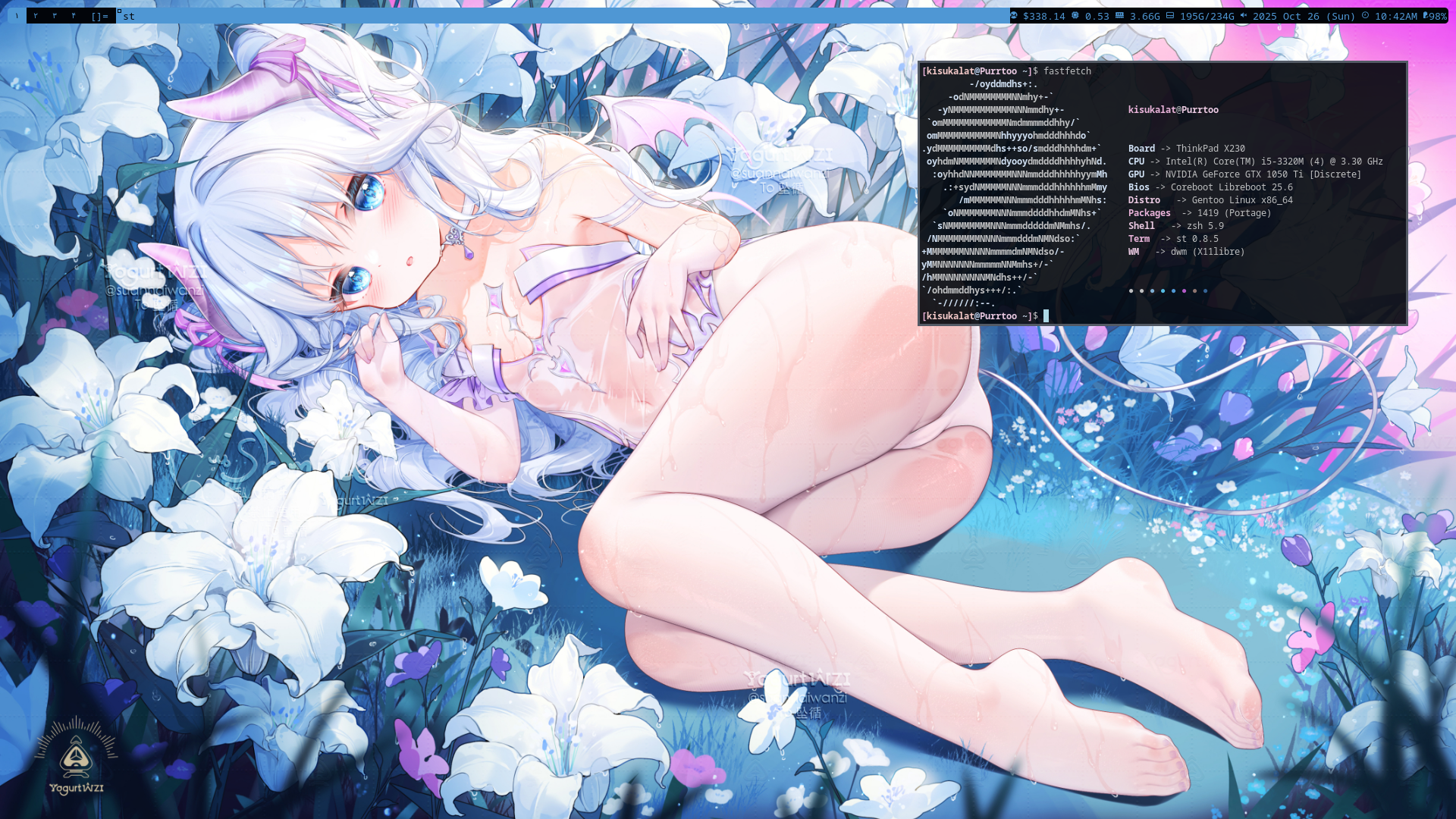
Fellow gentoo user, but why use systemd ?
>>
File: Screenshot_20251029_002436.png (1.4 MB)
1.4 MB PNG
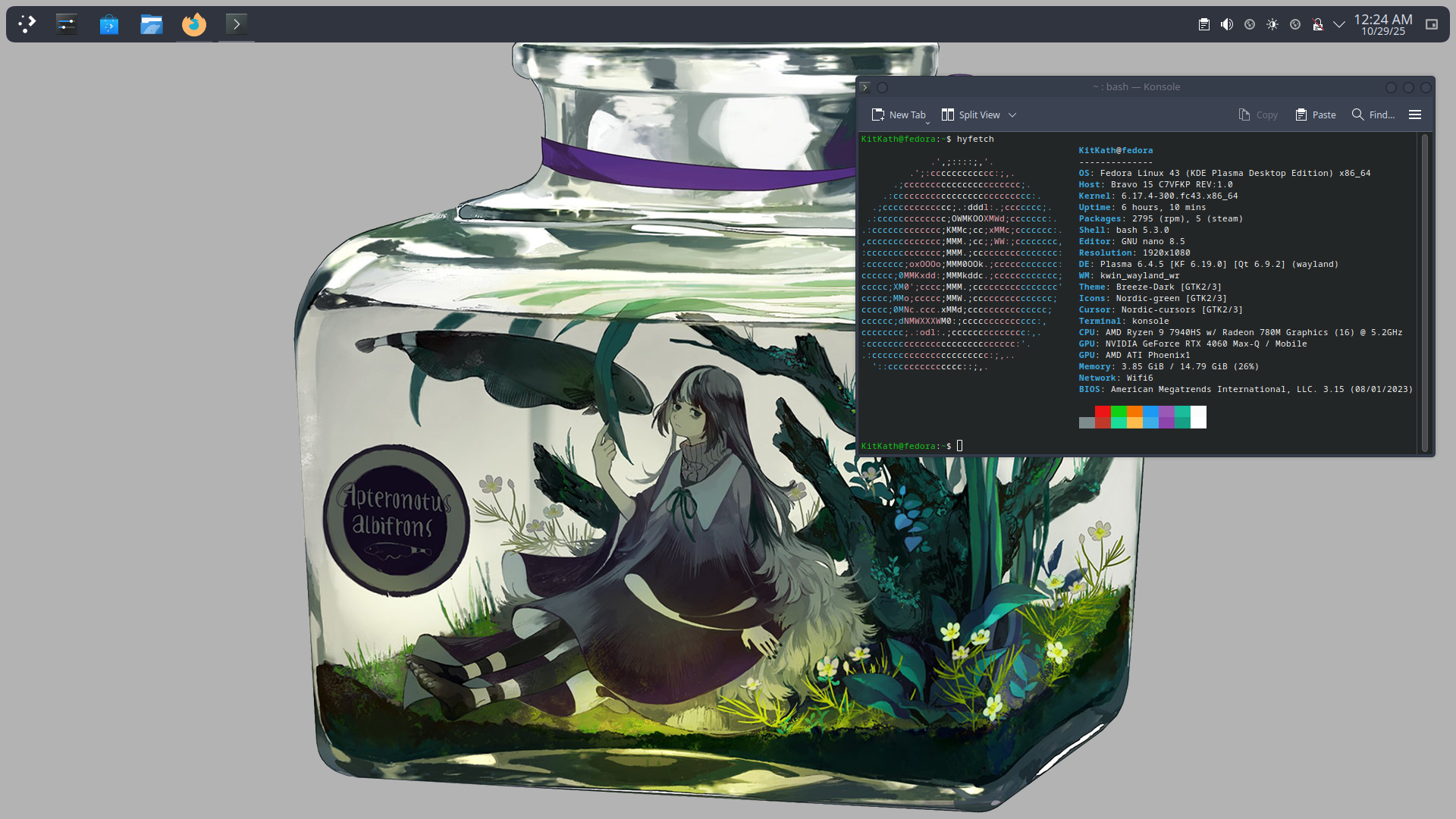
something light, just moved to fedora
>>
>>
File: Screenshot_20251030_095708.png (4.2 MB)

4.2 MB PNG
Just a basic plasma setup, I think I need to step up my game looking at you guys' awesome rice lmao. But yeah, plasma is good as is.
>>
>>

>>

>>
>>

>>
>>
>>
File: Screenshot_2025-11-14_19-09-50.png (695.6 KB)
695.6 KB PNG
>>
File: pngout.png (4.8 MB)

4.8 MB PNG
>>
>>
File: screenshot_05122025_060036.jpg (2.7 MB)

2.7 MB JPG
I am a simple man.
I enjoy Miku and tiling window managers that are a bitch and a half to setup.
>>
File: Screenshot_20251205_155440.png (865.6 KB)

865.6 KB PNG
>>2264390
KDE
Catppuccin coloring
>>
>>
>>
>>
>>
File: Escritorio Gobierno 8 Diciembre.png (2.2 MB)

2.2 MB PNG
>>2264390
>>2264390
Holy do I have a cool desktop
I've been thinking on changing my daily driver to devuan, but I don't know how hard it might be to set up
Any anons here have experience with it?
>>
>>2267544
I had used Debian for a long time before switching to Devuan, in my experience unless you use software that really relies on System D you won't there won't be any drawbacks. The install process is the same as Debian (netinstall is what I use) except for the part where you choose which init you want to use.
>>
File: Lain En Osciloscopio.jpg (341.7 KB)

341.7 KB JPG
>>2267545
I'll probably give it a try later on
thanks for taking the time to answer anon
>>
>>
>>
>>
>>
>>
>>
>>
File: Lain Dibujo Muy Bonito.jpg (184 KB)

184 KB JPG
>>2267553
sure anon
The theme im using for window decoration and for the taskbar is this
https://github.com/originalseed/darkcold
I'm using mate, aaand the font is terminus
>>2267547
Thanks! I usually like to have very galactic desktops. dey help me whenever i need to get creative
>>
>>
>>
>>
>>
File: 36ccca38a79c94c83bf7f574312fa80c9810ec4d.jpg (828.7 KB)
828.7 KB JPG
>>2267701
>>
>>
>>
File: img-2026-01-30 16.02.12.png (897.3 KB)

897.3 KB PNG
Yeah
>>2268120
Idk, I've been using GNOME a lot when I wanted a fully functional DE out of the box. Trying out KDE right now, I don't see that much of a substantial difference. GNOME might be a bit more resource intensive though. Most default settings like keyboard shortcuts are different, but that's something you can change later, it comes down to tweaking and personal settings. So idk, the pop_shell plugin for GNOME might be a point of interest for you if you want a "hybrid" GUI with the ability to switch between tiling and floating windows.
>>

>>
File: larprice.png (864.6 KB)
864.6 KB PNG
W larps
>>
>>
>>
File: Screenshot_2026-02-03_12-20-12.png (1.3 MB)

1.3 MB PNG
current void desktop, nothing too complex
>>
>>
>>
>>
File: __phosphophyllite_houseki_no_kuni_drawn_by_azolitmin__8eae5b5513a3ee8f6ebe1782b7d108c2.jpg (2.1 MB)

2.1 MB JPG
>>2268201
here's the original pic anon
https://x.com/azolitmin/status/1934117540768432228
>>
>>2268208
The browser is Icecat but any Firefox based browser will work.
>extensions
4chan X and OneeChan for 4chan and I used Firefox Color to change the colors for the rest of the browser. For the older style tabs you have to change "toolkit.legacyUserProfileCustomizations.stylesheets" to "true" in about:config and edit your userChrome.css file, here's a pastebin for mine, for you to look at https://pastebin.com/FYDjsm0N. In case you don't have userChrome.css file, you can make one, just put it in "/home/USER/.mozilla/firefox/WHATEV ER.default/chrome". If you don't have the chrome directory, make that as well.