Thread #8129541 | Image & Video Expansion | Click to Play

IMT #787 - THIS IS THE OFFICIAL IMAGE MODIFICATION THREAD Anonymous 01/31/26(Sat)03:29:34 No.8129541 [Reply]▶
File: 1765650251272389.jpg (5.6 MB)

5.6 MB JPG
Welcome to the official IMT! We are here to help.
All wallpaper, and most image, modification requests are welcome, but within reason, as this is not >>>/b/, >>>/r/ or >>>/w/imt.
> Requestor
• ALWAYS REVERSE IMAGE SEARCH before you ask us for help. See the /wg/ sticky.
• EXPLAIN YOUR REQUEST IN DETAIL. Details help us get you the image that you want.
• STATE SPECIFIC DESIRED IMAGE SIZE, (ex., 1920 x 1080). "Bigger," "higher," "fit my phone," and the like, are NOT sizes.
• KNOW YOUR SCREEN RESOLUTION before you ask for help. Google/Bing/DDG Phone model + "resolution".
• UPLOAD AND LINK to an image hosting site, such as https://catbox.moe/, if your image is too small to post. DO NOT add white space OR stretch/shrink your picture. Imgur is known to compress images, compromising quality.
> All
• DO NOT post images unless they need to be modified or are the answer to a request.
• BE POLITE. Try to use proper spelling and grammar.
• CORRECT word choice (ex.: transparency/cut-out/render) is not as important as DETAILS in a request.
• DO NOT harass people. HELP when they ask for an edit or let others deal with the request.
> Any questions?
• Just ask, you're bound to get at least one answer.
• Tools we use Photoshop, GIMP, Paint.NET, PIXLR, MSpaint, and luck...
> 4chan Image/Thread Limitations
• Images SMALLER than 480x600 pixels DO NOT post. (1000x599 or 479x1000 will NOT work)
• Images LARGER than 6MB will NOT post.
• Supported file types are: GIF, JPG, PNG, WEBM
• Maximum file size allowed is 6 MB
• Thread Post Bump Limit - 300 +OP
• AI generated pictures are usually ignored or made fun of.
• We recommend NOT posting NSFW images. /wg/ has always been SFW (ignoring the default Yotsuba theme). Moderators have started ENFORCING this rule.
Previous thread: >>8121662
30 RepliesView Thread
 Showing all 30 replies.
>>
>>
File: 58c3410c9dbf8f7821af2c468b0cba07.jpg (335.6 KB)
335.6 KB JPG
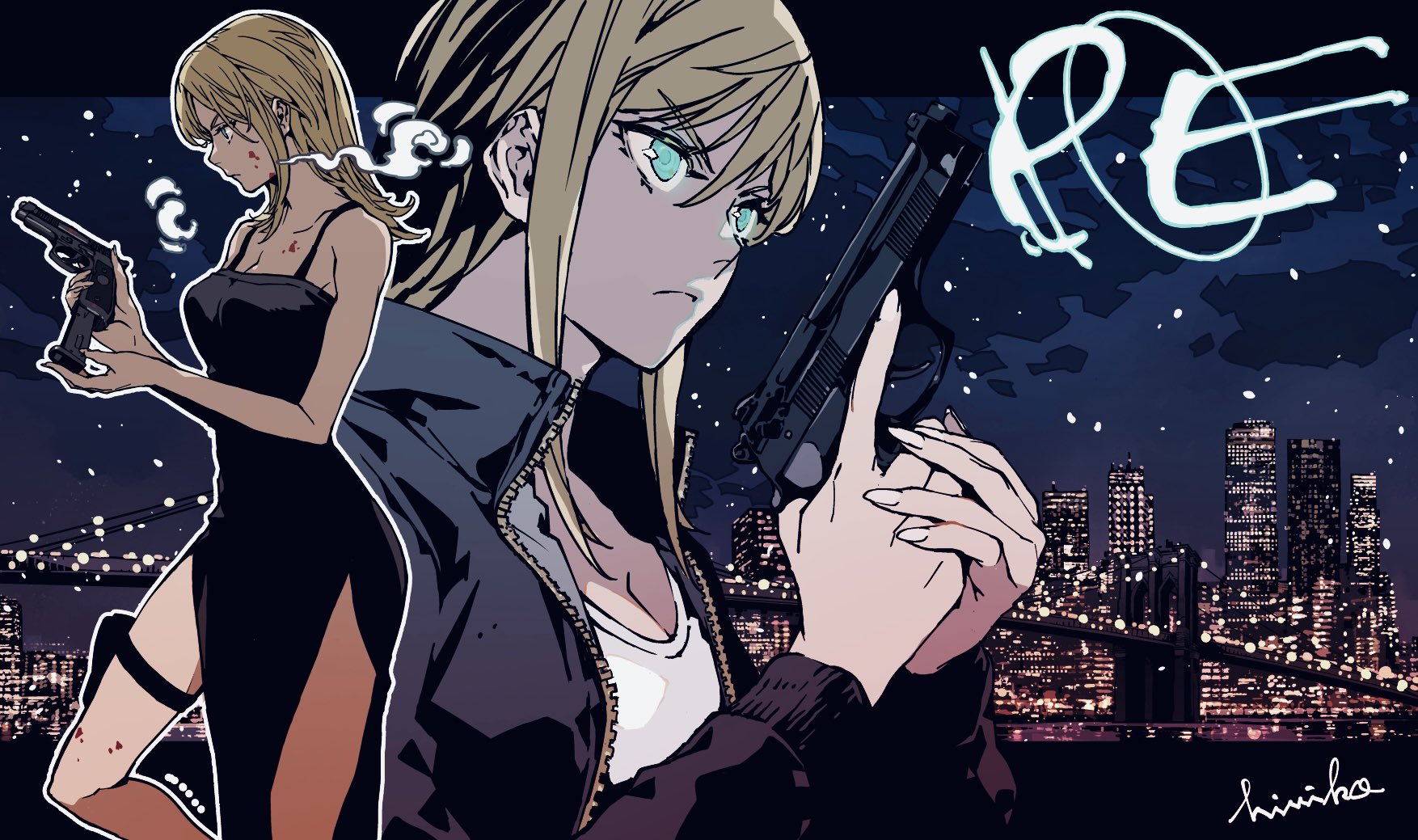
Hi. Could someone please remove the PE logo and the signature? Thanks a lot
>>
>>
>>
>>
Where do you guys learn how to do this shit, like how to remove watermarks or text from images or how to resize shit without fucking the aspect ratio? I've also seen some people take smaller images and expand them to a higher resolution without stretching them somehow.
>>
>>8129600
Most people here are self taught amateurs. Some people are bored people who work with digital art or have some level of formal training. I count myself on the first group. I just learned some basics on YouTube and then expanded as needed. I take on some simple edits when I don’t have anything more to do while listening to music or podcasts.
>>
File: Verdict.png (1.5 MB)

1.5 MB PNG
Hi, can someone remove the whole dish but leave the platter? Thanks.
>>
File: 1769895697357056.png (1.2 MB)

1.2 MB PNG
>>8129609
>>
>>
File: IMG_20260201_125255.jpg (889.8 KB)

889.8 KB JPG
Hello, I'm requesting a bit of aid.
For a few days I've been editing a Warhammer Fantasy map, based on the image from this book (pg.4):
>https://litter.catbox.moe/49mp4f.pdf
Other resources that I used (either as reference or other):
>https://www.abebooks.com/Albion-Map-island-world-Warhammer-Games/3184 3173043/bd#&gid=undefined&pid=1
>https://litter.catbox.moe/sz94ac.pdf
In spite of best efforts, using a multitude of tools suxh as Topaz AI upscale and Microsoft's 3DPaint, it still feels to me like it could have been done better.
In short, can anyone lend me a hand in improving the map in any way possible (whether to make the to part of the map seamless, make the landmarks and words less blurry, et al.)?
Thank you.
The higher-res version of picrel:
>https://litter.catbox.moe/27g356v6kugj4lsx.png
>>
>>
File: 1745916025603762.png (1.2 MB)

1.2 MB PNG
>>8129574
here it is with transparent bg if you want to change the color https://files.catbox.moe/01mzia.png
>>
File: 1754497150804447.png (1.1 MB)

1.1 MB PNG
>>8129600
>remove watermarks or text from images
usually most image software have some "clone" tool that is very useful for that
>resize shit without fucking the aspect ratio
instead of resizing the image itself, try to adjust the full size in the resolution you want, picrel is a just an example. obviously you'll lose some of the image, it depends if that's ok with you
>>
File: 1742224774815387.png (838.3 KB)

838.3 KB PNG
>>8129791
just to clarify: I didn't mean that you should always fit the width of the image, you can of course "zoom" in or out as you like.
>>
>>
File: 775119507_73bb45d3c3_o.jpg (131.6 KB)
131.6 KB JPG
>>8129797
>>
>>
>>8129793
>>8129791
What about expanding smaller images into larger ones? I've seen people here do that before and I was under the impression that besides shit like using AI to upscale it that was not possible.
>usually most image software have some "clone" tool that is very useful for that
I mean yea you can clone stamp stuff but often the watermark is on top of some part of the background that isn't replicated elsewhere in the image.
>>
>>
>>
>>8129813
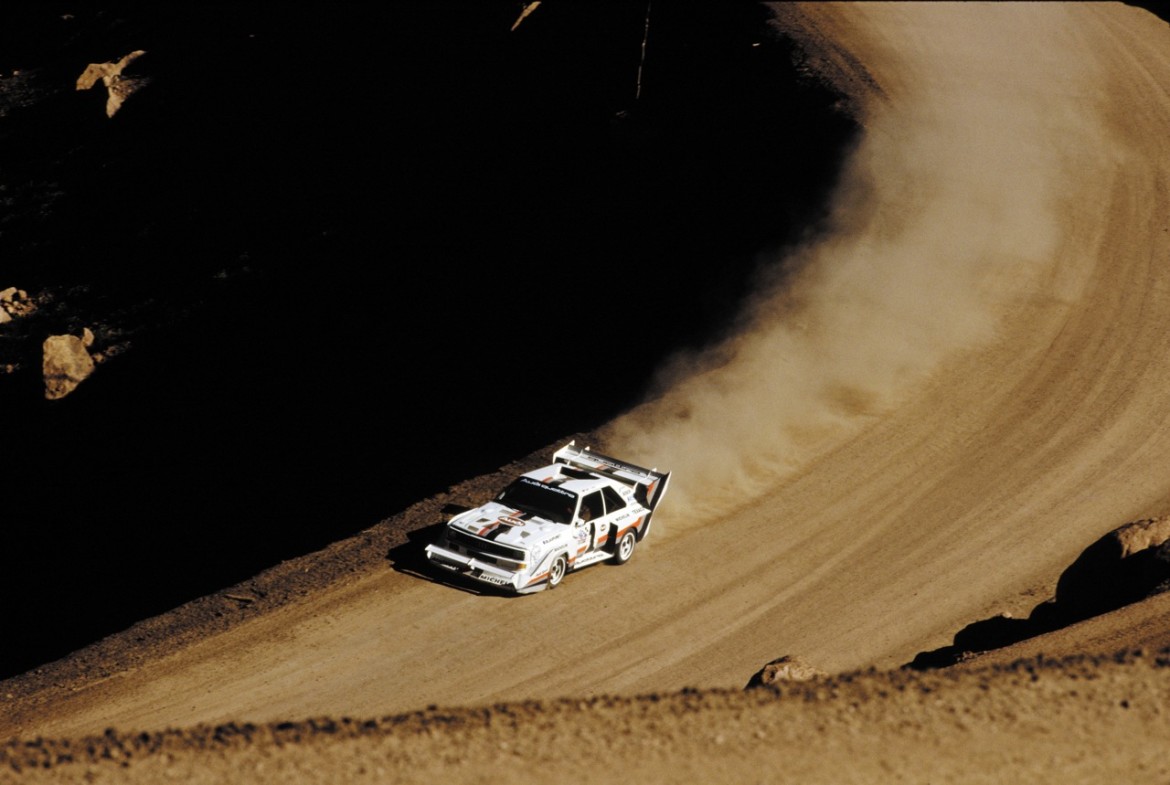
well I don't know how other people do it, but I think one way is to try to find a higher res version of the image. here I even found it with the exact dimensions he asked
https://www.itl.cat/pngfile/big/217-2173404_1985-audi-sport-quattro-s1 -picture-audi-quattro.jpg
and an even bigger one
https://i.pinimg.com/originals/5d/33/b9/5d33b9f1283c77f7f629531f16769d c1.jpg
it looks like whoever made the 1080 version "zoomed" in on the image like in the example I gave earlier
>>
>>
>>
any chance of someone expanding this https://i.4cdn.org/wg/1767658277489805.jpg" target="_blank">https://i.4cdn.org/wg/1767658277489805.jpg to 16x9 and expanding the city in background with it?
This is definitely one of the best Rukia pics out there.
>>
>>
File: 1642029771896.jpg (447.1 KB)

447.1 KB JPG
can someone please make a transparent background render? thank you very much
>>
File: 1766805162012746.png (5.4 MB)

5.4 MB PNG
>>8129957
>>
>>
File: anato_finnstark_(artist).jpg (3.9 MB)

3.9 MB JPG
Request to change the horse's eye color to the colors of the purple mist going above the knight.