Thread #1017961 | Image & Video Expansion | Click to Play

File: Row of legs.jpg (777.4 KB)

777.4 KB JPG
Previous: >>1011117
Daz youtuber's and general guides:
https://www.daz3d.com/help/help-daz-3d-video-tutorials
Wpguru, Parmy, Travis Davids (Marvelous designer), Thundornd, CgBytes, Kelvin Jin
(Pruned some long inactive suggestions from past OP)
Bridges: https://www.daz3d.com/daz-bridges
Suggested Blender Bridge: http://diffeomorphic.blogspot.com/ (GOATED)
Use this if you are an AMD or Intel pleb.
News: Daz 2025 -ALPHA- has been released.
https://www.daz3d.com/blog/daz-studio-2025-alpha-release
Support for Filament has been added to MacOS version as well as filatoon.
Some anon created a cool character morph. Meet Quinn! https://mega(.)nz/file/rmZQWLKZ#lh4aluWj6drjfPLkW7FVAUVDaOZZqJfqjoAvsR EDo7U
We all know you are really just using this software to have celebs bang monsters and animals anyways so here is the current breakdown https://www.daz3d.com/forums/discussion/638911/celebrity-look-a-likes- for-3d-figures-part-4/
Other links:
https://f95zone.to/threads/daz3d-art-show-us-your-dazskill.4764/
507 RepliesView Thread
 Showing all 507 replies.
>>
>>
>>
File: Screenshot 2025-09-02 134622.png (1.7 MB)

1.7 MB PNG
Paypig here. Which of these characters should I use my monthly daz+ gibs on?
>>1017973
Use Diffeo, be free.
>>
File: 1730354735292749.jpg (612.1 KB)

612.1 KB JPG
>>1017927
for the rendering quality slider, the official explanation is that it changes the threshold for when a pixel is considered "converged", or in other words "correct". a higher convergence threshold implies a higher quality image. however, there are tons of elements in play when it comes to render quality, and i can say from my own tests that it hasn't produced any noticeable differences (except for inflating the render time).
>>
>>
>>
>>
>>1017989
It usually explodes if a body part is clipping into the clothing, like a hand or something is in the way.
There's lots of good tips on the official forum if you search cloth explosion, d force tutorial, etc.
>>1017990
Daz is popular because of the years and years worth of assets to kitbash, most of which are super easy to pirate. And it's a pretty easy to use program if all you want to do is make still pictures.
Are there even premade pose packs, clothing, hair etc for metahuman?
>>
>>1017991
There are some assets, not nearly as much as daz of course. I think in large part it's because it's been almost impossible to work with metahumans outside of unreal itself + the metahuman editor was very limited until the most recent ue release.
The new plugins promise diffeomorphic style importing and exporting. So far only the Houdini one is out, but I think the blender one is next so we should see a bit uptick in usage. Still, the technical barrier to entry will probably remain much higher than daz.
What about cc tho? Why did that not take off similarly to daz? Cc5 seems pretty decent. The piracy thing is mostly a chicken and egg type of issue imo.
>>
>>1017939
>>1017998
I somehow failed to see the post denoiser option. Probably won't use it anyway. If it's just going to blur the image, I could just run it through a filter in GIMP. And I have enough trouble getting facial details to stand out.
>>1017945
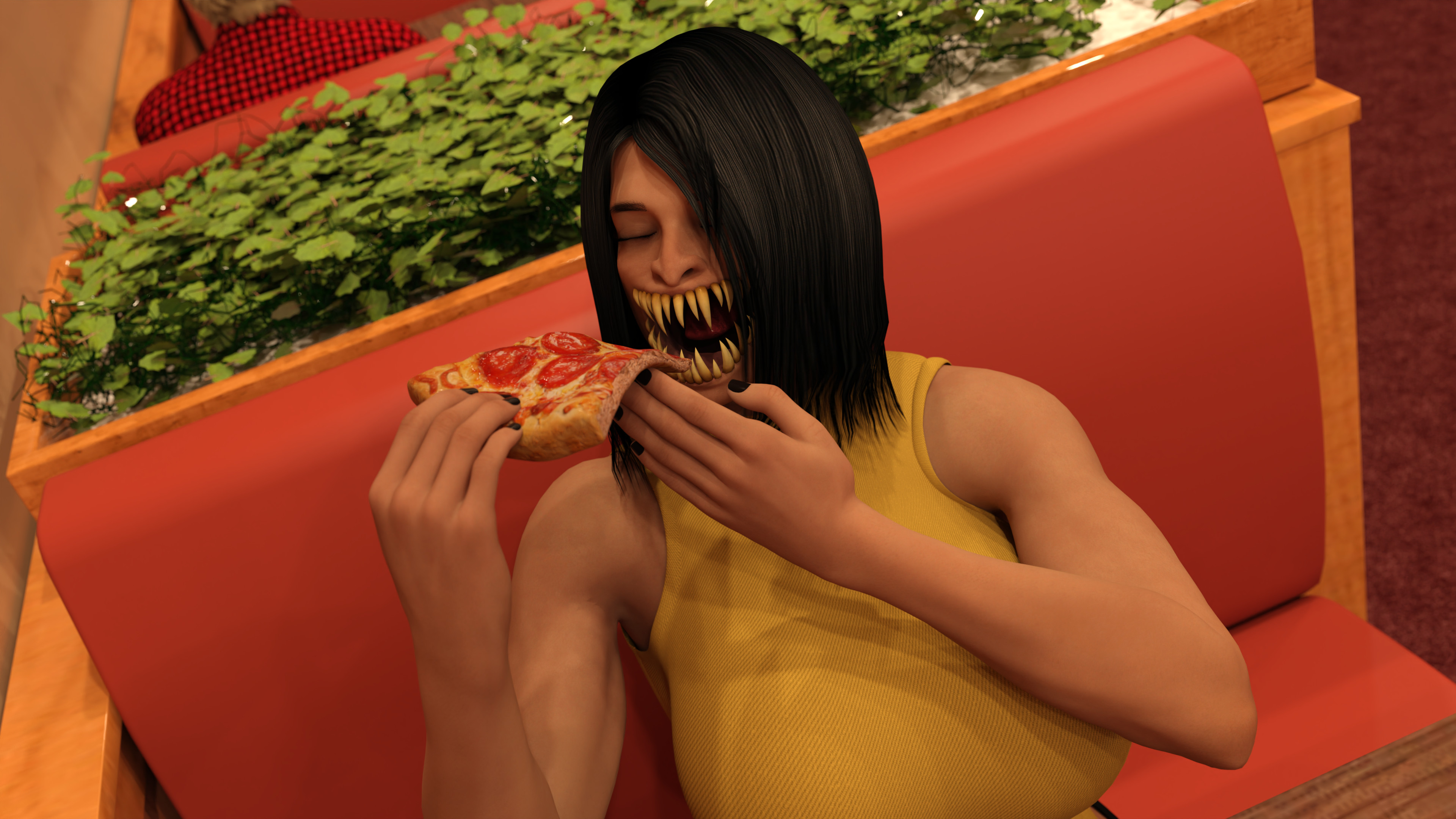
Kind of a weird thing to bully me over. I was more distracted by the super reflective teeth that I can't seem to fucking fix.
>>1017979
Thanks, guess I'll ignore it from now on.
>>
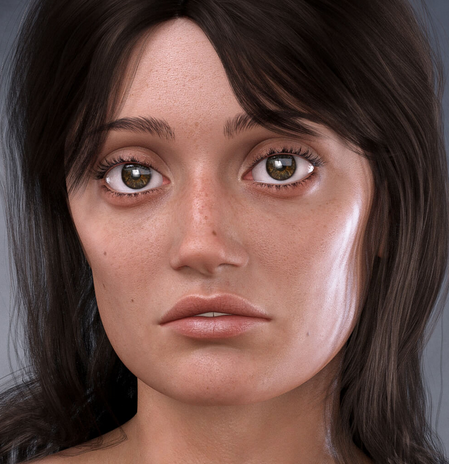
>>
>>
>>
>>
>>
>>1018005
>Kind of a weird thing to bully me over. I was more distracted by the super reflective teeth that I can't seem to fucking fix.
I'm just joking, these tiny things are usually things most people won't notice, but personally they bother me forever especially if I post something on twitter where I can't really undo or replace the post
>>1018005
>Kind of a weird thing to bully me over. I was more distracted by the super reflective teeth that I can't seem to fucking fix.
Select teeth in the surfaces tab and turn down any glossiness or dual lobe / top coat weight would be my guess
>>
>>
>>1018005
>I'm just joking
No offense taken, I noticed it after rendering but figured most people would miss it.
>dual lobe / top coat weight would be my guess
I'll check that out later. There weren't nearly as many material settings in the V4/M4 days and honestly this shit is confusing me.
>>
>>
>>
File: 1754472489117965.jpg (659.8 KB)

659.8 KB JPG
>>1018178
>>1018190
+1 for guhzcoituz, lots of character morphs with voluptuous proportions. they also have an anime style breasts morph pack
>>
>>
>>
>>

>>
>>
>>
>>
File: Untitled-1.png (102.1 KB)

102.1 KB PNG
Oh come on...
The "stretch" marks are stored in the "detailed normal map" provided as default by daz itself... wtf?
>>
I forgot how easy it was to get eye reflection on G2/8/8.1.
I've spent so much time trying to get anything worthwhile with G9, it's absurd.
Tweaking the eye itself do shit, same for the eye moisture tweak.
Do i have to resort to third party fake reflection?
>>

>>
>>
File: 1732590846944418.jpg (599.5 KB)
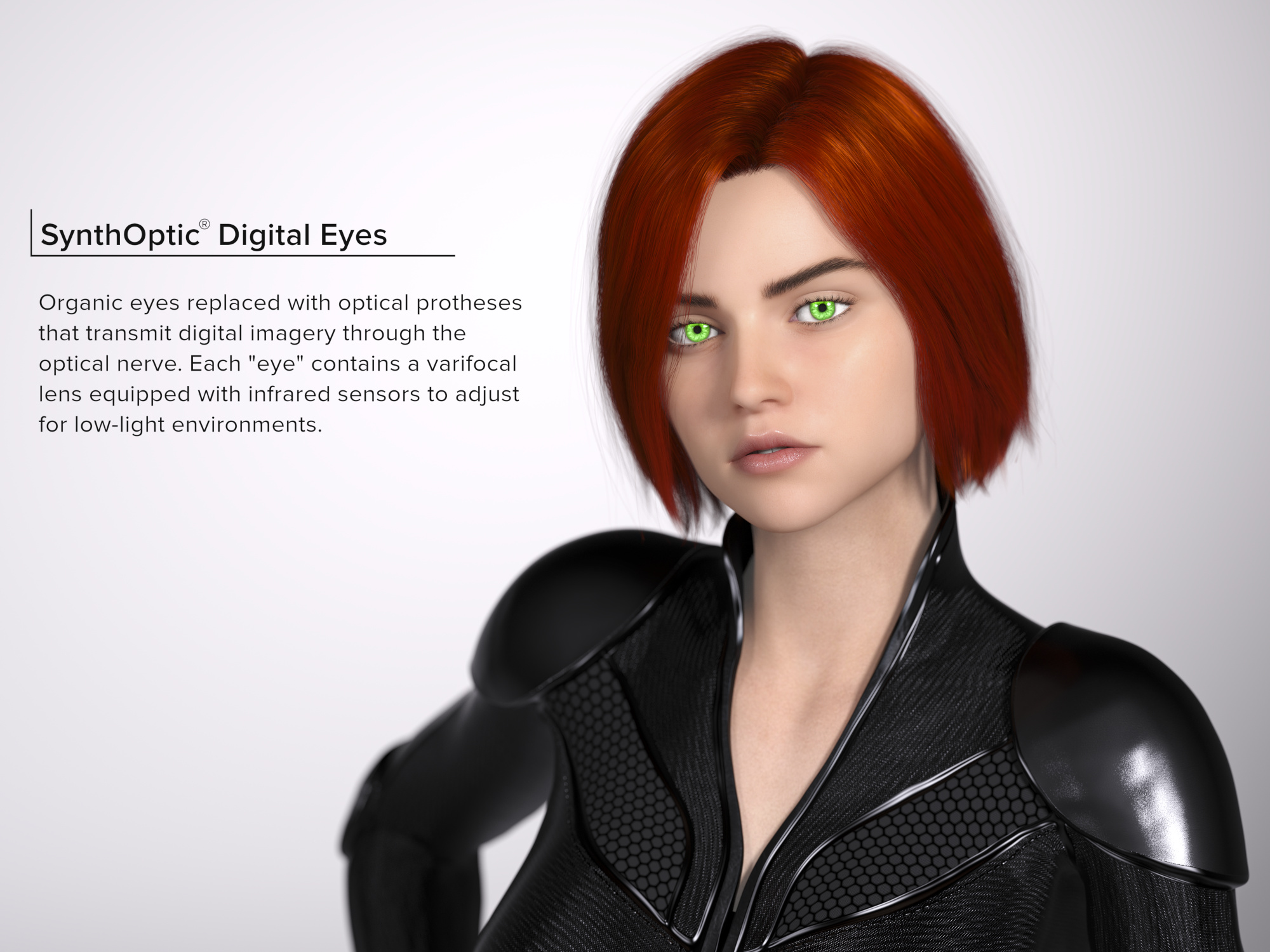
599.5 KB JPG
>>1018551
does the Aeris model you're using not have its own normal map? you could try editing out the stretchmarks in Gimp or Photoshop
>>
>>1018617
I picked some Micro details from MSO instead. Bump are important to the eye as it
"breaks" the surface and enhance the gloss effect.
It's more or less forward with the g9 PBR shaderd. More tricky with Uber, pushing the normal map above ten also seems to work.
>>
>>
File: 1754158216764401.jpg (543.8 KB)

543.8 KB JPG
>>1018619
>pushing the normal map above ten also seems to work
is THAT what everyone's doing? i always wondered why everyone was able to get natural, porous skin, but i can't. i've tried raising the bump maps before but then the skin becomes too "bumpy" and looks rough
>>
File: 1731280306312449.png (66.4 KB)
66.4 KB PNG
>>1018622
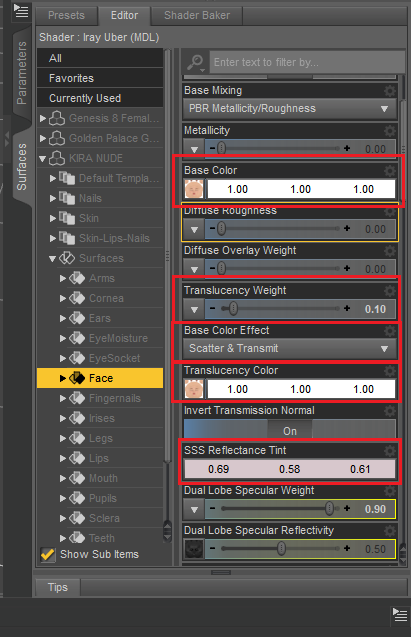
lots of things can affect perceived skin color, like the color temperature of a light source. for characters individually, you'll have to look at the textures and shaders applied to them. picrel shows some parameters that effect the skin tone in some way.
>>
>>
>>1018632
If you want high quality normals you have to have a quality map but also a shader that decodes them properly. Many engines and software etc use computationally simplified methods like 'mikkt space normals'. If you want quality you have to do the full thing accounting for exactly how the vector is altered by the bi-normal the tangent and the normal to get that fully smooth 180 degree alteration of your normal at the sampled pixel.
Also if you use stacked normal maps you may also want to calculate the detail normal from the vantage point of the already altered normal sitting ontop of your geometry
to have it look like the detail layer displaces already curved geometry. Naive blending will have the result similar to using 'overlay' in photoshop to put one normal map ontop of the other.
With a proper decoding of a quality normal map that can skew the light by 180 degrees you don't have to 'boost' anything as it should have the intended authored depth by default.
>>
File: whyNormalsLookFlat.jpg (275.7 KB)

275.7 KB JPG
>>1018652
It's been a while since I touched any of that so to ensure I wasn't talking out of my ass I went back and reviewed it by asking the great oracle about it. The clulprit isn't really MikkT space he was trying to solve a problem across applications, but the problem is how that era shaders throw away the blue channel and reconstructs it by approximation instead of using the exact calculation provided by a high quality bake. This is the part in a lot of shaders that is is to blame.
>>
>>1018632
Some normal map or bump map are better than others. I saw random noise on a few.
https://www.adobe.com/products/substance3d/magazine/micro-skins-body-p arts.html
Other are one to one. You might see them in daz sometimes.
>>
>>
>>
>>
>>
>>
File: dexbuild.png (933.9 KB)

933.9 KB PNG
Well frands, it appears this is as far as I'm going until I upgrade my system because Daz is absolutely having none of my shit. It gets to 120 iterations and just stops. Or crashes.
By the way, is there a way to get the spotlights to stop casting their own shadows? It's really starting to piss me off.
>>
>>
>>
File: 1739711168202154.jpg (766.1 KB)

766.1 KB JPG
>>1018772
they had to wipe their posts due to Pixiv's increased restrictions, you're not even allowed to link to uncensored versions of your works. they have a twitter account, but none of their older works are on it https://x.com/DM_DataMining
>>
>>
File: HDP Ellie 9 for Genesis 9.jpg (282 KB)

282 KB JPG
Oh it's time lads!
>>
>>
>>
File: sharp_edges_by_lev_c.jpg (344.4 KB)
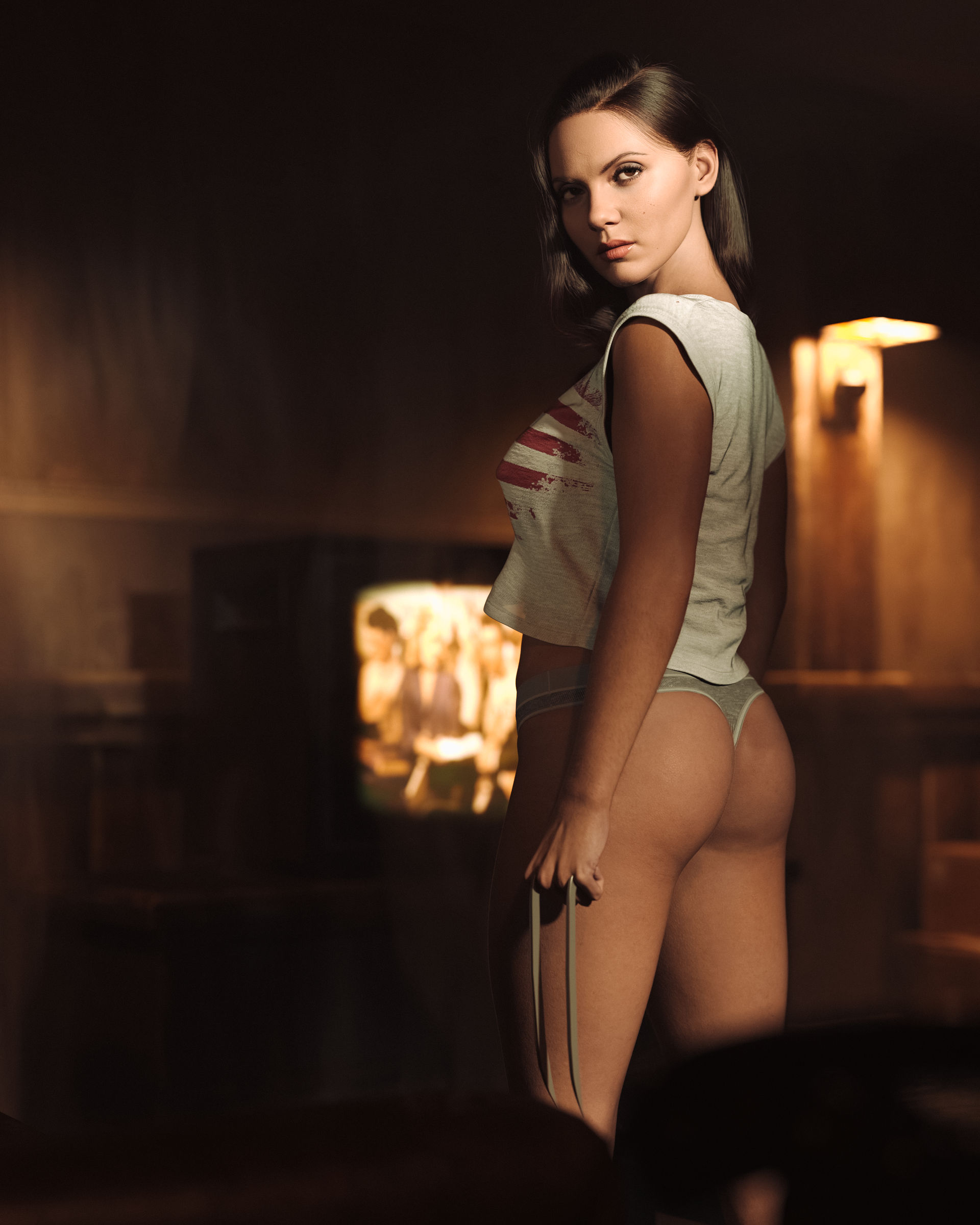
344.4 KB JPG
>>
>>
>>
>>
>>
>>
>>
File: officefuta13.jpg (946.2 KB)
946.2 KB JPG
>>1018976
yes, I had figured he was just some third worlder like the rest of the rip-fags
>>1018978
CURRENTYEAR shenanigans. Hail corporate.
>>
>>
>>
>>
>>
>>1019001
the poly is good, better than g8f
but making it a unified gender or whatever was a huge mistake because the base mesh doesn't even have any nipple topology so you need to geograft them in all cases (instead of just cases with massive tits like g8f)
there's also no belly button mesh
meipex who made the most popular genital geografts for g8f also went full retard and made his pussy geograft have a billion polys and tentacle capabilities that nobody wants
also the base feminine shape is an unfit womanlet with short arms and legs which makes the fridge thing worse
the only good thing g9 does is the face area, denser mesh + better facs
>>
File: 1754661059770503.jpg (852.5 KB)

852.5 KB JPG
>>1019013
>the only good thing g9 does is the face area, denser mesh + better facs
for years we had to deal with the many faces of Daz gobbos, only recently do we start getting some well sculpted faces but they're attached to the shitty G9 bodies. sure there's RenderHub but quality control doesn't exist on that site.
>>
>>
>>
>>
>>
>>
>>
>>
>>
>>
>>
>>
>>
>>
>>1018182
>There weren't nearly as many material settings in the V4/M4 days and honestly this shit is confusing me.
It is really bad. The forums are full of people saying
>uhhh, I just plug in whatever
>I pretend the words mean what they do everywhere else
>trial and error it
and the official documentation just flat out lists the options without explaining what they do.
And a lot of these options affect each other, so not having actual examples is a dick move
>>
>>
File: 1563950730835.png (335.9 KB)

335.9 KB PNG
>>1019204
>>
>>1019208
G9 does have nipples/navel by default. It's just an HD morph so it doesn't show in the viewport unless you change the settings.
And I'm pretty sure there's a non hd navel morph on the store too.
>>1019212
There's also threads on the forums where people explain and post examples. Too bad the search is crap though.
>>
>>
>>
>>1019278
Are you using a steam deck?
You should be able to run the program but as far as rendering. Assuming you even have an nvidia GPU, you are going to run out of memory for scenes very quickly. You could try using render servers but that requires a fairly good internet connection as you have to upload the entirety of the scene and it's contents for each render.
>>
>>
>>1019279
i am not on steam deck
>assuming you have a nvidia GPU
of course i got a nvidia GPU!
>>1019280
so what you two are saying is that i can use it but i cannot render anything crazy? i am assuming i cant do those hyperrealistic renders like rdaughterdaz?
my research said that the reccomended amount of ram is 32-64
>>
File: 1749260637782559.jpg (1.2 MB)

1.2 MB JPG
>>1019283
the amount of VRAM a particular render requires is dependent on how much information is needed. vertex count, subdivisions, and texture maps all contribute to the amount of VRAM needed in a scene. 4 GB is a pretty tight bottleneck, you can try using Scene Optimizer to cut back, but i can't imagine there is much else one could do beyond a portrait with one figure
>>
>>1019283
forgot to mention that there is an option for CPU fallback if your GPU can't handle the render by itself, though that in itself is a fairly limited solution. save for poorly QC'd assets, the answer to VRAM problems is more VRAM
>>
>>1019285
>but i can't imagine there is much else one could do beyond a portrait with one figure
pic related? desu most of the gallery on the daz site seems to be portraits
i assume there is a limit on how many props i could use and the type of clothing the character is wearing
>scene optimizer
wow it seems to be on sale right now too!
>>
File: 1748506217577897.jpg (935.2 KB)

935.2 KB JPG
>>1019287
there is no hard limit on how many assets you can load into the scene, it's just the amount of information you're requiring the renderer to handle. scene optimization is a good skill to have (picrel lagged liked crazy in the viewport because those patterned walls in the background had a tremendous amount of polys), you learn how to do more with less. that being said, i'll say again for emphasis that 4GB of VRAM is pretty tight.
>>
>>
>>
File: 1749814165080708.jpg (222.2 KB)

222.2 KB JPG
>>1019289
GPU with greater VRAM would be your top priority, followed by RAM. CPU isn't too important for rendering, ideally you shouldn't be relying on your CPU for it. 8GB VRAM is considered entry level, more is always better.
>>1019290
i only ever use the animation timeline for cloth simulation, i can't recommend using it for anything else. it just sucks balls. you are far better off exporting to another program and animating there
>>
>>1019289
I like to work in Iray mod. I still limit the render time to 3 seconds but information are retained and stacks, eventually. (you'll get it by trying.
I would recommend the best you can afford and a shitload if vram then twice that amount in ram.
>>
>>
File: isabella_for_genesis_9_by_mrerik80.jpg (880.5 KB)

880.5 KB JPG
>Here's your new KStew, bro
https://www.renderhub.com/mrerik/isabella-for-genesis-9
>>
File: Rhenderart KStew.jpg (456.7 KB)

456.7 KB JPG
>>1019317
>>
>>
>>
>>
>>1019330
Depends on the scene and assets you're working with but 16GB system memory is probably the bare minimum, same for GPU. You can just install the daz basics and starter kit on your current machine to get an idea. 8GB Gpu memory was do-able with the content from 5+ years ago and limited amount of characters.
>>
>>
>>
File: SomeBlenderGuy.jpg (1.4 MB)

1.4 MB JPG
Who's got the best Billie Eilish clone? G8 or G9, I'll use either. I've got a tribe of Orcs with her name on them.
>>
>>
>>
>>
File: william eyelash.jpg (845.5 KB)
845.5 KB JPG
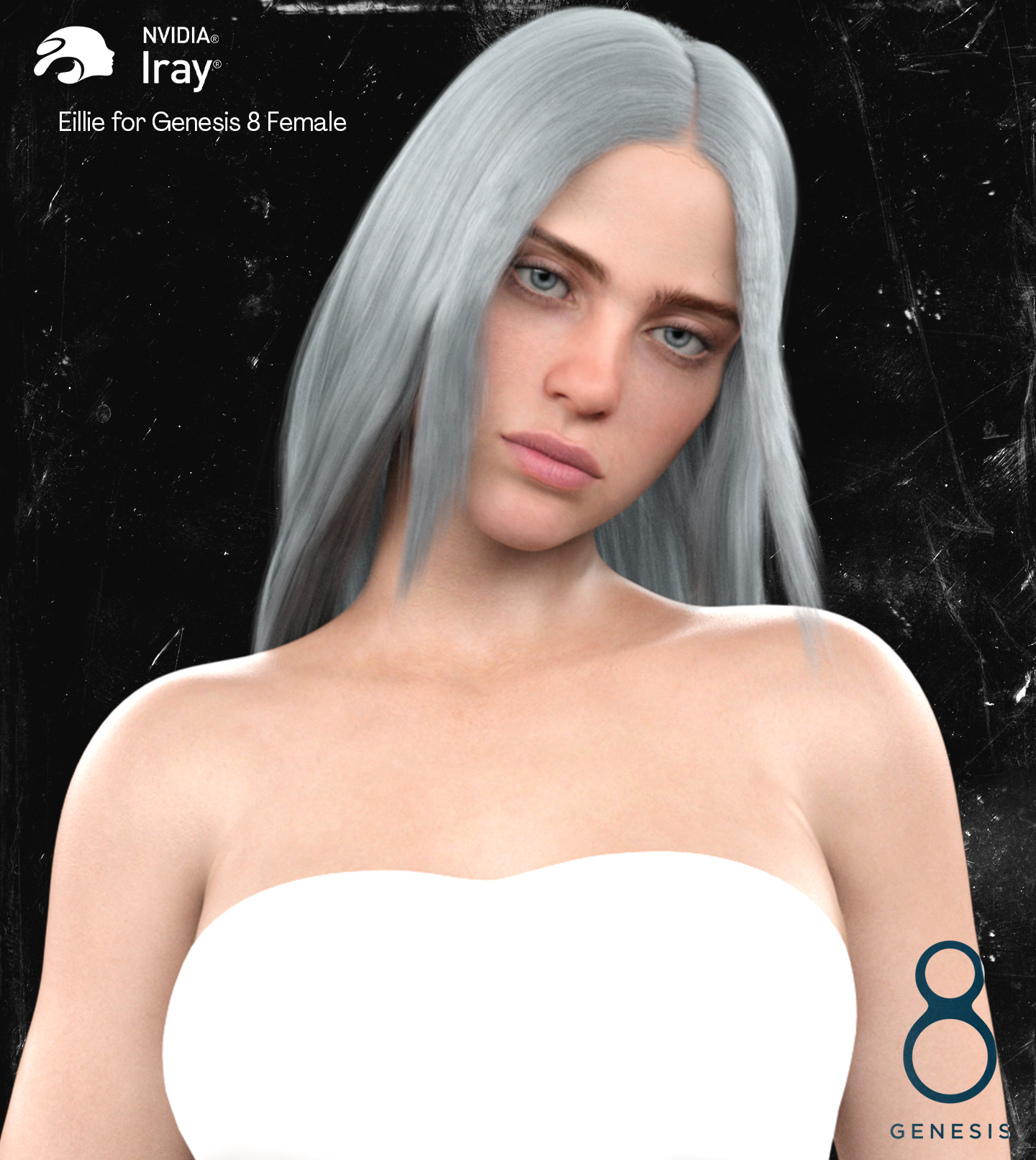
>>1019359
https://devandvan.com/product/eillie-for-genesis-8-female/
>>
File: fur.jpg (1.6 MB)

1.6 MB JPG
Wanted to use one of those OSO furry models to make a fem werewolf due to the time of year, but I have no clue how to apply the fur material to breastacular or GP geometry even after looking around. Any got tips or is this just not happening? Any advice is appreciated.
>>
>>
>>
>>
File: repelkit.png (947.9 KB)

947.9 KB PNG
How can I find out what the fuck this RepelKit is?
Apparently, it's not an item, it doesn't change anything about the character, and when I click on the surfaces, it seems to be something around the face with some material settings, but it doesn't affect the character at all.
>>
>>1019511
I finally figured it out.
For anyone who has a similar question, just go to "help" and search the log file. There, it's easy to find the source of all items from the last loaded scene. In my case, it was just something used in a dforce hair that I had tested on the model but deleted. However, one item remained without me noticing.
>>
>>
>>
>>
File: proxyimage.png (531.1 KB)

531.1 KB PNG
>>1019534
Increase item SubD or shape it in blender/zbrush using the GOZ plugin.
>>1019537
Of all software using Iray they went for the coomers. Not Maya, Not 3DSMax, no substance painter, But DAZ lmao.
>>
>>
>>

>>
File: mon-nom-est-personne-photo-terence-hill-1451491.jpg (101.3 KB)

101.3 KB JPG
>>1019590
About damn time we got a Terrence Hill likeness
Wait the lips are too big nvm
>>
>>
>>
File: 1744386291449072.jpg (1.2 MB)

1.2 MB JPG
>>1019562
>realize you will need to cultivate an eye for art and you can't just follow a tutorial forever
that's something that really snuck up on me as i started learning about lighting and poses. there are entire books on these subjects. it can feel like a real mountain to climb when you aren't artistically inclined
>>
>>
>>

>>
>>
>>
File: evie-for-genesis-9-01.jpg (134.6 KB)

134.6 KB JPG
Is this supposed to be someone famous?
>>
File: sydney-chandler-speaks-out-for-the-first-time-since-really-v0-CvzalyvVV1TBOofdN7WS0wZiQQ3YM7WvB2bICySUbYw.jpg (26.4 KB)

26.4 KB JPG
>>1019722
The Alien:Earth bitch
>>
>>
>>
>>
>>
>>
>>
File: AYY LIL DONNIE.jpg (268.2 KB)

268.2 KB JPG
>>1019738
>>
>>1019737
I tried XXY but couldn't get it to work right. Dunno why.
Dicktator and Futalicious are basically the same product by the same creator, except one if for G8M and the other G8F. There is also Dicktator for G9 but not Futalicious because G9 is both sexes.
>>
>>
File: Screenshot 2025-10-07 164610.png (79.5 KB)

79.5 KB PNG
>>1019809
Hopefully I understand what you're trying to do. Do you have hidden properties shown? There are often various morphs applied but not visible. Its usually the character related morphs that cause the initial issue.
Is the distortion just the "boob sock" look? Because there are a few ways to fix that.
>>
File: Desktop Screenshot 2025.10.07 - 20.45.36.18.png (817.9 KB)

817.9 KB PNG
>>1019810
I do have hidden properties visible. It could be the base character morph causing the distortion even with breast morphs zeroed. My goal is to have bodysuit conform/auto-fit to everything except the breasts. I suppose I could smooth it out in Blender via sculpting.
>>
>>1019811
1) If it's a dforce item you can use the timeline method to simulate start frame without the booba and add the booba shape half way through the timeline. The clothing should stretch appropriately if dforce.
2) SY Clothing Breast Helper for Genesis 9
3) the dirty option. Ramp up smoothing on the clothing item to 50, 100 or more (depending on item) and it tends to have a similar affect as the timeline method.
>>
>>
>>
File: Bodysuit Test.jpg (133.6 KB)

133.6 KB JPG
>>1020145
We need more context
>>
File: GrimeC.jpg (894 KB)

894 KB JPG
Relax its just weird alien milk! Damn its feels great to be back doing daz
>>
>>
>>
>>
File: grime03.jpg (859.4 KB)

859.4 KB JPG
>>1020216
thanks anon. Working on the outfit for the former image
>>
>>
>>
File: grime04.jpg (402.5 KB)
402.5 KB JPG
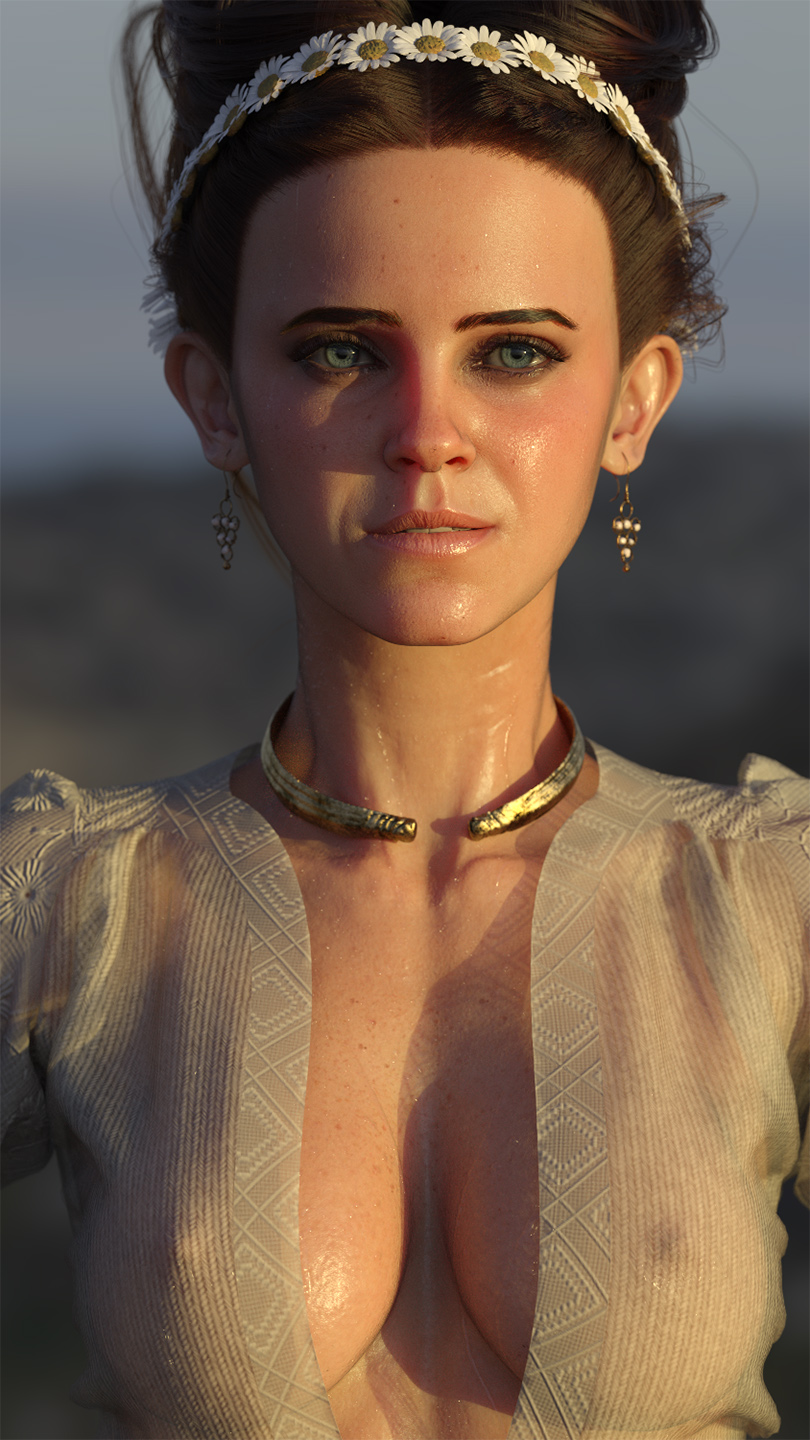
>>1018681
well better a late response than never... I am working on a story with a maiden that is being sacrificed to the beastmen of the forest to ensure natures blessing for the next years harvest. Sort of midsummer / druid / viking ritual inspired mixed with a story I read about the beastmen in warhammer fantasy.
So kinda in the same vein as celeb gobs vs actual gobbos.
>>
File: grime06.jpg (613.4 KB)

613.4 KB JPG
tested the blonde look
>>
File: grime05.jpg (776.4 KB)

776.4 KB JPG
It does look quite nice as a contrast.
>>
>>
File: cartercurlcutforgenesis906daz3d.jpg (327.3 KB)

327.3 KB JPG
Finally I have become Bussan
>>
>>
>>

>>
>>
>>
>>1019465
How do I go about that?
It's such a pain in the fucking ass to do any editing in this program, all I want to do is apply the material over a specified area, this shouldn't be rocket science. This wasn't aimed at the anon i'm replying to, I just needed to vent.
>>
File: Olivia Thrilby.jpg (691.5 KB)
691.5 KB JPG
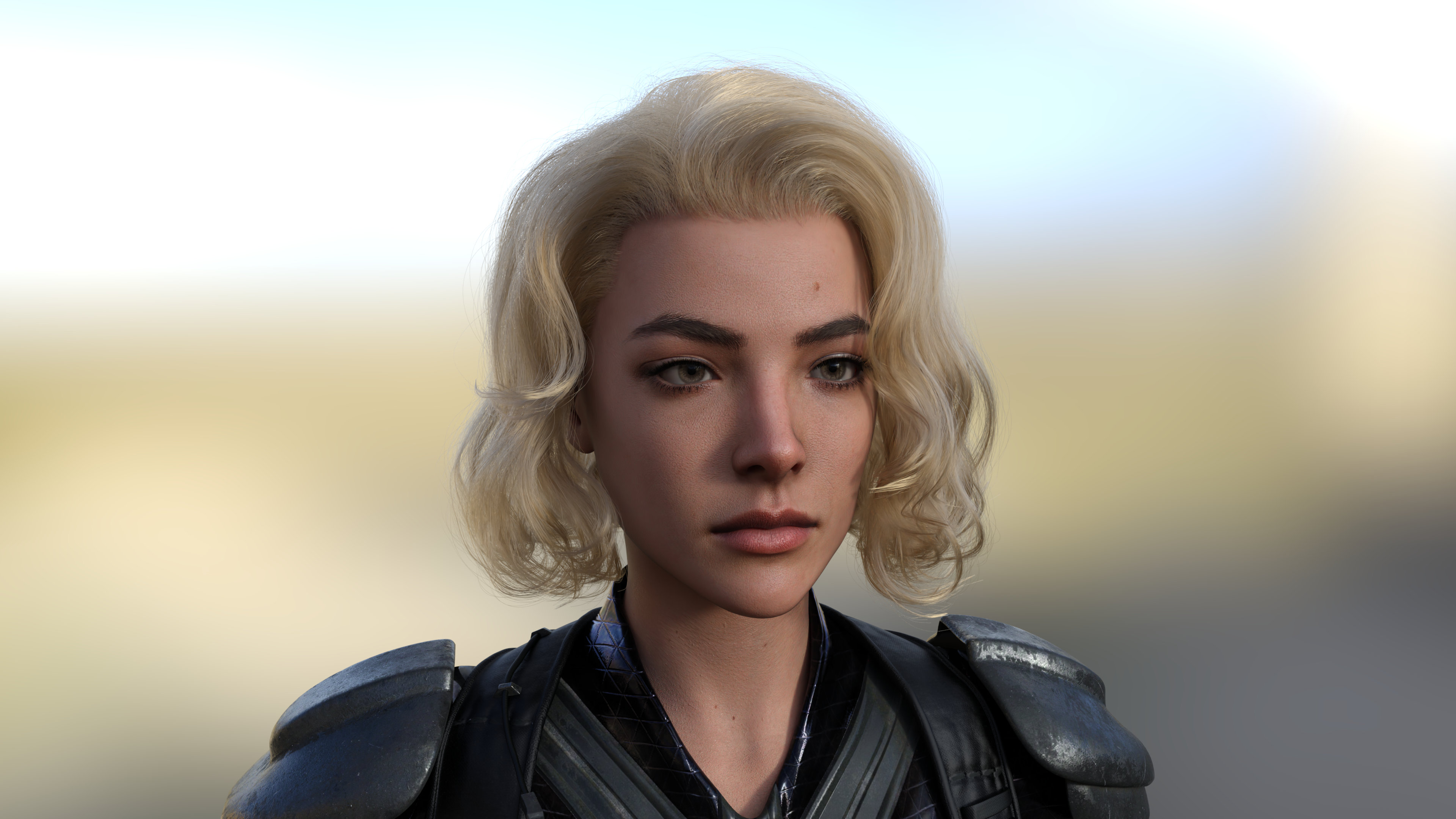
RKS quality is pretty good.
>>
>>1020522
Find a way to separate the surfaces, morph or smoothing, thickness.
You find Daz hard? Ever heard of zbrush? or Maya? Surface Painter? Marvelous designer?
It's worse.
You trade a good craft against blood, for the rendering gods.
>>
File: grime10.jpg (1.3 MB)

1.3 MB JPG
>>1019433
not 100% sure what you are trying to do but if those are strand hairs then they cant just be applied to a new surface. Go to the material tab and check if the hairs are generated from a specific surface (like Torso) or such. Normally you have this issue when loading body hair for G8.1M but it was made for G8M. Would be the same issue when using something like breastacular.
>>
File: 1760314856705758.jpg (706.8 KB)

706.8 KB JPG
i struggle with dark scenes because i'm afraid of making them too dark, but often in post i wind up catch myself overcorrecting and making the scene way brighter. lighting in and of itself feels like half the battle of 3D art
>>
>>
>>
>>1020606
that's sensible advice, but i was thinking more of general theory, how to make a dark scene while still achieving enough clarity for the subject. how about you, does the render appear too dark on your monitor?
>>
>>
File: FuckMeatC.jpg (1.6 MB)

1.6 MB JPG
gobbo on gobbo action?
>>
>>
>>
>>
>>
>>
>>1020683
Lol. Yeah, rework the whole shot because the line separting her shirt from her pants isn't distinct enough.
Even if that was a valid thing that needed fixing, why not just draw the highlight yourself in PS. Anyone that isn't doing post-work is just having a bad time on purpose. Rerendering a shot for less than 100 pixels to change for the better is a waste of time.
>>
>>
>>
>>1021004
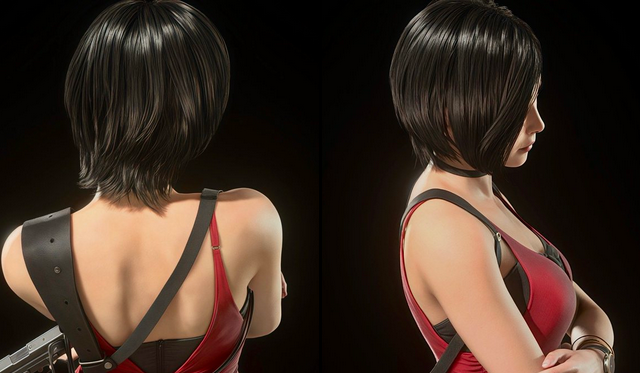
it's anisotropic hair
in blender you use the anisotropy slider (cycles only) or you can fake it with a fresnel with the tangent node plugged into it
no idea how to do it in daz but i'm sure there's a solution if you look up anisotropic hair
>>
File: 1750192237814299.png (156.3 KB)

156.3 KB PNG
i know it's a longshot but does anyone know what set/character does this eyeshadow come from?
>>
>>
>>
>>1017961
I can hardly recognize them. They all look like primitive rubber sex bot versions of themselves.
This must be due to "daz morphs" right?
I notice this same problem on regular game characters in porn all the time. Daz creators morph a generic nude female face to the shape of the ripped mesh from the game and it becomes a weird bizarro version of the character
>>
>>1021100
With celebs it's just sculpts or shit AI from pic algos so of course it's not quite right. But with game characters, the mesh should be pretty identical if they do it correctly, so I think it's mostly shaders/lighting that make it look off. Most games aren't as detailed as Iray can get.
>>

>>
>>
>>1021108
no idea who that character is and it looks fine to me.
Put it next to a game screenshot at the same angle if you want to compare better.
And remember that the focal length and angle of the camera can subtly warp facial features.
>>
>>1021067
Let Windows search for "mask" in your Runtime library. Identify and use one of these mask as a Diffuse-Overlay in your Surface pane. What you're looking for is the Face surface.
Pick a the color.
Then fuck off.
>>
>>
File: kshipka.webm (2.9 MB)

2.9 MB WEBM
>>1021108
>>
File: Dragon001.jpg (1.1 MB)

1.1 MB JPG
>>1021100
as the retard that made that image, it was never meant to be a great render. It was a memory test of how many characters I could fit into my 8GB of vram. One of the things that I sacrificed was complexity of the skin shaders with minimum texture use and reuse of channels. As lookalikes most of the models are eh 3/10 DAZ gobbos.
but hey I make smut as a hobby as what do you expect anon?
here is a render of a dragon as this is a SFW board
>>
>>
>>
File: Screenshot 2025-10-29 205058.png (133.7 KB)
133.7 KB PNG
>>
>>
>>
File: knight_Mv58BV_1.jpg (911.1 KB)

911.1 KB JPG
Your new squire, sir!
>>
>>
>>
>>
>>
>>
>>
>>
>>
File: Ron001.jpg (1.4 MB)
1.4 MB JPG
>>1021186
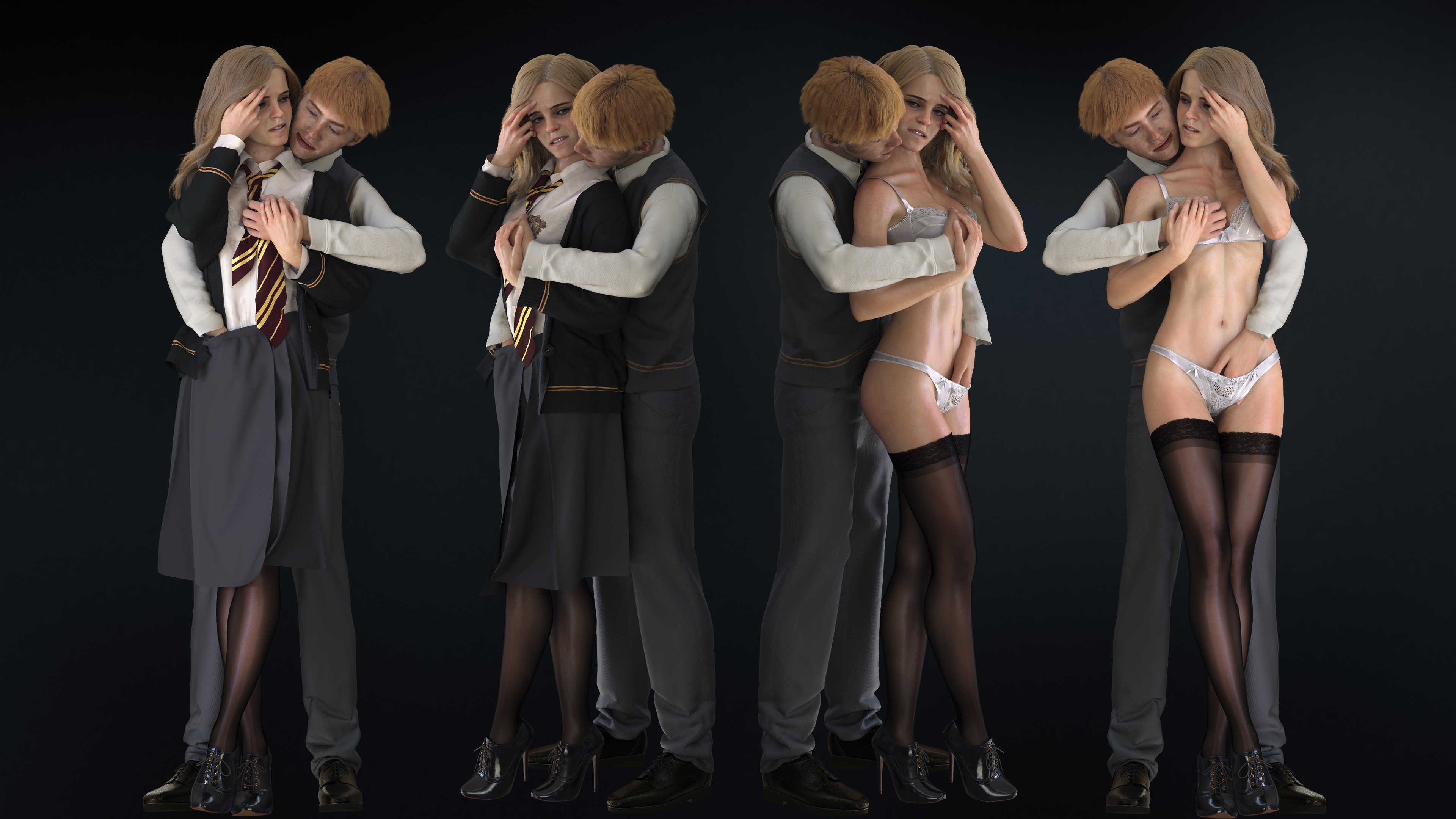
tried to create a quick Rupert then. Early WIP.
>>
>>
>>

>lost their most famous character
>>
>>
File: ada_re4_3b15.png (1.2 MB)

1.2 MB PNG
>>1021147
Source of the gauntlets? G8 Knight series?
>>
>>
>>
>>
>>
>>
>>1021301
Not sure if it's better, but it can get different results.
I'll probably do it in the future eventually because I have an environment asset that would be a pita to transfer over to DAZ shaders.
>>1021320
The major plugins will probably get ported eventually once 2025 is out of beta. Who knows how long that will take though. It's only necessary if you have a 5000 series card.
>>
File: knight_Mv58BV_3.jpg (767.3 KB)

767.3 KB JPG
>>1021243
Gauntlets are from The Legend, but the metal parts have been reshaded with Uber+ Iray Medieval Armor Shaders (Plate05, color: Iron, iirc).
>>
File: knight_Mv58BV_4.jpg (731.6 KB)

731.6 KB JPG
>>1021357
Wish her luck in her first battle!
>>
>>
File: Screenshot 2025-11-03 064052.png (1.1 MB)
1.1 MB PNG
Here's your official product bro
>>
>>
>>
>>
File: knight_Mv58BV_6.jpg (696.7 KB)
696.7 KB JPG
>>1021359
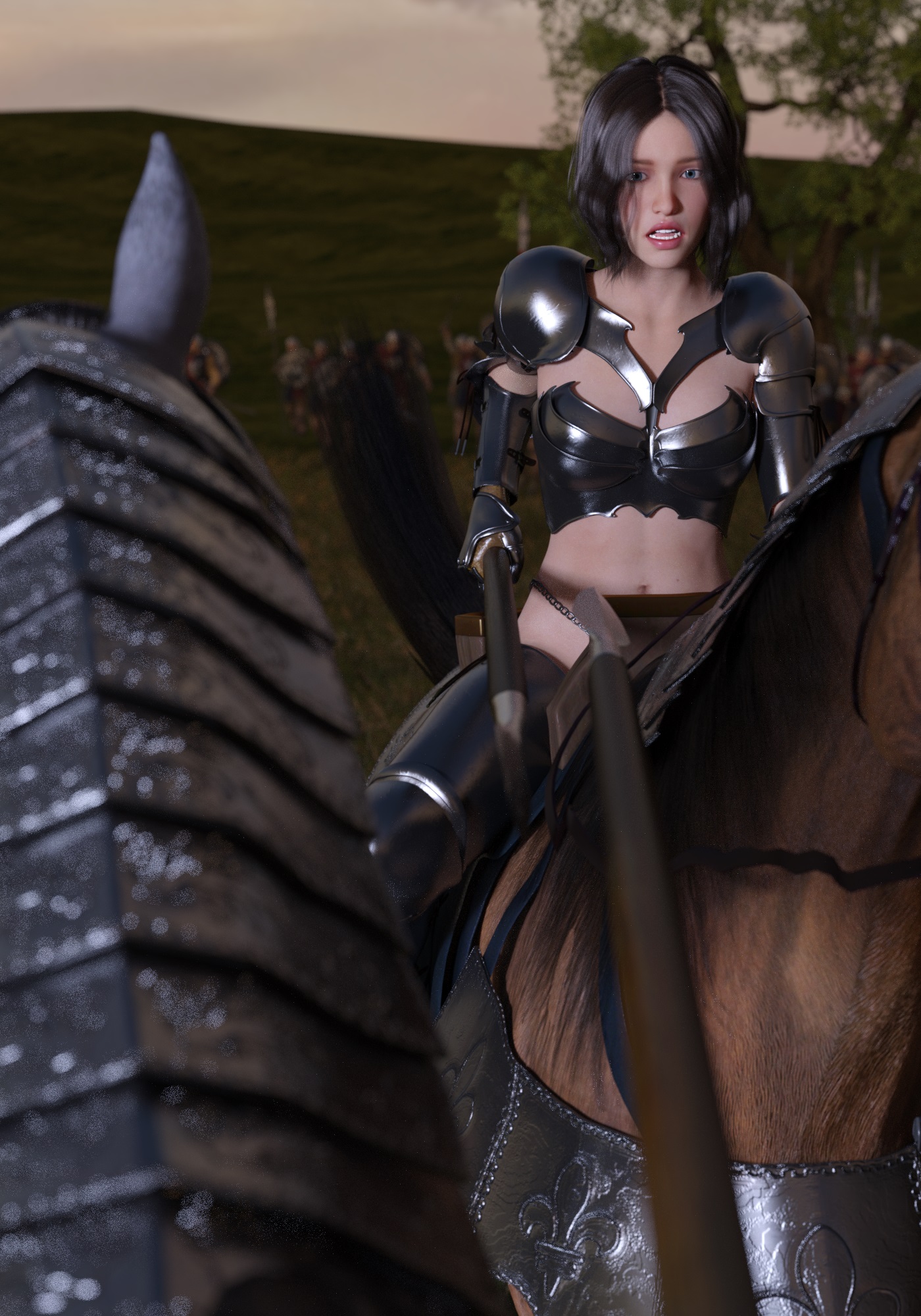
Joust!
>>1021392
It's really down to how long I'm willing to wait a lot of the time. I'm still running this without a compatible gpu (just cpu rendering, so it takes forever).
>>
>>
File: an24-morphs-for-genesis-8-female-01.jpg (52.1 KB)
52.1 KB JPG
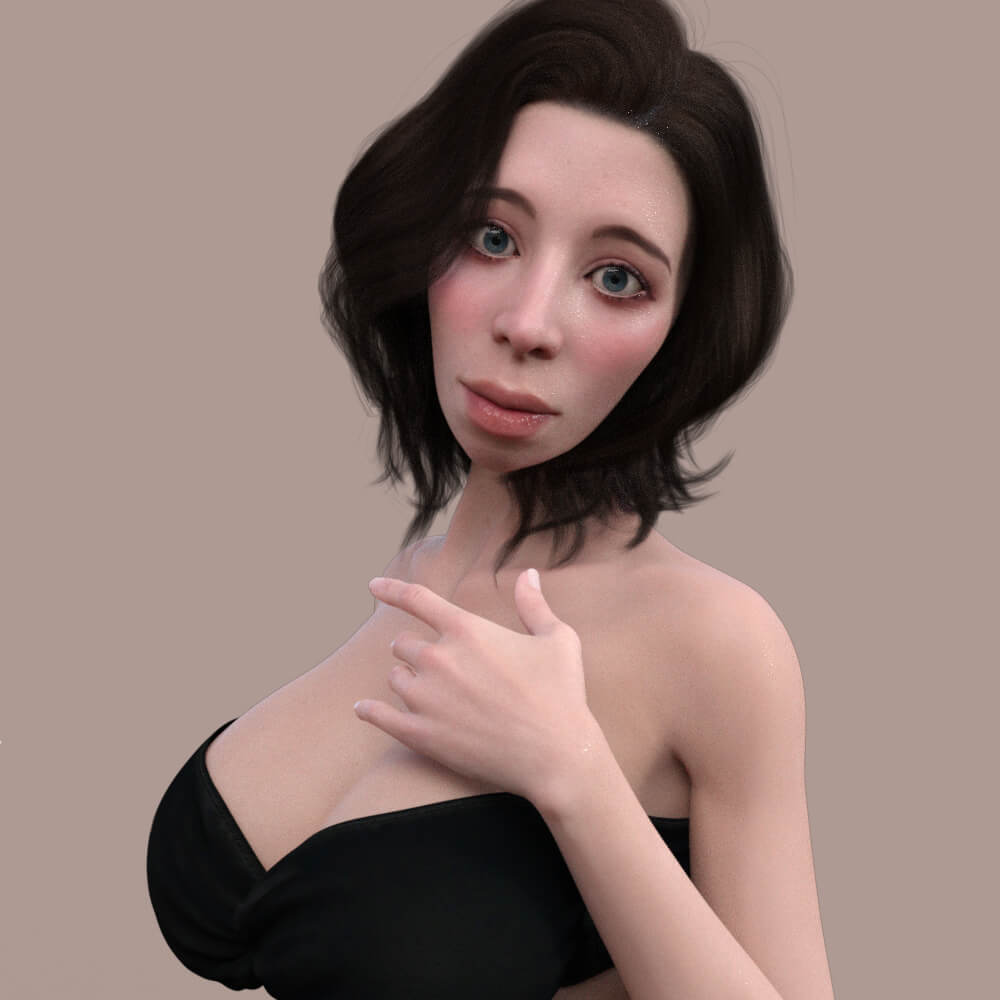
>>1017961
>Meet Quinn!
There's a newer gobbo on the block
>>
>>1021416
oh nevermind, must have caught it in the middle of an update, scared me for a sec, lol.
It's such a pain that the assets take up so much space sometimes, I really should just mass dl everything that looks slightly interesting and put it on an external.
>>
>>
>>
>>
>>
>>
>>
>>
>>1021546
Note: I discovered that the top coat is already being used on the character for other purposes. I need to find another way to create a localized wet effect on the skin... If I come up with something, I'll post it here with an explanation, maybe someone will learn something, I don't know.
>>
File: localized wet.png (2.8 MB)

2.8 MB PNG
>>1021546
>>1021557
Okay, I learned here, and it's incredibly easy to make only certain areas of the skin wet (or have any effect you want).
1. Create a geoshell around the figure.
2. In the geoshell offset, choose the appropriate value, which will depend on whether there are other geoshells in the figure or not. I left it very close to the figure's geometry.
3. Apply a shader of your choice. In my case, I applied "Daz Uber: Water".
4. In geoshell parameters, turn off all regions that will not be affected. In my case, I only left the face and lips turned on
4. Now you make a mask based on the figure's UV. I found the texture of the face of the model I'm using, created a new layer in GIMP, and painted the central part of the face white, the dry area, black. I made the transition from white to black subtle so that you can't see the border between dry and white, and that's it.
5. Finally, just go to the geoshell surfaces, find the right location (in my case, face and lips), and in "cutout opacity" apply the mask you just created.
>>
File: 1758670468451394.jpg (262.9 KB)
262.9 KB JPG
>>1021465
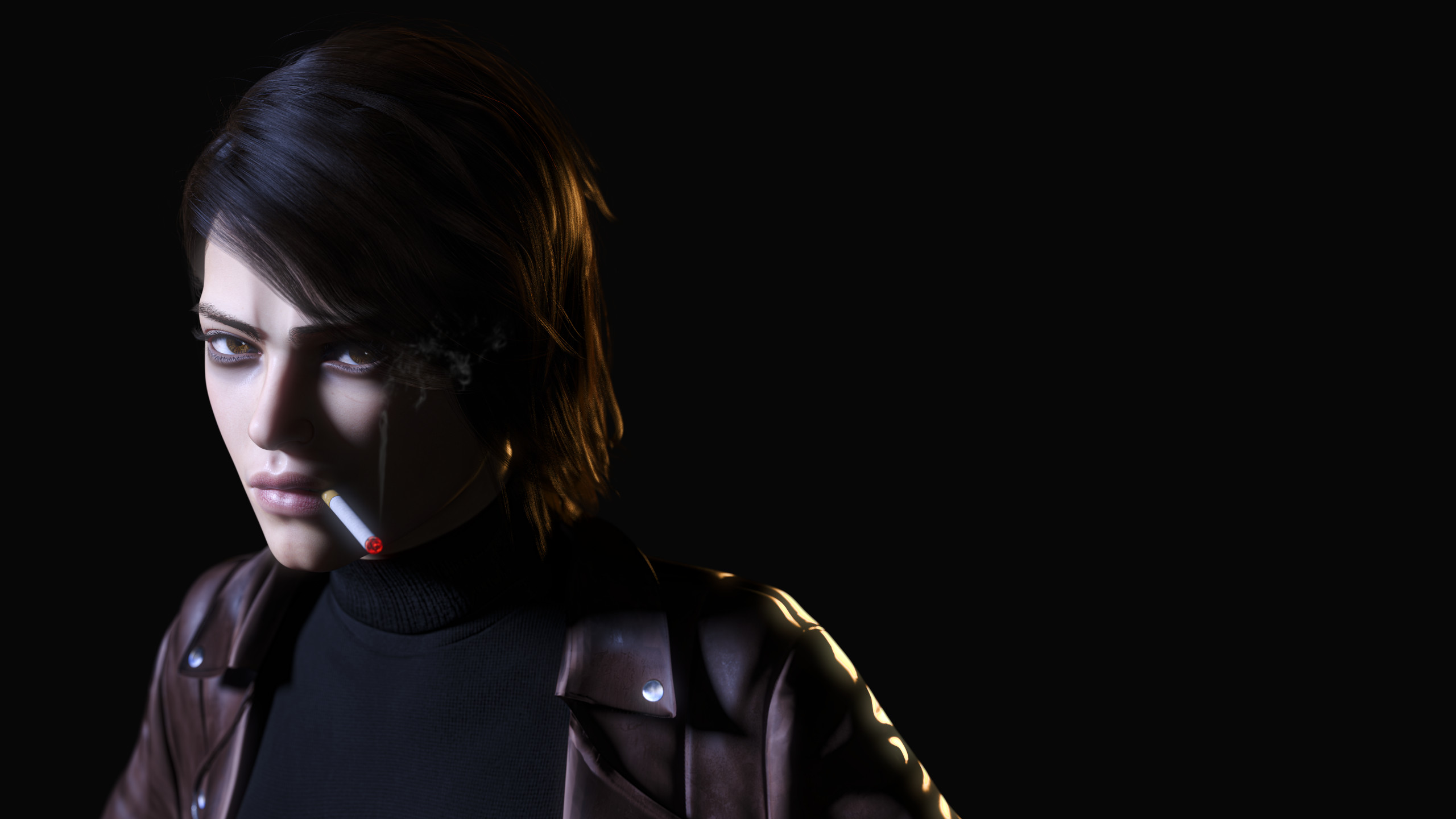
it's a good program for a hobbyist, easy to throw a scene together from start to finish. nobody using Daz has any aspirations of making a career off of this, so there's no reason for them to get upset if the end result isn't perfect.
>>
>>1018178
Besides Guhz's ones, maybe give a look to some of bikdingle's models too, decent body cariety and lots of thicc. Then there's SP3D's stuff, most of it is pretty good, specially the poses.
>>1017974
Check the ones you can't get on the usual pages for free first, then pick the one you will probably use the most.
>>1019295
>>1019288
>>1019285
Love me some egypt qts! Catbox per chance?
>>

>>
File: goth 2.jpg (271.7 KB)

271.7 KB JPG
>mfw i was busy and couldn't make a halloween render
>>
File: narco_henchgirls_Mv56BV_Jv135BV_1.jpg (684.1 KB)

684.1 KB JPG
Druglord's teenage (18+) bodyguards.
Will they be enough to repel the police commandos?
>>
File: sunglasses5b.png (193.8 KB)

193.8 KB PNG
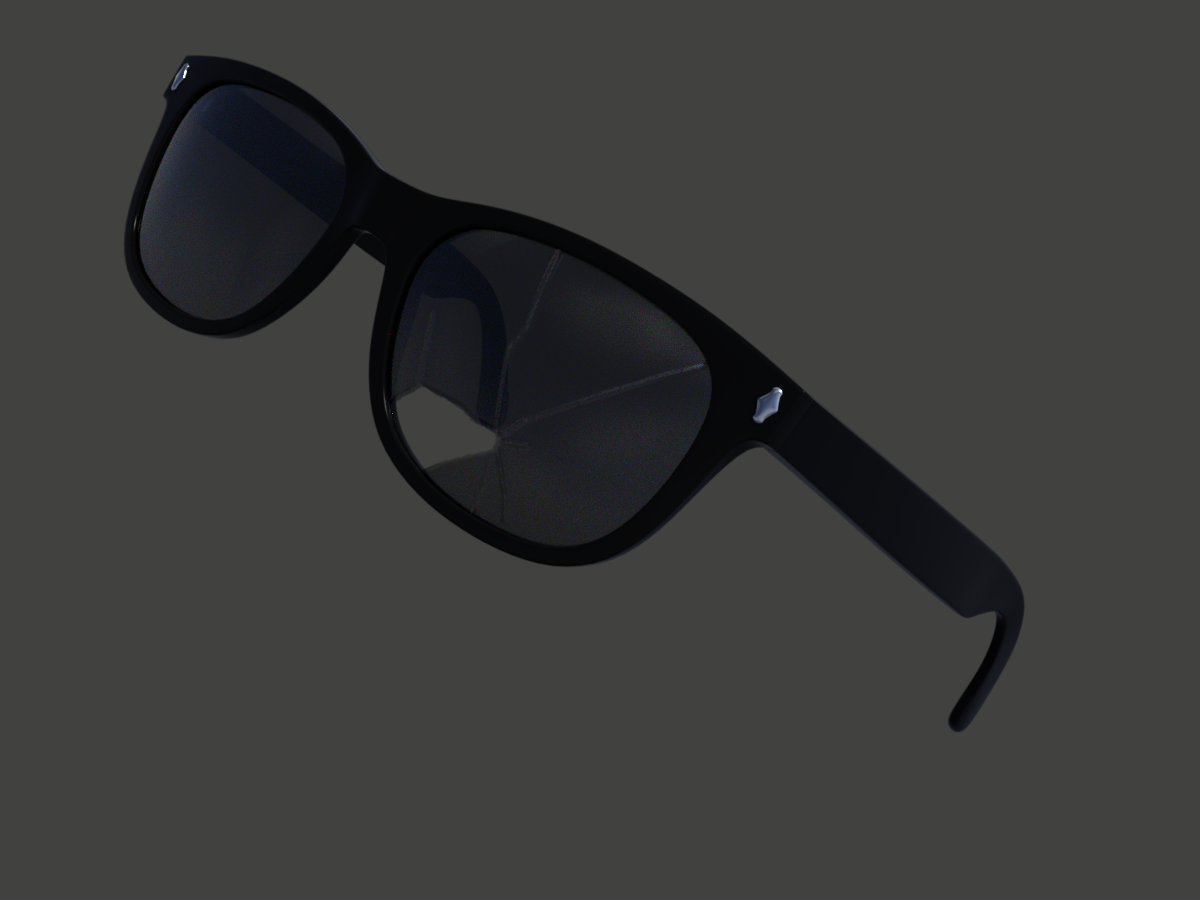
My broken sunglasses experiment is not going well. Not sure if it's a Me problem or a Daz problem.
>>
>>
File: Refraction.png (2 MB)

2 MB PNG
Tried and failed to make a shader where the character is see through but any internal geometry is hidden, you can still see her eyeballs under the skin here for example.
There's a really cool shader for a Blender model that acheives this affect but its super complicated, no idea how to replicate it in Daz
>>
File: sunglasses5-normal-030-disp-200-100-diffb.png (240.4 KB)
240.4 KB PNG
>>1021743
Yes, well, the thing is that I'm a retard who doesn't know anything about normal maps. I just had GIMP generate one for me.
Using a bump map made the cracks almost invisible, but I had better luck with a displacement map and turned the normal map strength down to 0.3. I also drew gray lines along the cracks for a diffuse map. Needs some tinkering but I think I'm getting there. Thanks, king.
>>
File: big sword.jpg (2.3 MB)

2.3 MB JPG
any gobbos need chopping in twain?
>>
>>
>>
>>

>>
File: 1743591293354057.jpg (650.6 KB)
650.6 KB JPG
>>1021611
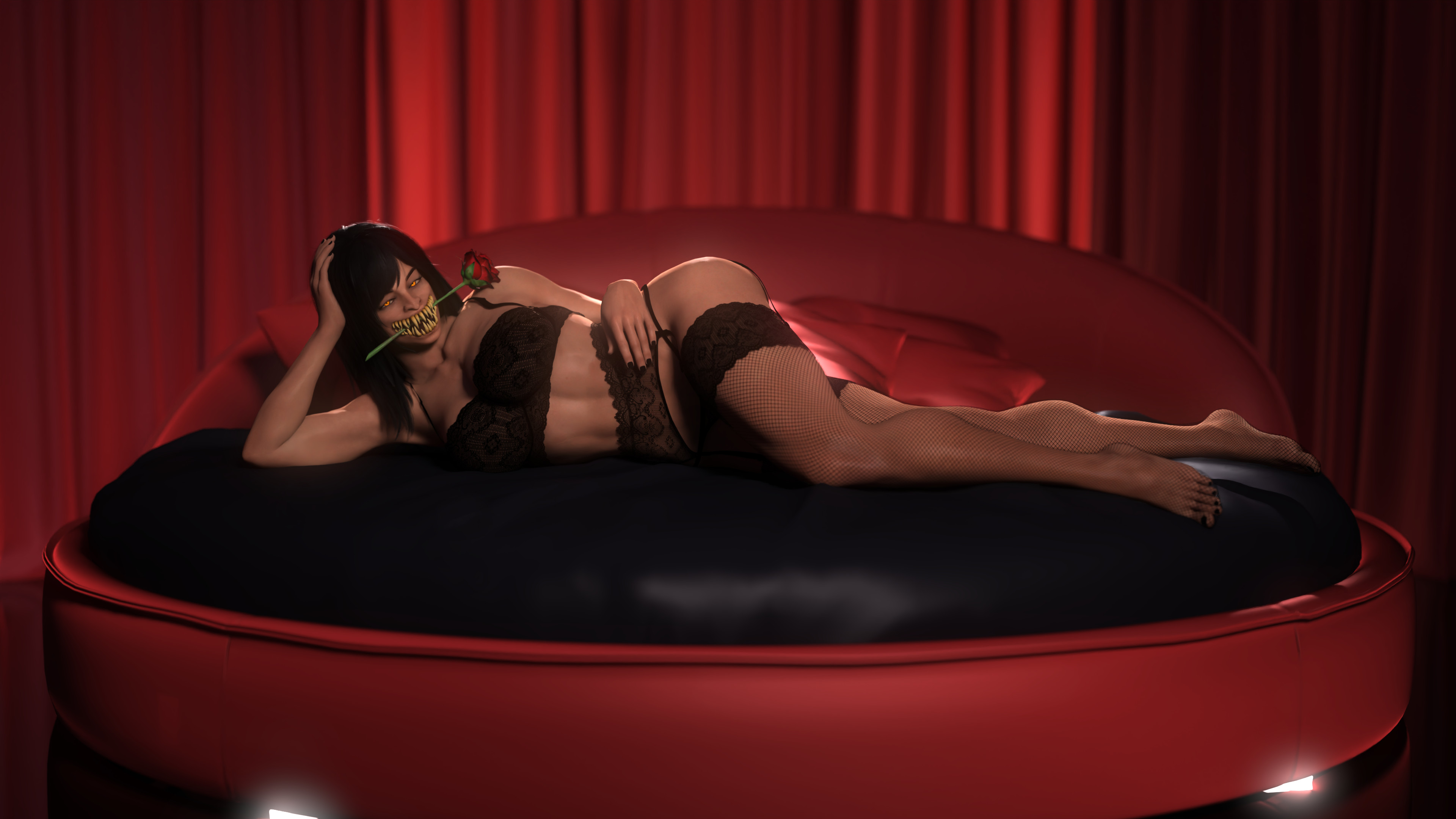
>Love me some egypt qts! Catbox per chance?
here you go anon
https://files.catbox.moe/rfe09l.jpg
https://files.catbox.moe/5il9lq.jpg
https://files.catbox.moe/qy2ylr.jpg
https://files.catbox.moe/x455cb.jpg
https://files.catbox.moe/g82zzp.jpg
https://files.catbox.moe/z6sej1.jpg
https://files.catbox.moe/u4q9gf.jpg
https://files.catbox.moe/hwcztg.jpg
https://files.catbox.moe/qo25rb.jpg
https://files.catbox.moe/98e35s.jpg
>>
File: IMG_4063.jpg (523 KB)

523 KB JPG
>>
File: FB0pcyVVcAQkjcs.jpg (108.5 KB)

108.5 KB JPG
>>
>>
File: botched-set-for-genesis-9-01.jpg (157.4 KB)
157.4 KB JPG
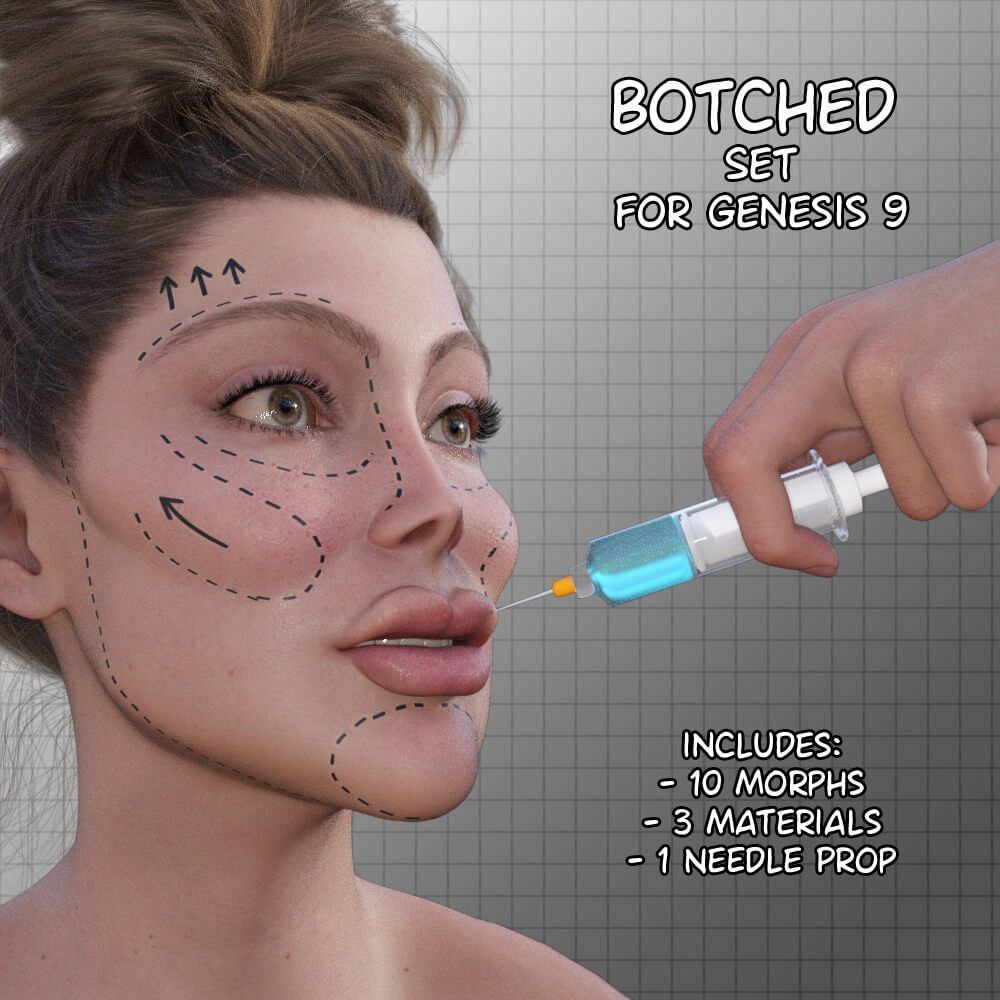
https://www.renderhub.com/janey/botched-set-for-genesis-9
Finally, realistic modern celebrities!
>>
>>
File: JabbaPit01.jpg (1.6 MB)

1.6 MB JPG
>>1021640
yeah I also missed the Halloween render anon.
>>
>>
File: Vampire.jpg (375 KB)

375 KB JPG
she wasn't a vampire muscle mommy at first, but alas, all i make are muscle mommies.
>>
File: Jabbates.jpg (302.9 KB)

302.9 KB JPG
>>1021875
Thanks anon but mostly I am lazy and do all in render. But I did give it a single level pass in ps.
>>1021892
musclebound sexy vampire is a rare but welcome sight!
>>
>>1019295
>>1019324
>>1019288
Different anon, but in a similar situation (4GB VRAM GPU for ants). How important is VRAM vs other performance metrics? Does VRAM capacity become 'good enough' at some point?
I could look for a decent second hand 3090 on ebay and get 24GB of VRAM on an older platform, or a newer card like a 5060 ti but be limited to only 16GB of VRAM with more horsepower in other respects.
Any advice?
>>
>>1021909
VRAM NEVER becomes "good enough". Its the single biggest planned obsolescence metric in GPUs and has been for a decade now. Its also the major gatekeeper, forcing cards into the "neat" categories of: Gaming cards, pro cards and industry. The same GPU but with a different VRAM configuration can mean the card price increase 50x. Why? Because if you do not have enough VRAM, then you cant do anything. You cant even do it slower it simply wont work.
Not sure how cheap a 5060 ti card is but it should be pretty cheap being a 60 series. I ran a 2060 for a long time and the main issue for me was always lack of VRAM. Still you can work around that but it is time consuming.
If you like strand based hairs, displacement maps, large scenes or such then VRAM is your most important metric as actual GPU performance does not matter if you cant fit on VRAM anyways. If you do single characters no background then VRAM is not as important. This is what a lot of people do in DAZ and is 100% valid and fun.
So again what are you looking to do? Do DAZ only or play some games on the side? For 3d modeling / rendering you look at VRAM first and then everything else.
>>
File: 1760163764411954.jpg (732.2 KB)

732.2 KB JPG
>>1021909
what constitutes "good enough" is entirely dependent on what you're trying to get out of Daz, how complex and detailed you wants your renders to be. if you're only interested in simple renders with 1 or 2 subjects and a simple environment like >>1021776 , then you should be able to skirt by with 8 GB of VRAM. if you want more complex scenes then you'll find yourself learning how to optimize your scenes (which is a good skill to learn regardless) to try to squeeze everything into your 8GB. it's all about what you envision yourself doing.
>>
>>1021922
>>1021909
this render >>1021776 didn't even go to 6gbs of vram, i did 0 optimizing, every texture is 4k, and windows was eating 2gbs of vram at the time as well. every render i make like that never even approaches 8 gbs. that said, there's cheap cards with 12gbs these days. gpu power does matter for render time, but not that much. if you grabbed a 3060 with 12gbs years ago, you'd still be coasting for a few years. the 5060 ti is 16gbs, and very cheap. unless you're making insanely complex scenes, you can't go wrong with it.
>>
>>1021909
>>1021922
also, you could definitely fit a scene like this into 8gbs of vram, but you're going to have to optimize. with depth of field on, you can use scene optimizer to drop texture res on literally everything but the 2 main characters. if i needed a card specifically for daz, i would probably grab the 5060 ti. 16gbs of vram, fast, cheap, and 180 watts? perfect for daz, and your electricity bill.
>>
>>
>>1021925
>>1021924
>>1021922
Thanks for all the input. I do game, but part of the reason I'm still on this old ass GPU is that the games I play tend to be pretty old or just GPU light. Hard to feel like I need a 50 series card to play Supreme Commander or Factorio.
Is there a good way to see how much VRAM a scene is using? I figure I'll mess around with my coughing baby of a GPU to get a feel for how much VRAM scenes need. Then I can make more informed decisions from there.
Also, may Allah punish and smite this stupid fucking AI bubble. I thought the bitcoin mining shit was annoying. Jesus fuck these RAM prices.
>>

>>
>>
>>
>>
>>
>>
File: unhappycamper0.png (1.3 MB)
1.3 MB PNG
>mfw I just realized that not only am I going to have to paint all my own geoshell textures, but I'm also terrible at it
>>
>>
>>
>>
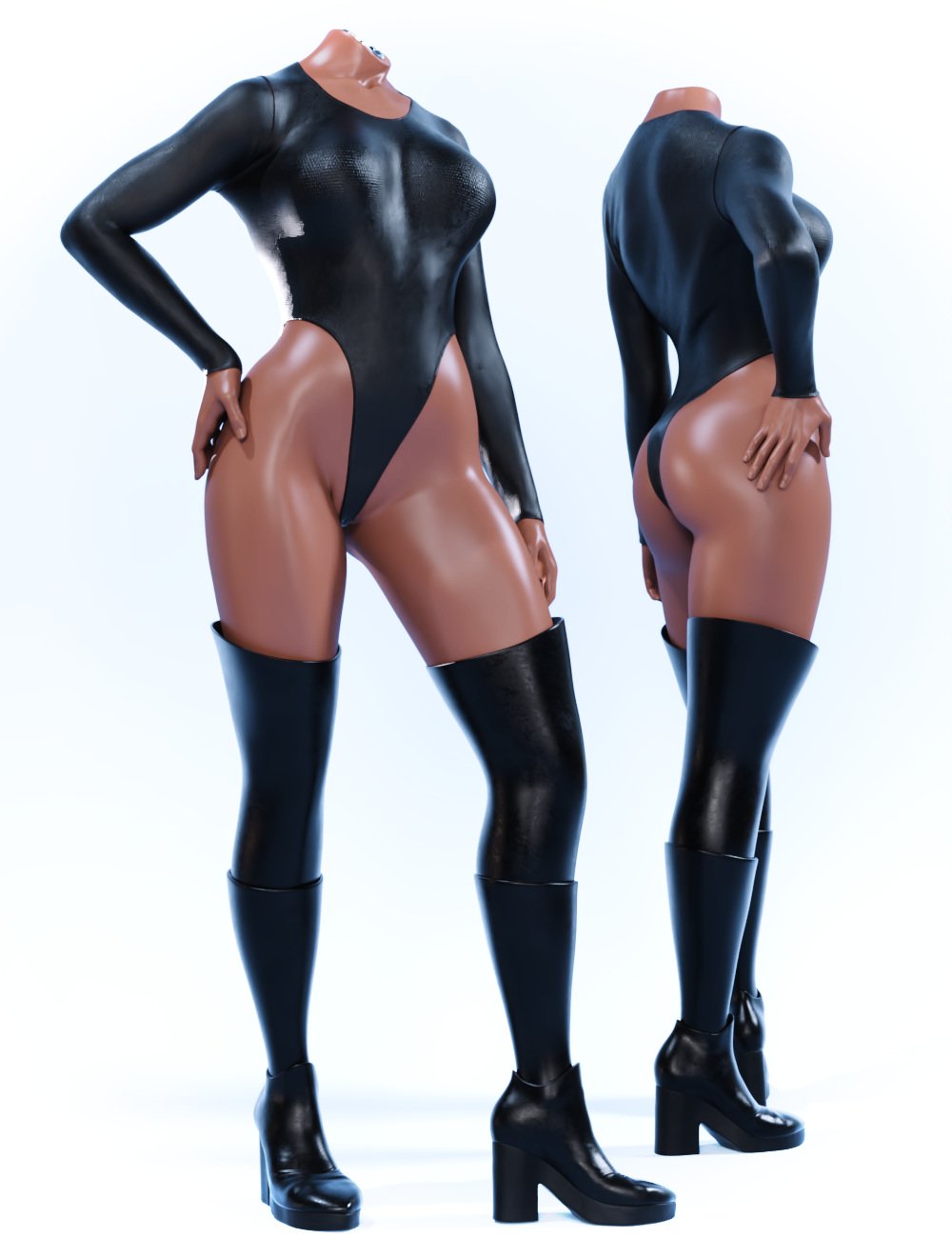
Does anyone have any products to recommend that deal with distortion in the hips when the thighs are bent at about 90 degrees? The girl's butt looks really ugly in this position. I'm using a morph called "U.N.B.Ms for Genesis 8 Female" and it helps a lot, but the effect isn't strong enough to make the hips look decent.
>>
File: gpu z.png (56.4 KB)
56.4 KB PNG
>>1021933
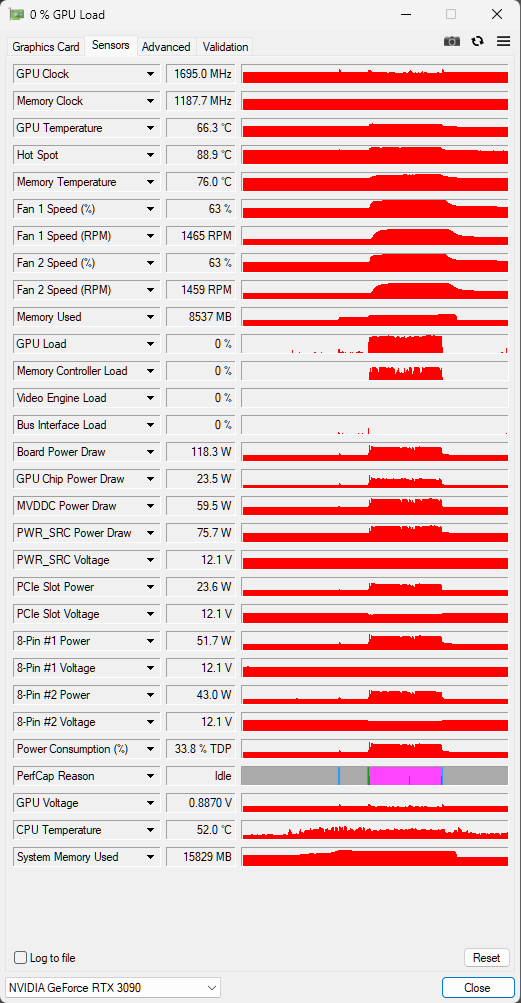
>Is there a good way to see how much VRAM a scene is using?
If you are not already using it, install the GPU-Z program and run it every time you use DAZ Studio.
It monitors everything, including the amount of VRAM currently used by your GPU.
The related image, for example, shows that I am using 8.5 GB of my GPU's RAM, and I'm working in a scene with three characters.
>>
>>
>>
File: image (4).png (1.6 MB)

1.6 MB PNG
We need a new Elle Fanning model
>>
>>
File: seems fine m8.jpg (484 KB)

484 KB JPG
>>1022151
Looks decent enough to me, what did you have in mind?
>>
File: 1753709619893013[1].jpg (564.2 KB)

564.2 KB JPG
>>1022151
Just port the DS2 model.
>>
>>
File: Herminia for G9.jpg (180.5 KB)

180.5 KB JPG
But wait, there's more!
>>
File: 1752890837538280.jpg (412.4 KB)

412.4 KB JPG
>>1022172
is anyone keeping track of how many Emma morphs there are in circulation? i don't understand how this woman gets so much attention from the 3DCG space
>>
>>

>>
File: alma-mh5c.png (2.8 MB)

2.8 MB PNG
Is there any g9 character with middle easter phenotype? Something like vicey3d girls?
>>

>>
>>
>>
>>
>>
File: Screenshot 2025-11-01 085748.png (1.3 MB)

1.3 MB PNG
I was making a VN on my PC back home with all gen8 stuff and I had some complications loading it on my laptop while I'm living abroad so I'm starting fresh. I remember doing research on g8 vs g9. Now that I have to start over, I'm wondering if I should just go with g9? I know it's a lot more resource intensive but I'm wondering if the visual fidelity is worth it
Also, I'm getting low on ZoneGFX points and they have a super jewish system of even if you "bought" an asset with points, it gets reset after like a month so you'd have to rebuy it again. Is Renderhub my only other option for free shit (and good t.o.t shit)? Asking for a friend
>>
>>1022331
>>1022331
what's your zone handle? I'll throw you some points.
As far as fidelity and similar, it will vary wildly depending on the vendor or artist. For a VN I would try to stick with characters that match a certain style. No toons mixed with "realistic" characters at least as far as materials. But it also depends on your VN subject I guess.
>>
File: Screenshot 2025-11-23 120650.png (47.8 KB)

47.8 KB PNG
>>1022332
You may have been the person who gave me points last time. Regardless, I would appreciate more if you have some to spare. I ran into this problem last time but I'm not sure what my handle is for you to send to so I screencapped my account name.
And thanks, I think I'll just stick with g8 since I know there's a lot of good tools like skinbuilder that I remember I wasn't able to find for g9
>>
>>
>>
>>
File: Screenshot 2025-11-23 143117.png (1.5 MB)

1.5 MB PNG
Looking for advice on making characters' skin a bit more video-gamey, like less realistic and a bit more doll-like. On the left is what I have in Daz after messing around with the skin's translucency weight and experimenting with the normal map and bump map weights. On the right is a screenshot of the character from her game. I know that the environmental lighting plays a big part in how a character looks but there's got to be a lot of other elements I don't even know about.
>>
>>1022354
idk if you're exclusively working in daz, but when I use the diffeomorphic exporter for daz to blender, the blender result has exactly what you described. the skin shader looks less realistic and more doll like. when I first did this, I remember trying to get the daz look in blender because that wasn't want I wanted but it might be exactly what you're looking for
>>
File: Untitlede9917e536a606a92.png (499.8 KB)

499.8 KB PNG
Mayli clone when??
>>
>>
Are you all now using DAZ 2025 alpha, or is it still unstable and dysfunctional?
I have to buy a new computer and I'm really tempted to go for something with an RTX 50xx series card for future-proofing.
I guess v4.2x is never going to be 50xx compatible, right? Being unable to use meshgrabber in DAZ 2025/v6 is a real bitch.
>>
>>
>>1022404
It's the old version that can't use 5000 series cards. The new version can't use mesh grabber, but hides an equivalent feature behind an expensive as fuck subscription paywall.
So you lose either way.
I just wanted to known what people here were doing and how bad the new version (2025/v6) was.
>>
>>
>>
>>1022400
I have an rtx card but I use 4.24. I only use 2025 alpha to load whatever scene I've worked on and click render since that doesn't work on 4.24. What a clown company - hasn't this issue existed for more than 9 months now? lmao
>>
>>
>>1022405
so basically the best set up is 2 computers at once, one with daz 2025 and a 5000 series card, and the work computer with an older card, and all of my plugins, with my library set up on an exernal networked folder. this is doable, and retarded.
>>
>>
>>
>>
File: TestRender.png (3.2 MB)

3.2 MB PNG
I made an OC.
rate / hate
>>
>>

>>
>>
File: Screenshot 2025-11-27 054653.png (898.1 KB)

898.1 KB PNG
>.
>>
>>
>>
>>
>>
>>
Is there any reason why the shell sometimes gets inside the characters' skin? Is it intentional or is it a bug?
I've seen wet skin effects that make the shell go about 0.01 cm inside the skin, and I can't see the effect appearing on the characters, but maybe it depends on the lighting? Do the guys do this because of some exploit in how iray works?
>>
>>
>>
>>
>>
>>
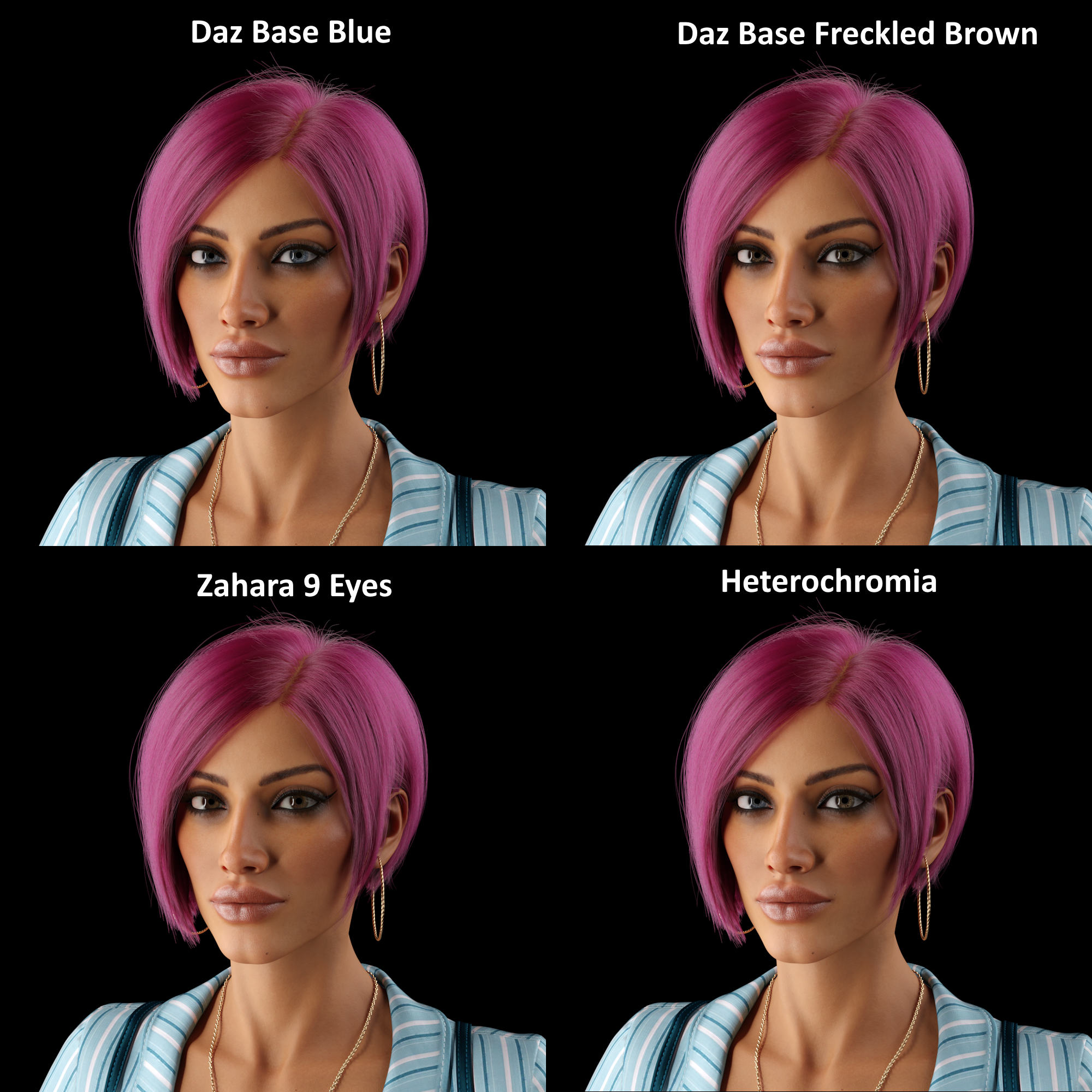
File: Eyes.png (2.7 MB)
2.7 MB PNG
>>1022445
I rendered it at like 5000x5000 because I forgot to change the resolution after testing out rendering times kek.
>>1022572
Thank.
>>1022608
I think you're right, I checked out some other colors but the two brown options in pic related looked the best imo.
>>
File: 2019 Bridget Fireflies.jpg (229.8 KB)

229.8 KB JPG
>>1022572
>fireflies
noise in the render common with low iterations or sampling
>>
>>
File: 1553-iterations.png (3.3 MB)
3.3 MB PNG
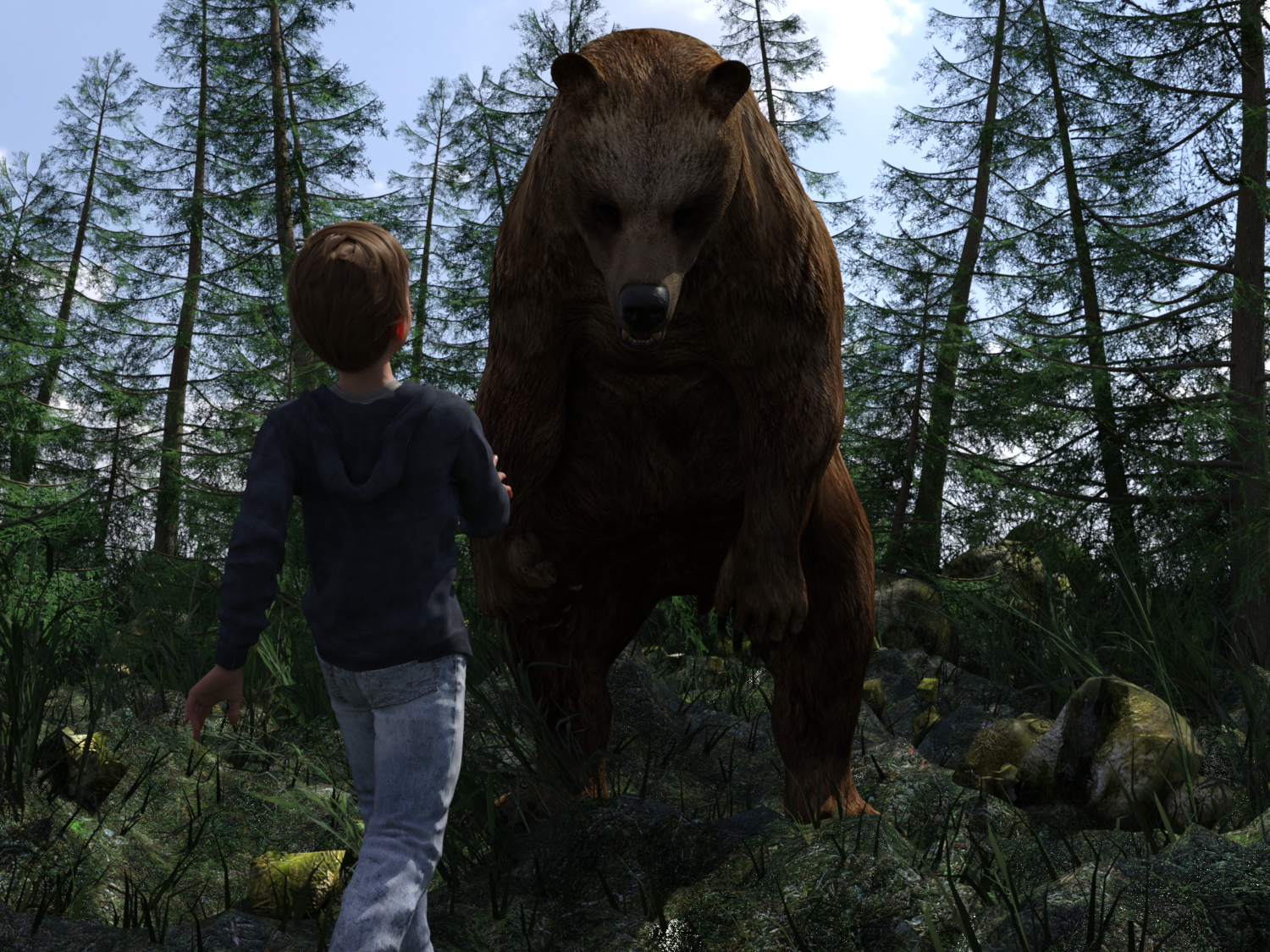
>>1022613
What's a good number of iterations? Daz seems to want to stop at 1553 for this scene and I don't think the difference between 300 and 1553 is very big. Maybe I'll just try a fuckhuge resolution like >>1022612
>>
File: jane-sans_past_w_heart.png (1.5 MB)
1.5 MB PNG
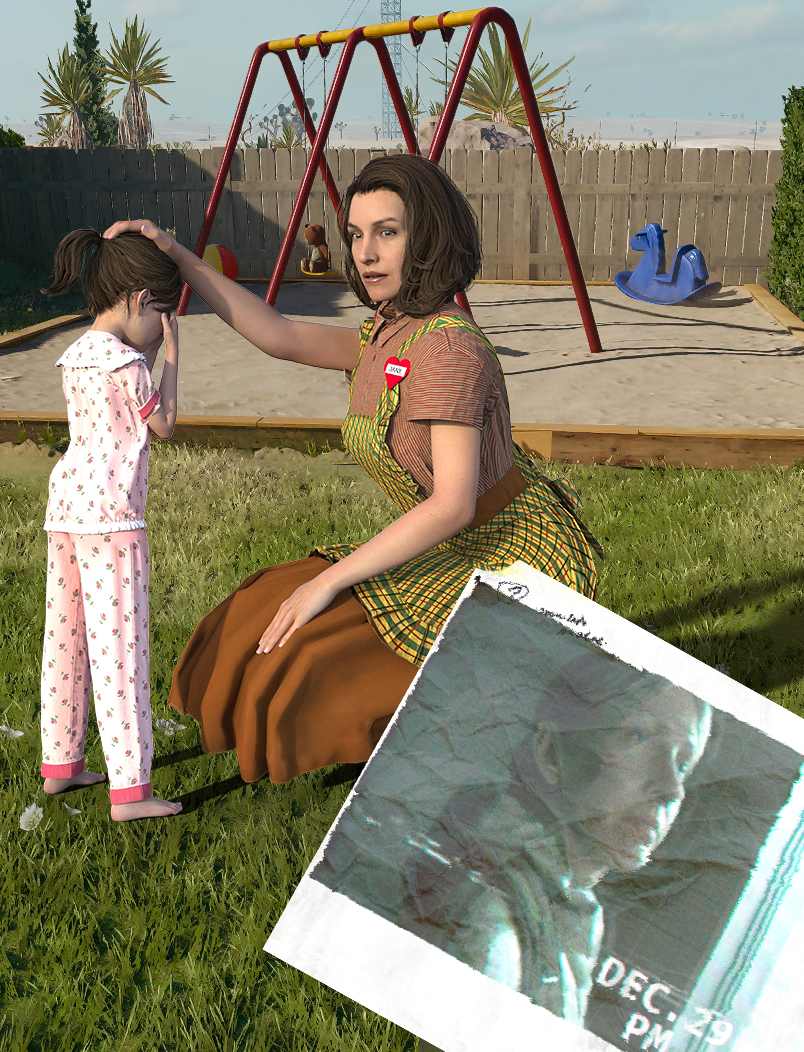
Is there any way to correct the harsh creases in the skirt at the bottom? They come from me having to manually move the bone since the weight transfer utility wouldn't make the outfit's shin bone follow the figure's. I can sort of correct them in photoshop but they don't really match with the rest of the picture.
>>
File: 1735971872594963.jpg (820.1 KB)

820.1 KB JPG
>>1022526
it's crazy seeing Quadraw selling on the official Daz storepage after being purged from RenderHub for selling models of "500 year old vampires"
>>
>>
>>

>>
File: Screenshot 2025-12-01 105020.png (864.6 KB)
864.6 KB PNG
>>1017961
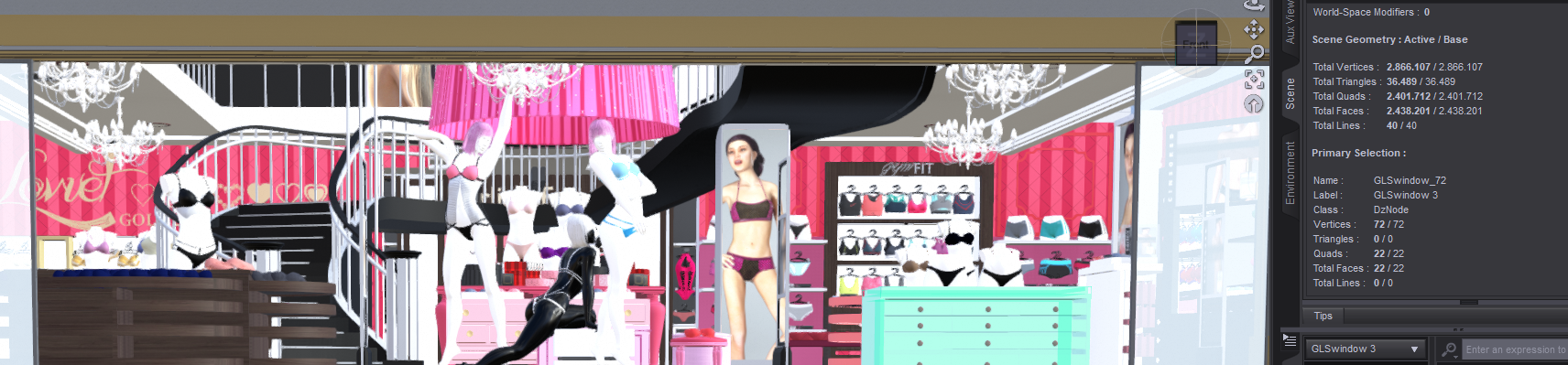
jesus christ, does daz creators not know object instancing or any other optimization tricks? every maps i get from the store usually has millions of poly you need beefy pc to render them
>>
File: 2019-10-22(2).png (359.3 KB)

359.3 KB PNG
>>1022738
Daz creators are shite at optimizing. Check the material resolutions too.
>>
>>
>>
File: rks-libby-for-genesis-9-03.jpg (401.6 KB)

401.6 KB JPG
>Betty Gilpin
Instant buy.
>>
>>1022758
His promos are pretty good but how are the characters in other scenarios? Is it a totocandy situation where the goblins look sort of passable with his lighting preset and promos but end up looking like normal and bumpmap-less facetransfer slop with scuffed specular maps?
>>
>>
File: TestRender4.jpg (3.5 MB)

3.5 MB JPG
Does anyone know how to get a smoother texture on breastacular?
>>1022618
I'm not sure what you mean but her lips are supposed to be pretty large.
>>
File: 1719336228416830.gif (18.3 KB)

18.3 KB GIF
>>1022789
nipples
>>
>>
File: Dayana & Karina Bloom HD for Genesis 8 Female.jpg (34.8 KB)

34.8 KB JPG
We know what you are
>>
>>
File: 1746209538202131.jpg (344.3 KB)

344.3 KB JPG
>>1022789
i'm not too familiar with breastacular (whether it's simply a morph applied to the base mesh or if it's a separate mesh), but typically the normal map and bump map affect the "texture" of the skin. reducing either or both of these in the shaders tab should smooth out the skin.
>>
>>1022792
Bonus https://files.catbox.moe/xovjm6.jpg
>>1022798
The private library from stonemason got some pretty nice render presets.
>>1022834
Yes, it's a geograft with it's seperate mesh, fiddling around in the surfaces did the trick.
There's a tutorial on F95 utilizing Breast Utilities and it's shell but I couldn't get it to work on G9.
https://f95zone.to/threads/hd-big-titty-texture-tutorial-for-breastacu lar.179609/
>>
File: Hindenburg.jpg (86.9 KB)

86.9 KB JPG
>>1022789
>>
>>
>>
>>1022870
Yes, the tits are supposed to be pretty large too.
>>1022884
Nah, I'm lazy and combined some pose packs from Zeddicus with some minor adjustments to the arms/hands/head and switched the couch she's sitting on, the included one is kinda low poly and the texture looked a bit off that close up.
>>1022897
Yeah, I tried the G9 version with the steps described in the thread but it didn't work out.
>>
File: p3disfinallygoodagain.jpg (602.4 KB)

602.4 KB JPG
>>1022912
>Nah, I'm lazy and combined some pose packs from Zeddicus
It's funny, I was just thinking about how despite having downloaded the 15 quintillion pose presets from whoever, I have not found a use for any of them and I end up doing everything myself.
>>

>>
>>
>>
File: overalls.png (2.4 MB)

2.4 MB PNG
Getting Daz to do anything I want has been a form of self-torture.
At what point do you just throw your hands up and recognize that getting a Wacom tablet and learning to draw would be faster and easier than bending time and space to use Daz as anything but a glorified masturbation tool?
>>
>>

>>
>>
>>
>>
>>
>>

>>

>>
File: nude censored.jpg (126.6 KB)

126.6 KB JPG
>>1022952
One thing you can do is render models in DAZ to draw over later. I'm trying to do this by making characters with exaggerated proportions and then tracing them to see if they can pass for 2D characters to be used in a Visual Novel (non-erotic in this case).
>>1022953
If you do this process, you never have to go back to DAZ again?
For example, if I export a character to Blender, but then remember that there is a pose or outfit in DAZ, can I use these things directly in Blender, or do I have to keep going back to DAZ all the time to use its products?
>>
>>
>>1022953
It looks like that's what I am going to have to do because my big problem right now is materials. I'm trying to work grime, scuff marks and blood onto these characters and neither geoshells nor decals appear to be suitable.
How well does Blender's physics engine work with non-dForce hair?
>>1021783 looks promising, assuming I can find the right brushes or get good at drawing.
>>1023060
Sounds like a lot of work but it might be the way to go. I need a tablet either way.
>>
File: 1761950509177984.jpg (260.1 KB)

260.1 KB JPG
what monitors are you guys using? i just realized that my cheap monitor doesn't have the full color gamut, not exactly ideal for color editing
>>
>>
>>
>>
>>1023322
Pretty much any script won't work in the Alpha. For example, if you have a geograft with a script that copies materials, you will have to run that in 4.x, then save your file, then return to Alpha to render.
>>
>>
>>
>>
>>
>>
>>
>>
File: lewcultist.png (3.3 MB)

3.3 MB PNG
Thoughts on this lewd cultist?
uncensored: https://files.catbox.moe/f0ayzd.png
>>
>>
File: 1745126395845839.jpg (411.9 KB)

411.9 KB JPG
m-maybe the next update will remove invisible keyframes...
>>
>>
why the fuck can't i map a network drive as my library in daz? i basically can't use my new gpu because it doesn't render anything on 4.2+, and none of the scripts i use work on the new alpha. i'm gonna shit myself.
>>
>>
>>

>>
File: rks-toddler-bundle-for-genesis-9.jpg (131 KB)

131 KB JPG
DAS RITE WYTEBOI
>>
>>

>>
>>
>>

>>
>>
File: HairTest.png (3.3 MB)

3.3 MB PNG
>>1023691
Actually it's a boy.
>who dat
OC based on Victoria 9 Masc with lots of other morphs mixed in.
>>
>>
File: 1764347322655445.jpg (950.5 KB)

950.5 KB JPG
>>1023708
don't talk about my wife like that. anyway Daz character morphs are commonly split between head morphs and body morphs, so you can apply/remove morphs to the body without affecting the head, and vice versa. the teeth are a wearable prop.
>>
>>1023713
>the teeth are a wearable prop.
If I made a head sculpt and wanted to swap with a Daz body to keep the rig, there is no way to do it on Blender alone?
I'd have to port the mesh back to Daz and "re-rig" the body, so to speak?
I see a lot of game characters using daz gen8 bodies, but I don't understand if they use a ripped models head and attach it to the body on daz, or if they just sculpt a daz head to keep the transforms and shape keys.
>>
>>
File: Jul02a.jpg (1.7 MB)

1.7 MB JPG
Santa's helpers are some lazy layabouts
>>
File: 1757799167873365.jpg (1.1 MB)
1.1 MB JPG
>>1023715
sorry anon, i don't know anything about blender. i do know however that my wife is very beautiful
maybe someone in the blender general has experience with what you're trying to do?
>>
>>
>>
File: Christmas Cuckold.png (1.6 MB)

1.6 MB PNG
Merry Christmas
>>
File: XMASRENDER.jpg (2.5 MB)

2.5 MB JPG
You guys been pretty helpful and chill, Merry Christmas, Anons.
>>1023730
based
>>1023754
very nice render
>>
i want to make characters for a game not visual novel but i hate sculpting is daz a good option? and how do i avoid the daz look? will sending the mesh to CC5 and using CC5 textures do it? also i'm targeting the chinese korean semi realism look any good male characters you recommend?
>>
File: 1766408076801785.webm (3.9 MB)

3.9 MB WEBM
>>1023794
Daz3D is ancient boomer tech. I would consider AI if I were you
>>
>>
>>
>>
>>
File: Kiernan Bogged.jpg (2.2 MB)

2.2 MB JPG
>>
File: Yamrouser - British Cutie.jpg (258.8 KB)

258.8 KB JPG
>>
File: daz3d_evony_hair_main.jpg (185.5 KB)

185.5 KB JPG
There's currently I want to talk to the manager hair available for free:
https://www.daz3d.com/evony-hair-for-genesis-8-females
>>
>>
>>
>>
File: 1757455885803446.jpg (400.8 KB)

400.8 KB JPG
>>
>>
File: 1758472881766350.jpg (345.3 KB)

345.3 KB JPG
>>1023885
couldn't say for sure. yeah there's a share of boomers, but there's also a lot of coomers who use Daz, aka people familiar with internet culture. i would've assumed that there'd be some residual meme shitposts to go along with that, but alas
>>
>>
File: 2019-11-19.jpg (156.6 KB)

156.6 KB JPG
>>1023887
>>
>>
>>
>>
>>
>>
File: RoomService.jpg (3.1 MB)

3.1 MB JPG
Do you guys bother with postwork on your renders?
>>1023867
my man
>>1023932
sad day for the geriatrics
>>
>>
As a total newcomer should I be looking at Gen 8, 8.1, or 9?
I'm guessing 9 is the newest, but if 8 or 8.1 have all the actual support and 9 hasn't seen much adoption am I better off going for the well supported legacy over the new hotness?
>>
>>
>made a gen 8 girl with the PERFECT smaller boobies which has been really difficult as it either looks weird or you're forced to go big
>realize she just doesn't look great against any gen 8.1 male or above
>can't copy attributes from one model to another thanks to this dogshit program
guess I have to start over AGAIN with gen9
>>
>>
>>
File: SA_henchgirls_group_1.jpg (1.2 MB)

1.2 MB JPG
Henchgirl/female combatant fit check!
Also, pick a girl.
>>
File: BeachBoi.jpg (3.8 MB)

3.8 MB JPG
>>1024050
I pretty much just did what the Anon from >>1022528 told me. But look up actual femboys for reference I guess.
>>1024083
Take this for now. I'm still new to DAZ but I'm cooking something up.
>>1024097
2 cuz of UMP
>>
>>
>>1024100
I splurged and got a 5090 in my new rig. 8k renders take around 1-3 hours at my usual render settings but this one was pretty much done after 40 minutes. Normally I downsize the renders to 4k for easier viewing, but I forgot this time kek.
>>
>>
File: Bioware Quality Dialogues.webm (2.8 MB)

2.8 MB WEBM
>>1023810
Why would you make Sarah Ryder from Mass Effect: Andromeda?
>>
>>
>>
The more I dig into Z-image and Wan the more I realize how over it is for traditional computer modeling.
I get better animations result from a wan prompt than all the wegs I ever played.
It's nice to see my stuff move as graciously.
https://files.catbox.moe/fr4xa8.mp4
It's so over.
>>
File: 1739320220724358.jpg (844.7 KB)

844.7 KB JPG
>>1024152
i just typed "choker" in the Daz store and got 38 results. if that's not enough for you then try Renderhub
>>
>>
>>
>>1024208
thank you! i noticed your render quality is set to 2, do you find there a difference when changing that parameter? for some reason all my tests with render quality doesn't appear to change anything beyond longer render time
>>
>>1024248
Yeah, there's a bit more grain if left at 1 and the convergence triggers much earlier. But the grain is really just noticable if you zoom in on darker parts of the image but it activates my autism for some reason.
>>
>>
>>
>>
>>
>>
>>1024180
okay, now make it longer than 6 seconds. and make it consistent with characters/location/story/setting. prompted something and see it needs a fix? oops, time to prompt again.
>2 more weeks bro
these ai nigs need to start building the shit they say ai is going to help take over. we're waiting
>>
>>1024282
Yea, LTX-2 just dropped today, and "infinite_loop" for comfyUI yesterday. You have no idea what i am talking about, because you live with you head in a hole.
But good luck to you, you're going to need it.
You WILL have use AI in your workflow if you don't want to be left behind.
https://files.catbox.moe/udonxw.mp4
>>
i love how these AIfags float around different threads like a bunch of jehovah's witnesses, trying to proselytize everyone to drop their hobbies and just eat the slop like them
also
>image limit reached
>on an """""imageboard"""""
lel
>>
>>
>>
>>
>>
>>
>>
>>1024347
Well done, first time I did DAZ, I was just clicking on the titties and enlarging them by scaling the value upwards; you seem to have applied a morph straight away. You'll make it to the top like this, keep at it champ
>>
>>
>>
>>1024379
>I always think my renders looks like shit.
join the club, lol. i can never get my renders to look how i envision them. i like the lighting in your renders though. like this one >>1023791 , did you use the regular spotlight to light the room, or a primitive object with a light emissive surface?
>>
>>
>>
>>1024402
>did you use the regular spotlight to light the room, or a primitive object with a light emissive surface?
Nah, spotlights didn't feel comfy enough so I used two point lights.
Pic related: https://files.catbox.moe/nvjdx5.jpg
Lumen is at 100k for both
>>1024410
kek I had to up the DoF to hide the shitty pillow texture in the foreground.
>>
>>
>>
>>
>>
>>
>>
>>
>>
>>
>>
>>
>>
>>
>>
>>