Thread #7868469 | Image & Video Expansion | Click to Play

Board-wide Vote for Animation general #14 OP image Anonymous 01/27/26(Tue)13:43:25 No.7868469 [Reply]▶
File: 511Ap1wjPpL._AC_UF1000,1000_QL80_.jpg (35.7 KB)

35.7 KB JPG
Alright all of you lurkerfags
Pick an animation from all the animations posted in the archived thread to be the OP
: >>7783056
Not just the animators i want your opinions too
There can be only ONE™ objectivly THE BEST Animation posted in that thread
And (you) get to decide
let me have this mods
its better than another gay slide thread about "AI is art??"
41 RepliesView Thread
 Showing all 41 replies.
>>
>>
>>

>>
>>
>>
7784861
7790938
7792966
7797642
7812597
7829835
7842204
7850031
7853260
7853299
7858592
7863721
7864633
7866042
every animation was great in that thread. these are probably my favorites if i really had to pick. i guess if i could only go with one, i’d go for that last one, but if voting for multiple’s fine, or if it helps break a tie, go ahead and imagine i voted for all or any of these, if it helps.
>sorry the system won’t let me quote these guys
>>
>>
>>
>>
File: Walk-cycle-2.gif (577.1 KB)

577.1 KB GIF
>>7868965
>post many clean anims
>the rough one-off horse rider loop is more popular
the muses jest at my expense
>>
>>
>>
>>
File: sPLATTER.gif (384.4 KB)

384.4 KB GIF
the voting runs for one more day
after that i mint the new thread
>>
>>
>>
>>
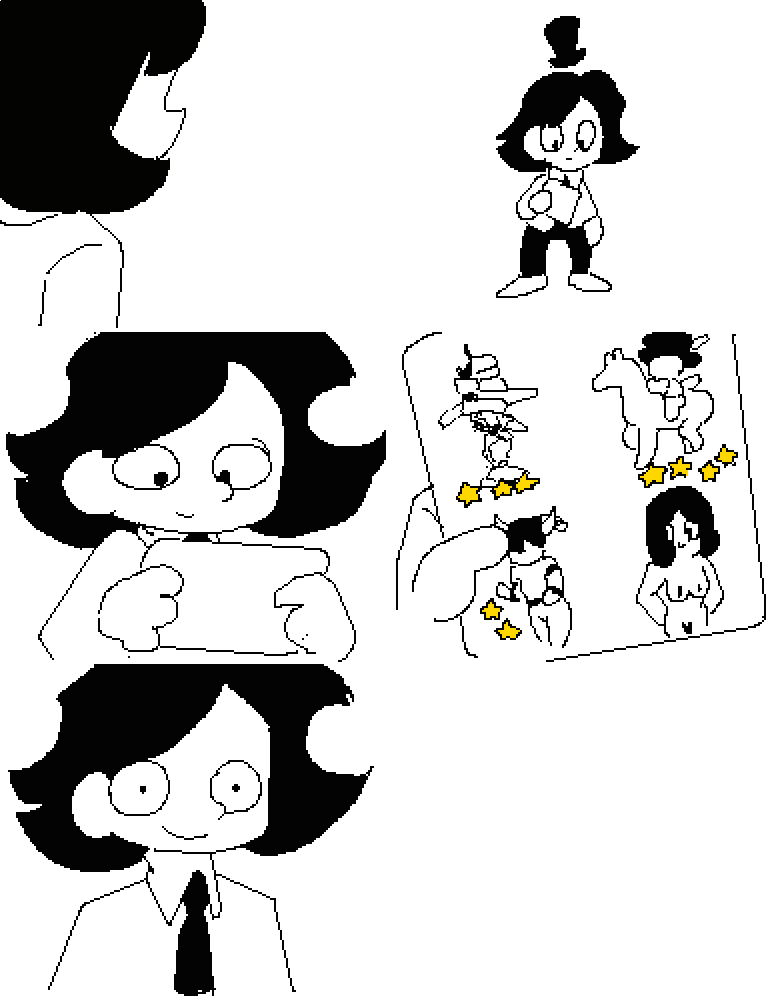
>>
>>
File: 0001-0050.mp4 (70.6 KB)

70.6 KB MP4
I tried my hand using Blender, drawn with a mouse. I feel a little confident because it turned out better than I expected
>>
>>
>>
>>
>>
>>
>>
>>7869832
I'm just doing straight ahead animation for anything requiring physics. I make a seperate animation folder and big quick brush strokes while following the pose to pose animation folder. That way I can feel the movement of something before detailing it. It's kinda fun doing it.
https://m.youtube.com/watch?v=v8quCbt4C-c&pp=ygUnU3RyYWlnaHQgb24gYW5pb WF0aW9uIHZlIHMgcG9zZSB0byBwb3Nl
>>
>>
>>
File: 0001-0048.mp4 (32.7 KB)

32.7 KB MP4
>>
>>
File: notation.jpg (5.9 KB)

5.9 KB JPG
what's the difference between these 2?
how many inbetween fames am I supposed to draw?
>>
File: example.gif (25.1 KB)

25.1 KB GIF
>>7870852
the little lines are used to determine timing and the big ones are where ur frames go
>>
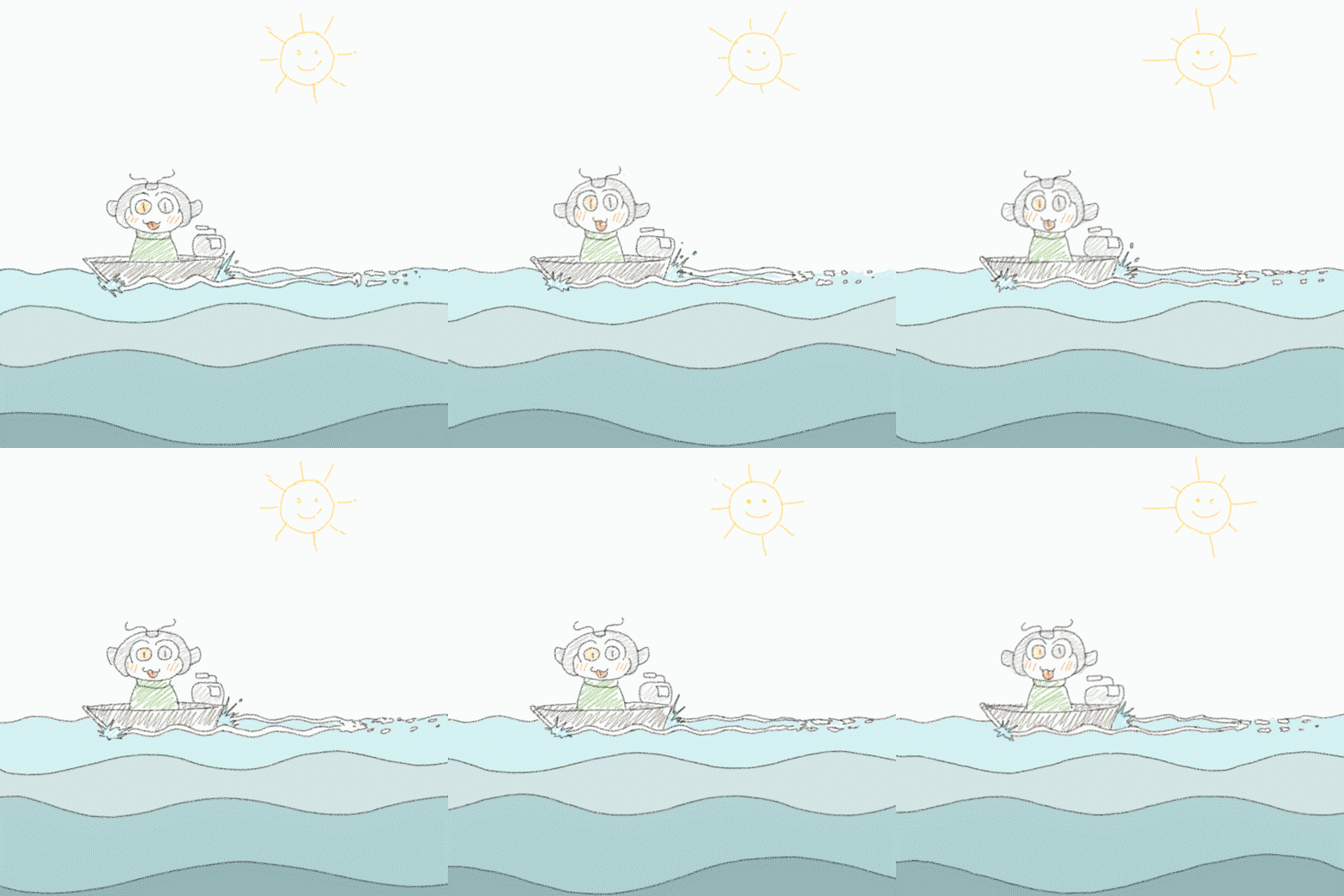
File: Boating Pupp.gif (377.6 KB)
377.6 KB GIF
Voting Extended for another day
>>7870329
junior artist at the pre-production section of an animation studio
>>7870622
the ball doesn't linger at the the apex of the bounce
usually gravity slows upwards motion significantly before forcing the object to change direction
the animation you quoted has not "slowing down" frames to denote that gradual change in direction
hence the ball seems unnatural and uncanny
>>7870852
the top spacing chart shows that the two inbetweens are to to spaced in equidistant space from the start n end key drawing
imagine it like a long loaf of sponge cake that has to be cut into 3 equally sized pieces with 2 cuts
the bottom chart is simpler to follow for new in-betweeners
you draw that middle drawing(3) first using the first(1) n second(5) keys as reference
then you draw the (2) frames using middle and and first as reference and the (4) frames similarly by using middle and last frame as reference
imagine the timeline like a long cake and the inbetweens as the cuts you make to divide it
the chart instructs you on how many pieces/sixze of the individual pieces you need to cut
often different elements of the same character can have different spacing chart (also often called ladders by older animators)
this can be due the main body being stable and slow while the secondary action (fabric/hair/props) is snappy learning to read a spacing chart is a fundamental skill
>>
>>
>>
>>
>>
>>